AI Image Animator

AI Image Animator

Use AI Image Animator to turn one still image into a short video. Upload a poster, product visual, or social cover, describe the motion, and generate animation without rebuilding the design.

Images that work well with AI Image Animator

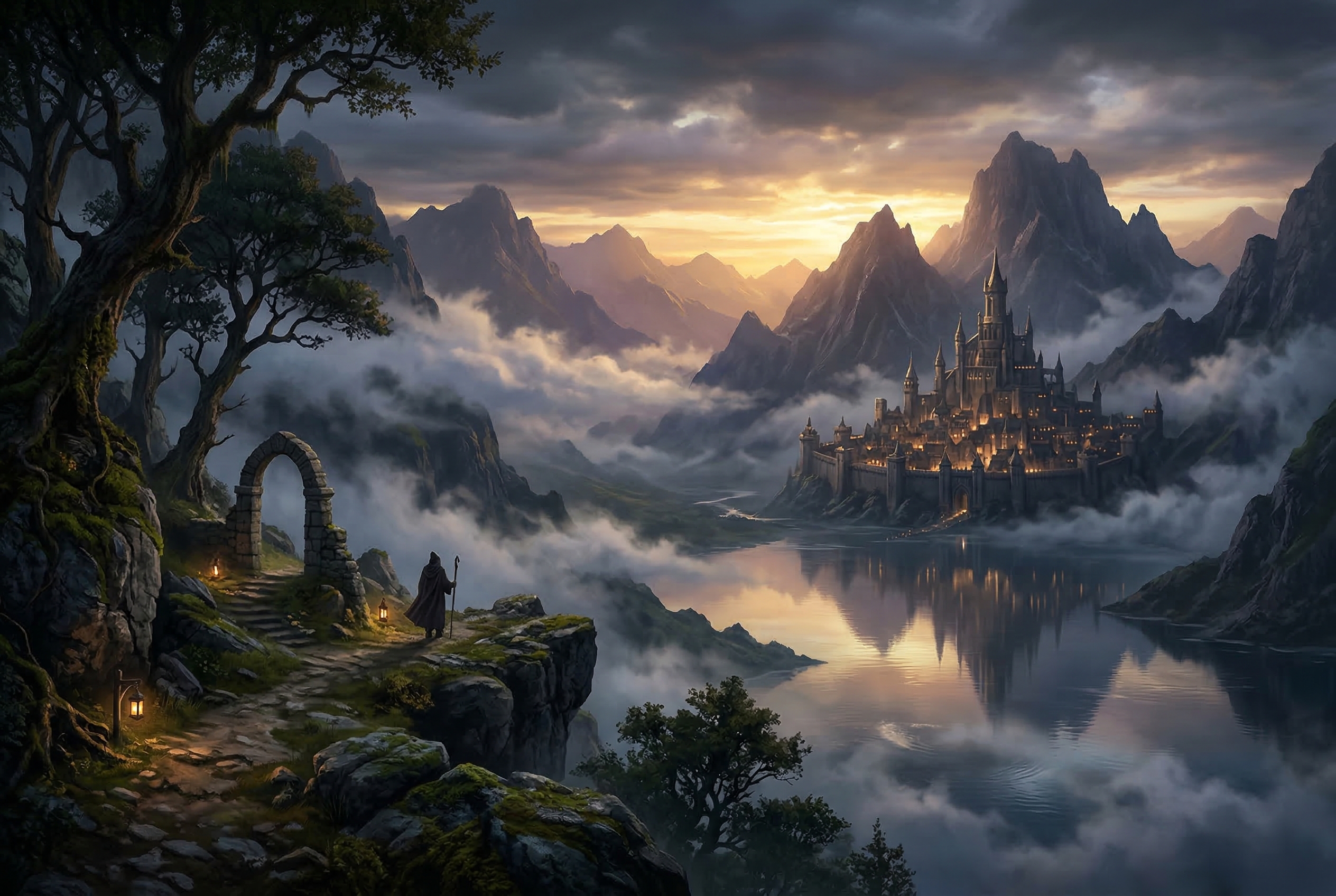
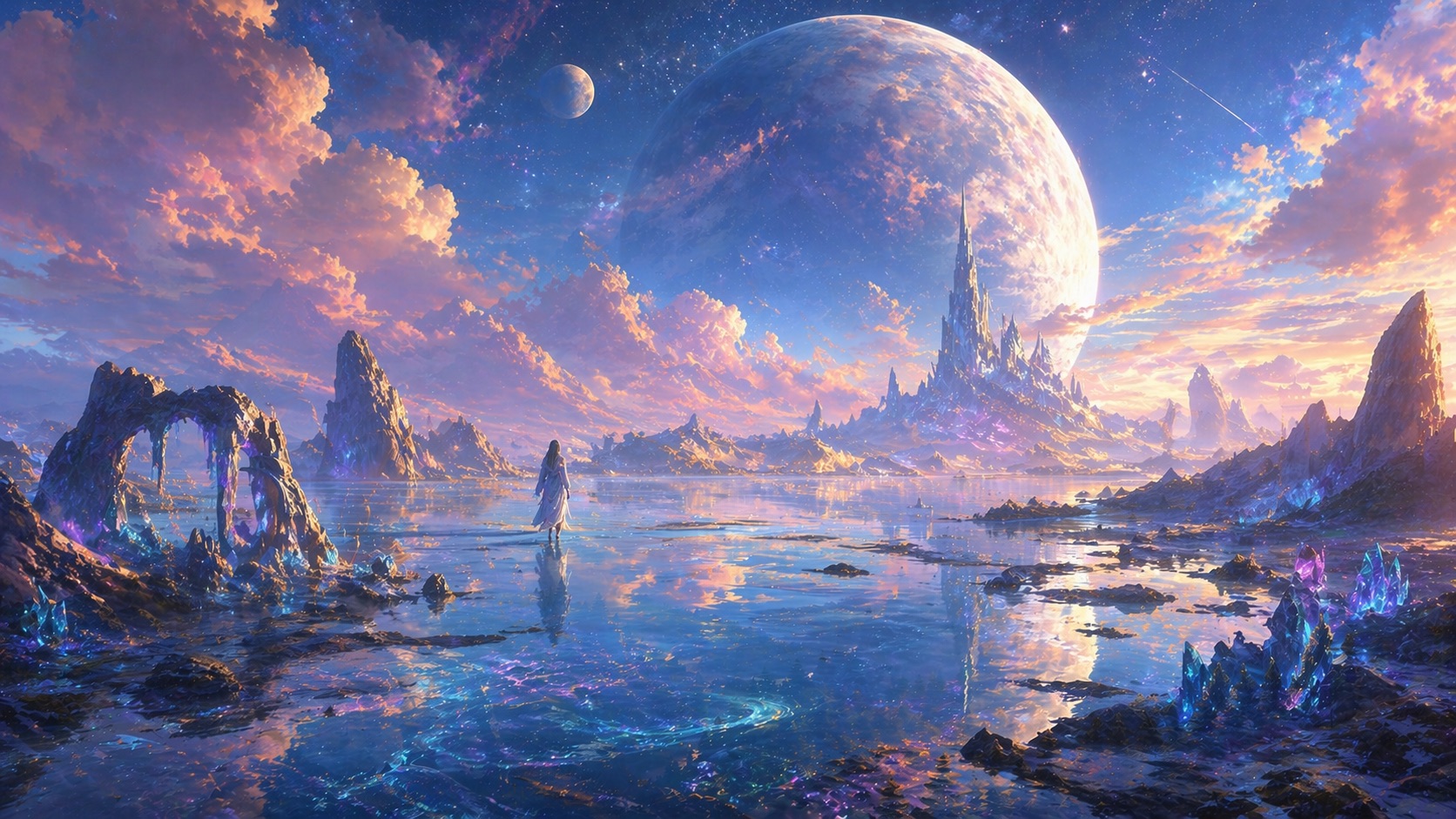
AI Image Animator works best on still images that already have a clear subject, readable text, and visible depth. These examples show the kinds of visuals that turn into motion cleanly without losing the original message.

AI Image Animator example showing a poster with large headline text

Poster Example

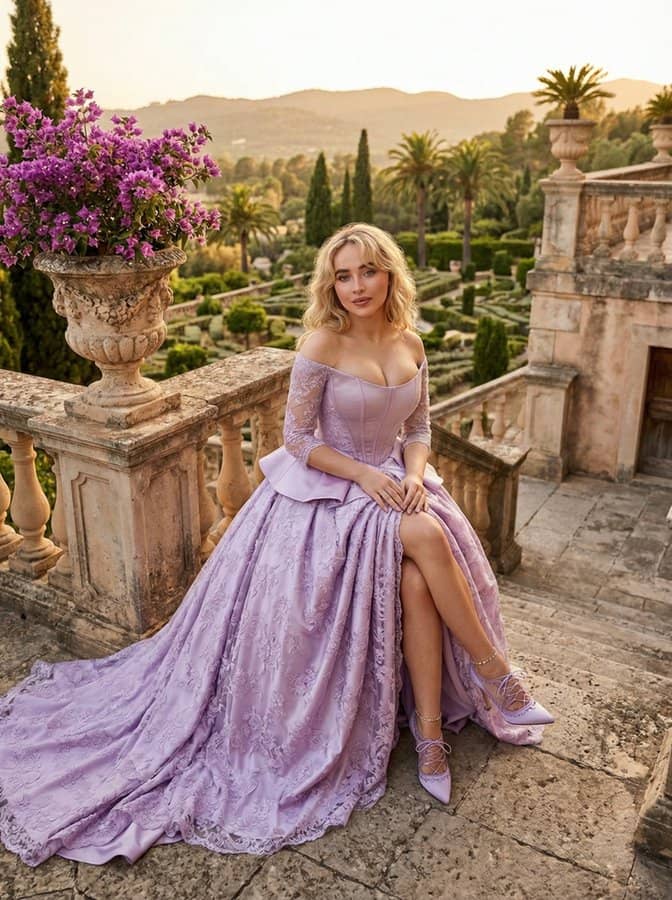
Poster designs with large readable text

This type of poster is a strong fit for AI Image Animator because it already has a clear focal subject, bold typography, and layered depth. You can animate the headline, add a soft glow to key words, create subtle background motion, and use a gentle camera push while keeping the layout recognizable.

Readable titlePoster motionText animation
AI Image Animator example showing a product advertising image

Product Ad Example

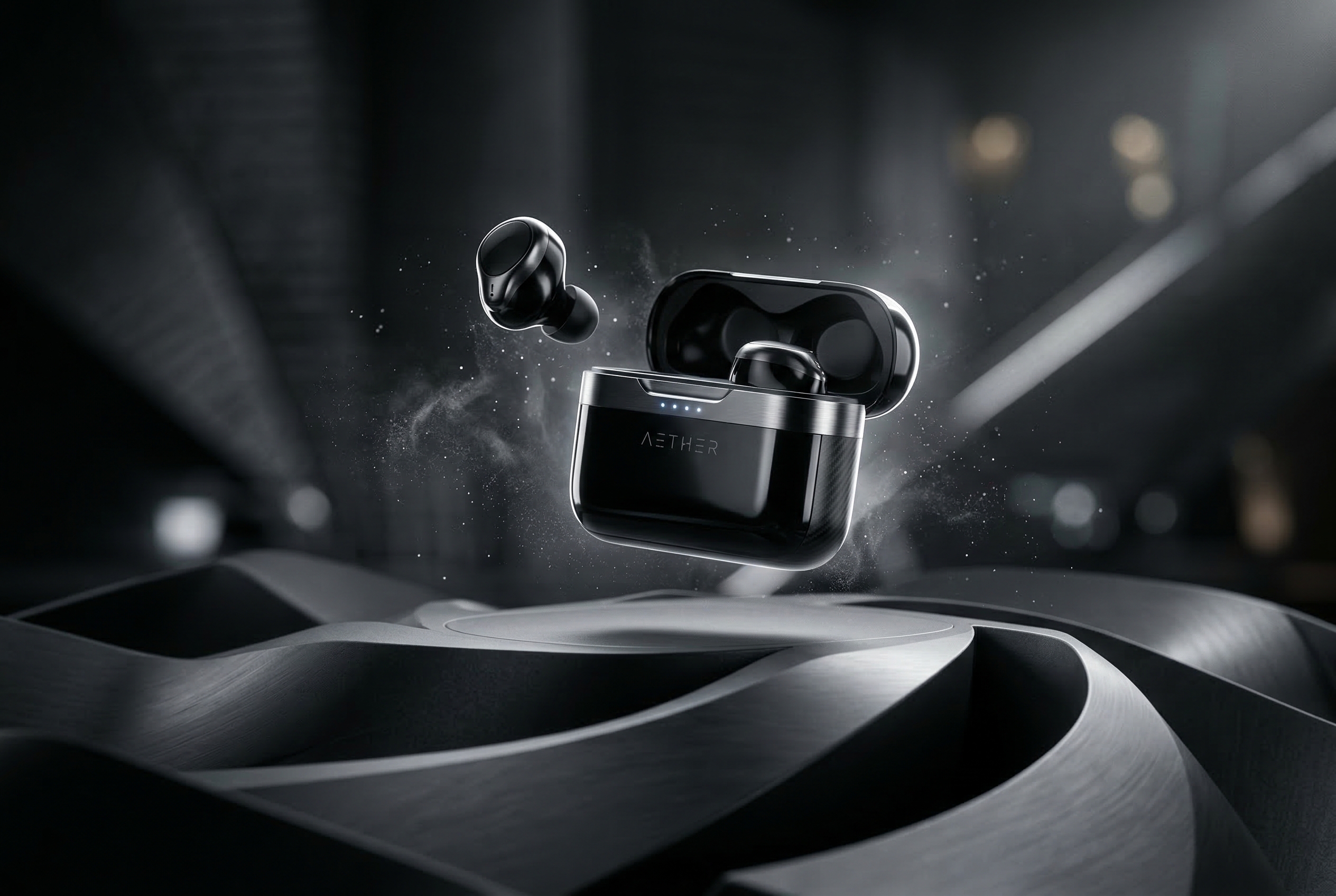
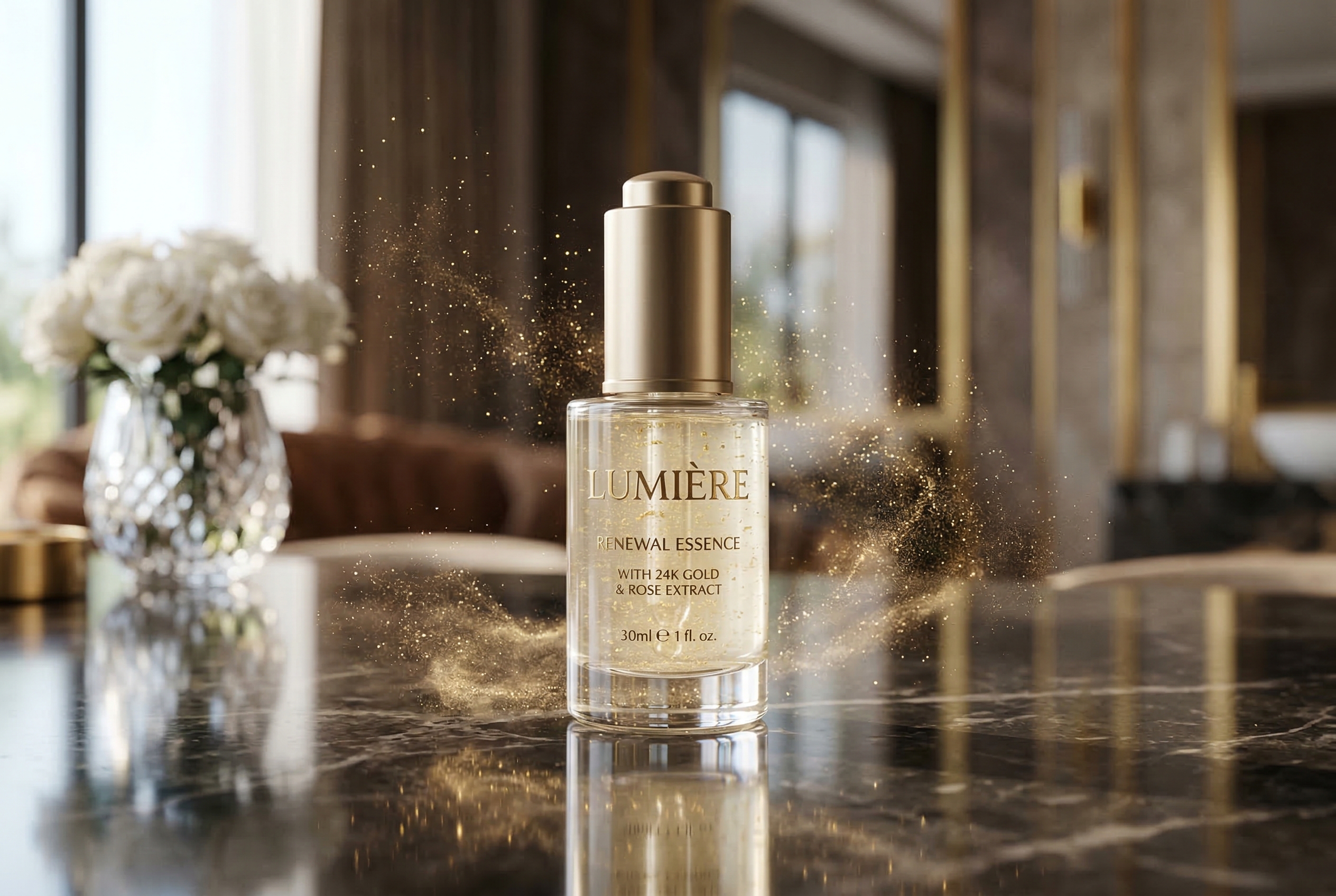
Product ads with space for light and motion

A clean product visual gives AI Image Animator room to add shimmer, particles, camera movement, and depth cues without breaking the composition. This is useful when you want to turn a static ecommerce ad or hero visual into a short animated promo while keeping the product and text clear.

Ecommerce adLight shimmerCamera movement
AI Image Animator example showing a social cover with bold title text

Social Cover Example

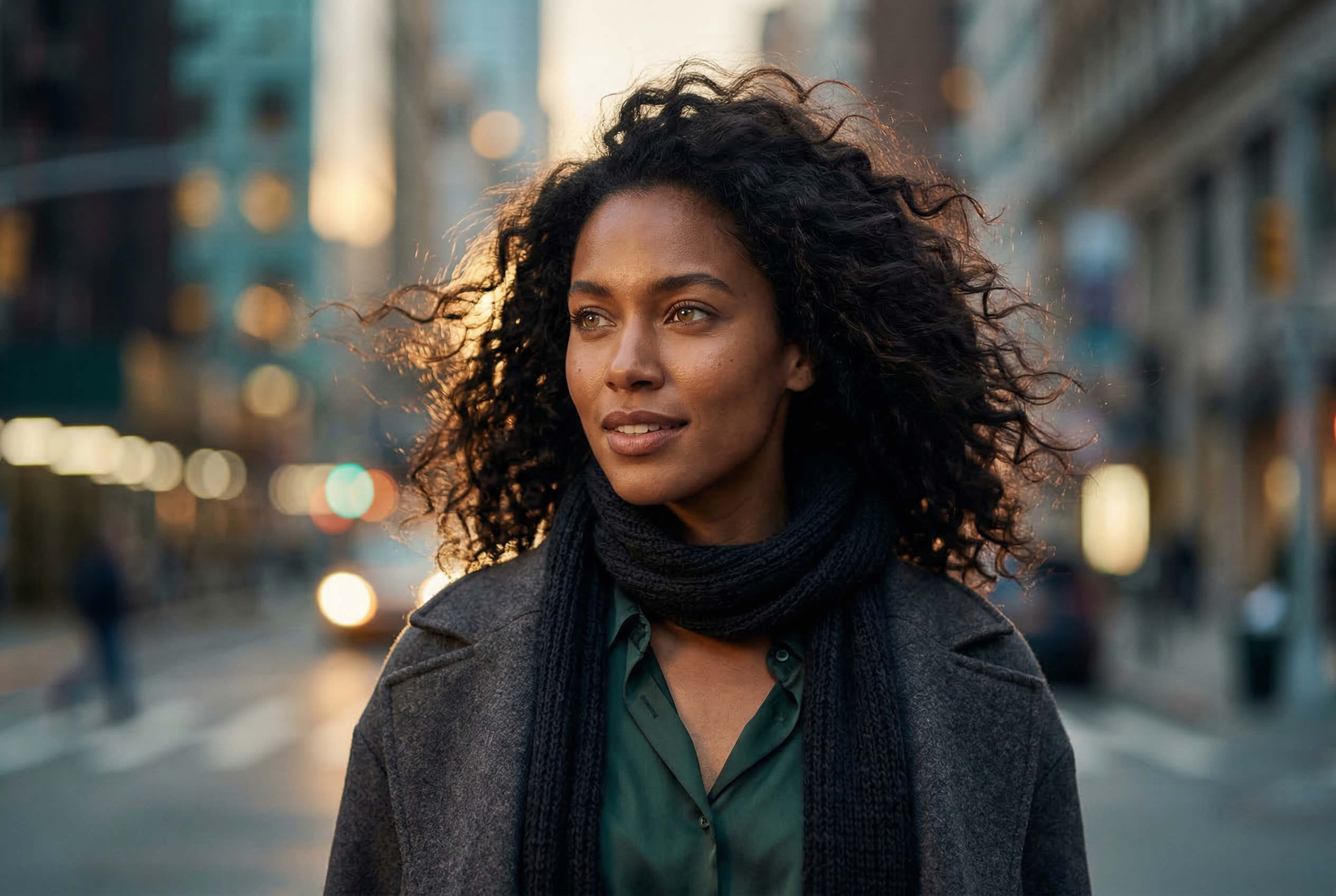
Social covers built around bold titles

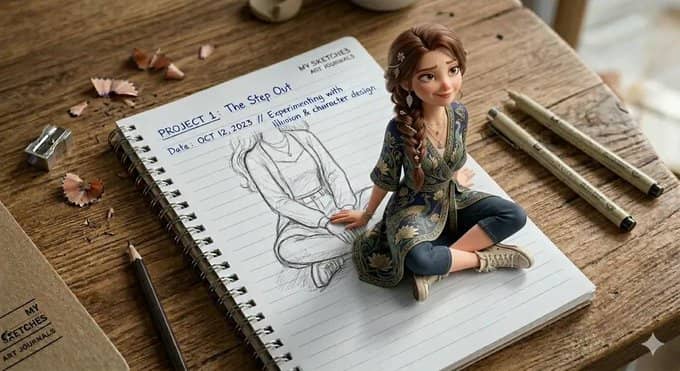
Social cover art works well when the title is large, the contrast is strong, and the subject is easy to separate from the background. AI Image Animator can add edge glow, title motion, background lighting changes, and a slow framing shift to turn the still image into motion content for feeds and short-form video.

Bold headlineFeed contentShort-form video

Best image types for AI Image Animator

AI Image Animator works best when the still image already has a strong subject, readable text, and room for motion cues. These are the three most reliable image types if you want stable animation and a polished result.

Poster layouts withbold headline text

Poster-style images are one of the strongest inputs for AI Image Animator because they already contain a clear visual hierarchy. A large headline, one dominant subject, and obvious separation between text and background make it easier to animate title glow, subtle drift, background motion, and a slow cinematic camera push without losing readability. This format works especially well for launch posters, promotional graphics, event artwork, and editorial campaign visuals that need to feel more alive without being redesigned from scratch.

Product visuals that havespace for light and depth

A clean product image gives AI Image Animator room to generate believable motion. When the product is clearly separated from the background, the model can add shimmer, floating particles, reflective light movement, and gentle camera motion while keeping the packaging, brand text, and composition intact. This is useful for ecommerce hero images, landing page banners, ad creatives, and brand visuals that need a motion version for short-form video or paid campaigns.

Social covers built aroundone bold message

Social cover art and thumbnail-style graphics are also strong candidates for AI Image Animator. A bold title, clear portrait or object, and high-contrast background give the model enough structure to animate edge glow, title emphasis, background lighting, and framing shifts that feel native to reels, feeds, and short video content. This format is a good fit when you want to turn a static social asset into motion without rebuilding the original design in a video editor.

How to animate an image with AI

A simple four-step workflow for turning one still image into a short animated clip.

  1. 01

    Upload your image

    Start with one still image such as a poster, product ad, social cover, or campaign visual.

  2. 02

    Describe the motion

    Describe the motion you want, such as a slow camera move, glowing title text, or subtle background light.

  3. 03

    Generate the animation

    Generate a short video while keeping the original composition, subject placement, and message intact.

  4. 04

    Download and publish

    Export the result for ads, product pages, social posts, presentations, or other content workflows.

AI Image Animator FAQ

Common questions about animating images and text with AI.


Animate a still image with AI

Upload one poster, product image, or social visual, describe the motion, and turn the still design into a short animated clip with AI Image Animator.