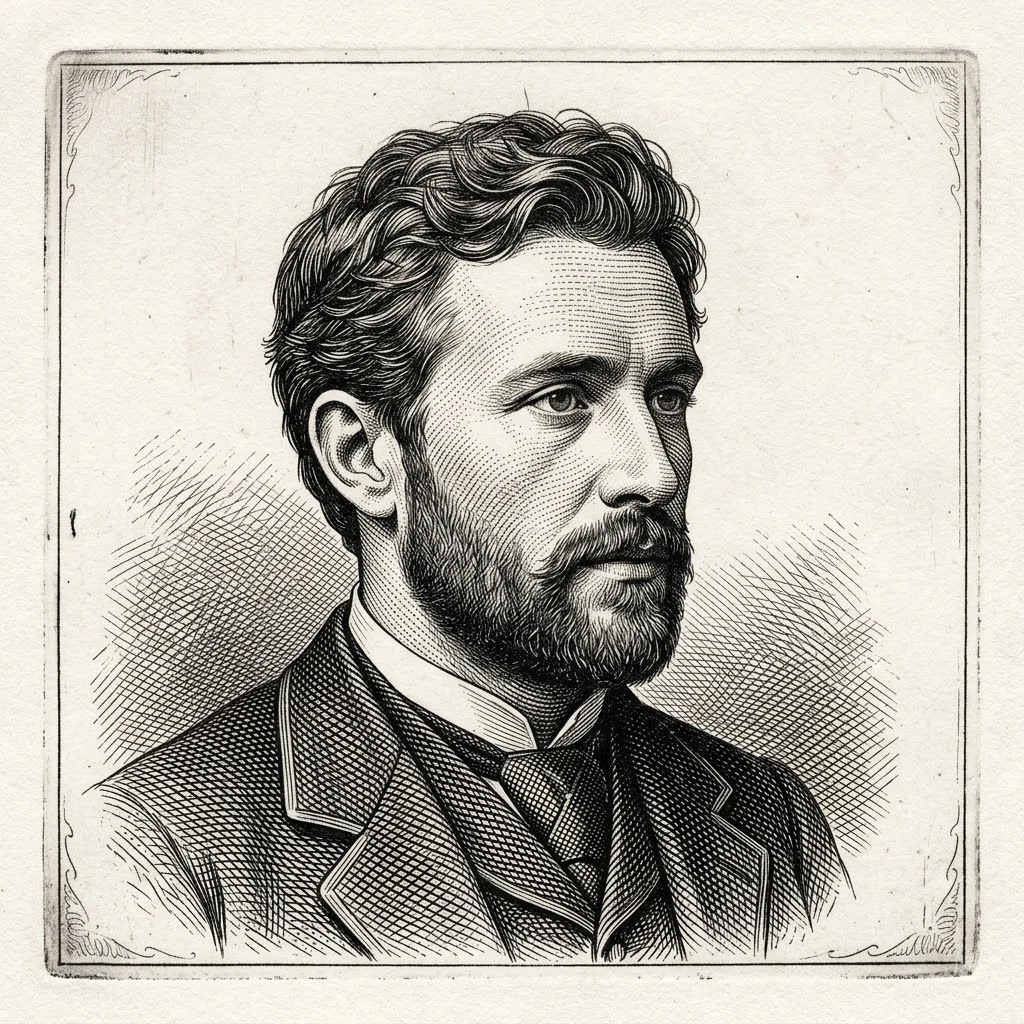
Engraving Portrait Generator

Engraving Portrait Generator

Upload a photo and turn it into a high-detail etched portrait — clean black ink lines, fine hatching, white background.

Why creators pick this engraving portrait generator

A free engraving portrait generator online that keeps the likeness while converting any photo into clean, etched line work.

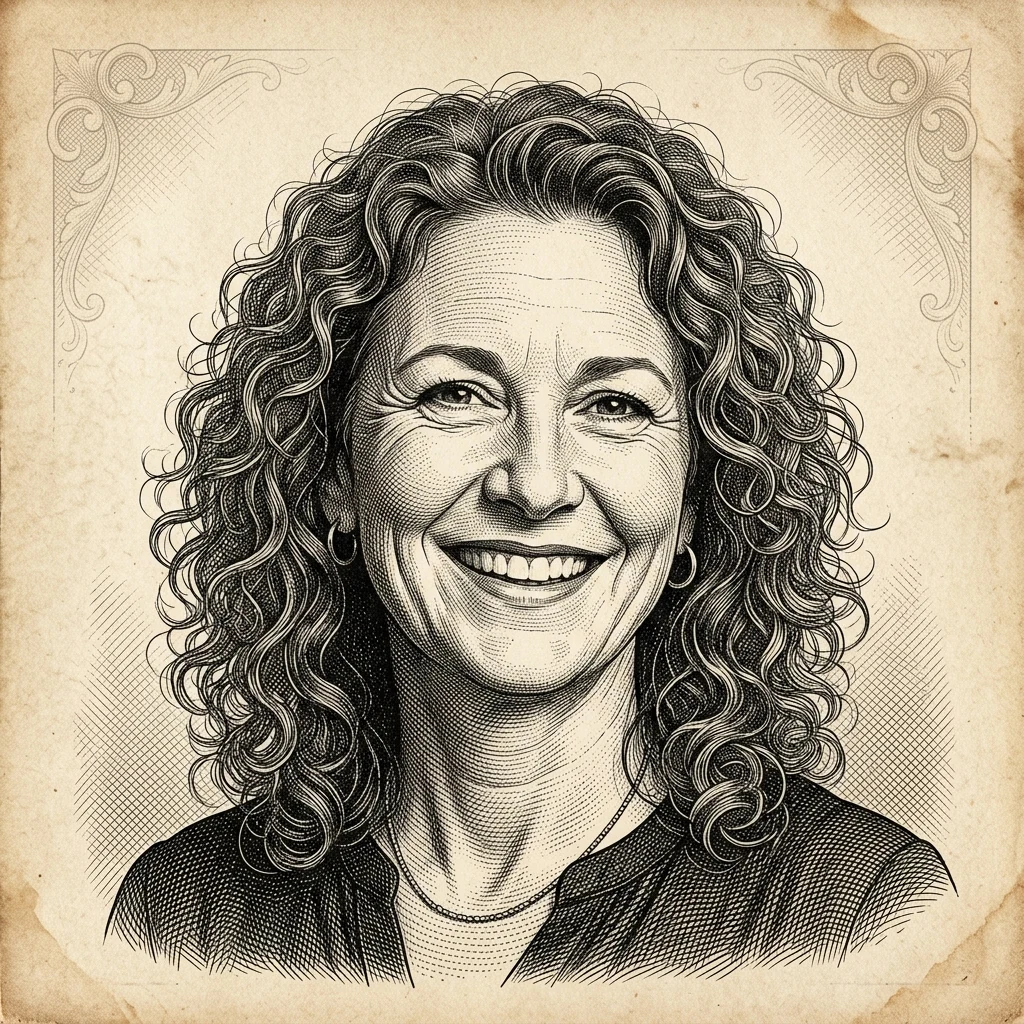
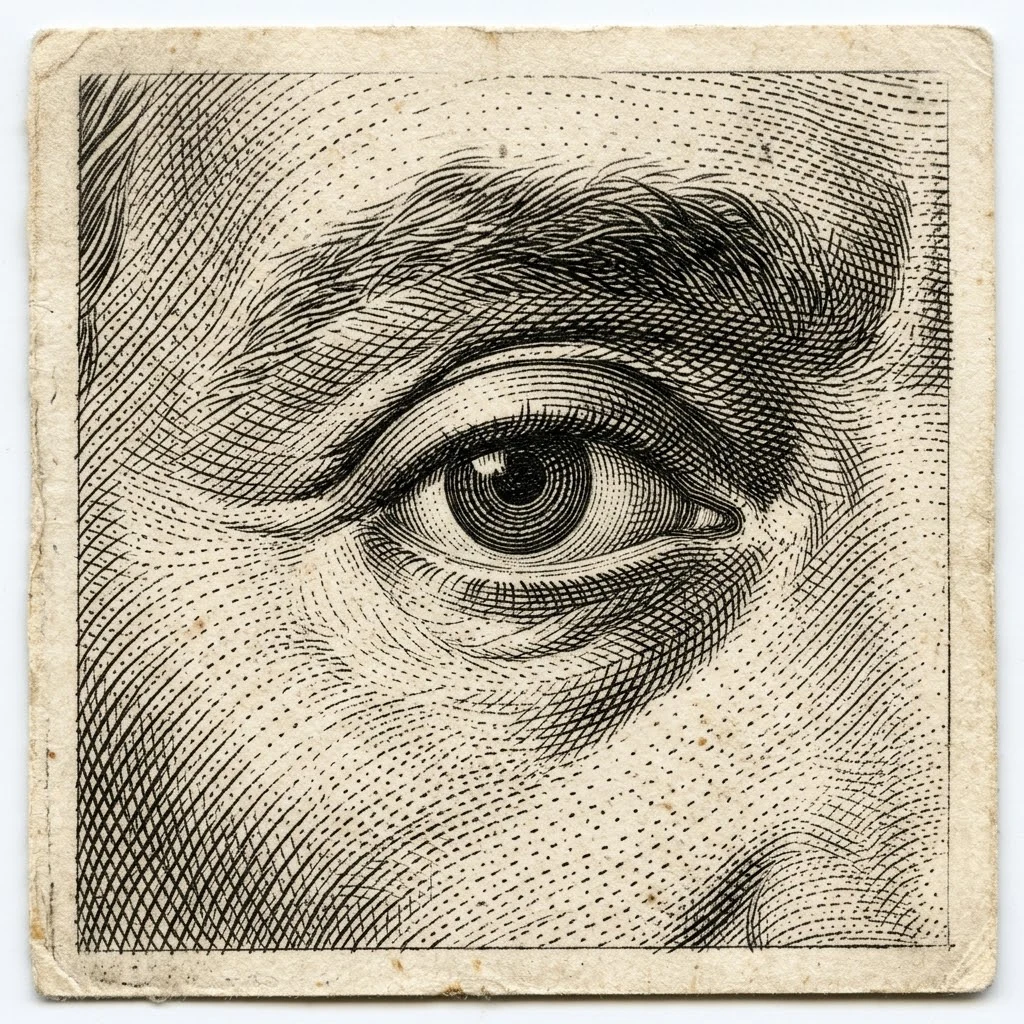
Engraving portrait generator output with fine hatching detail

Etched Detail

Fine hatching and crisp black-ink line work

Built for portrait engraving, the tool produces dense parallel hatching, cross-hatching, and high-contrast shadows on a pure white background — the classic copperplate look.

HatchingLine artHigh contrast
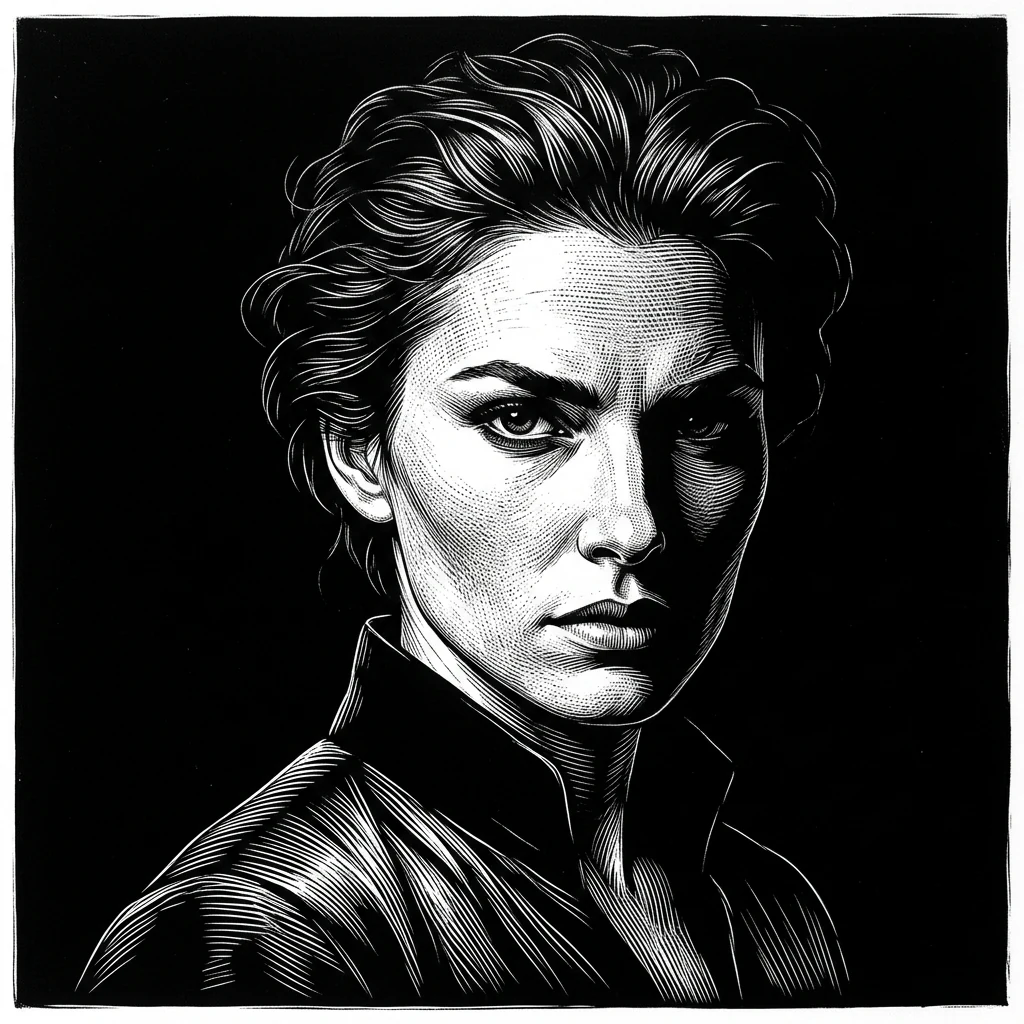
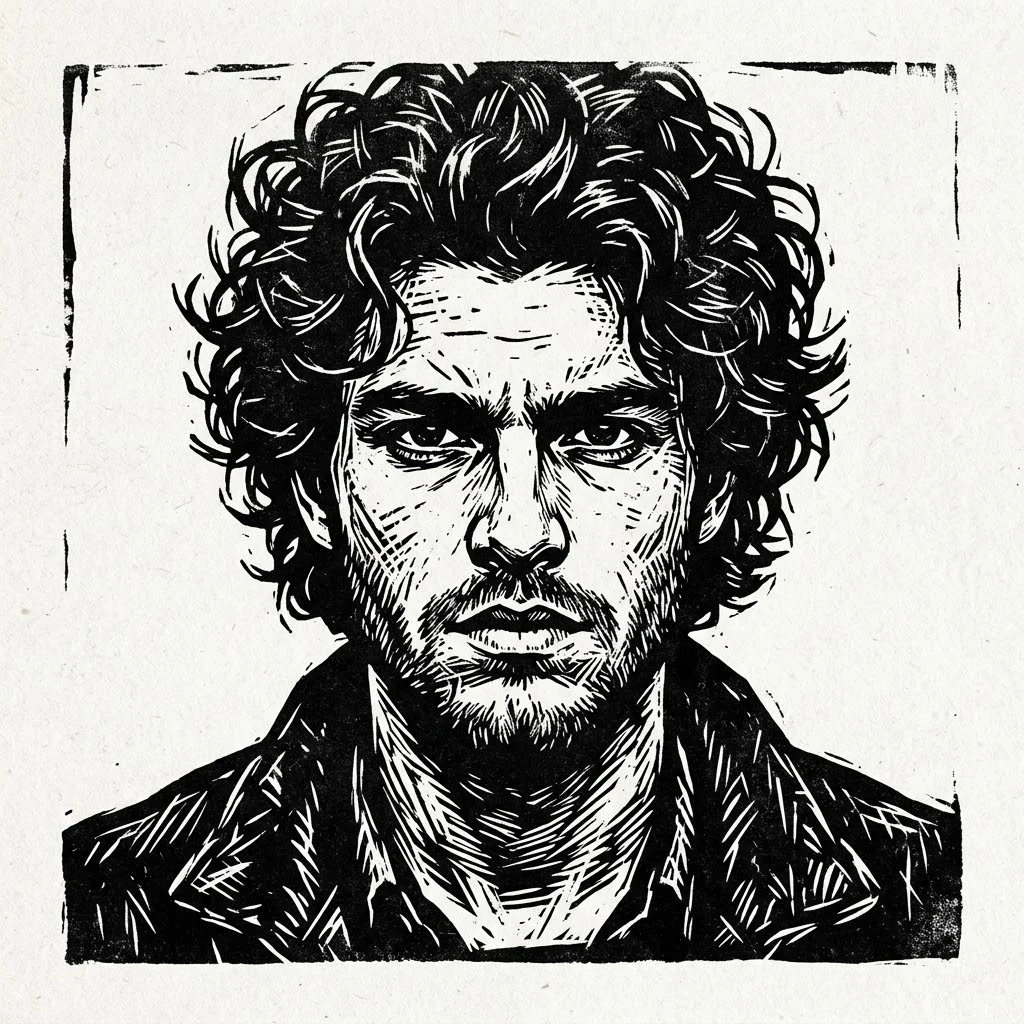
Engraving portrait generator scratchboard style example

Style Variety

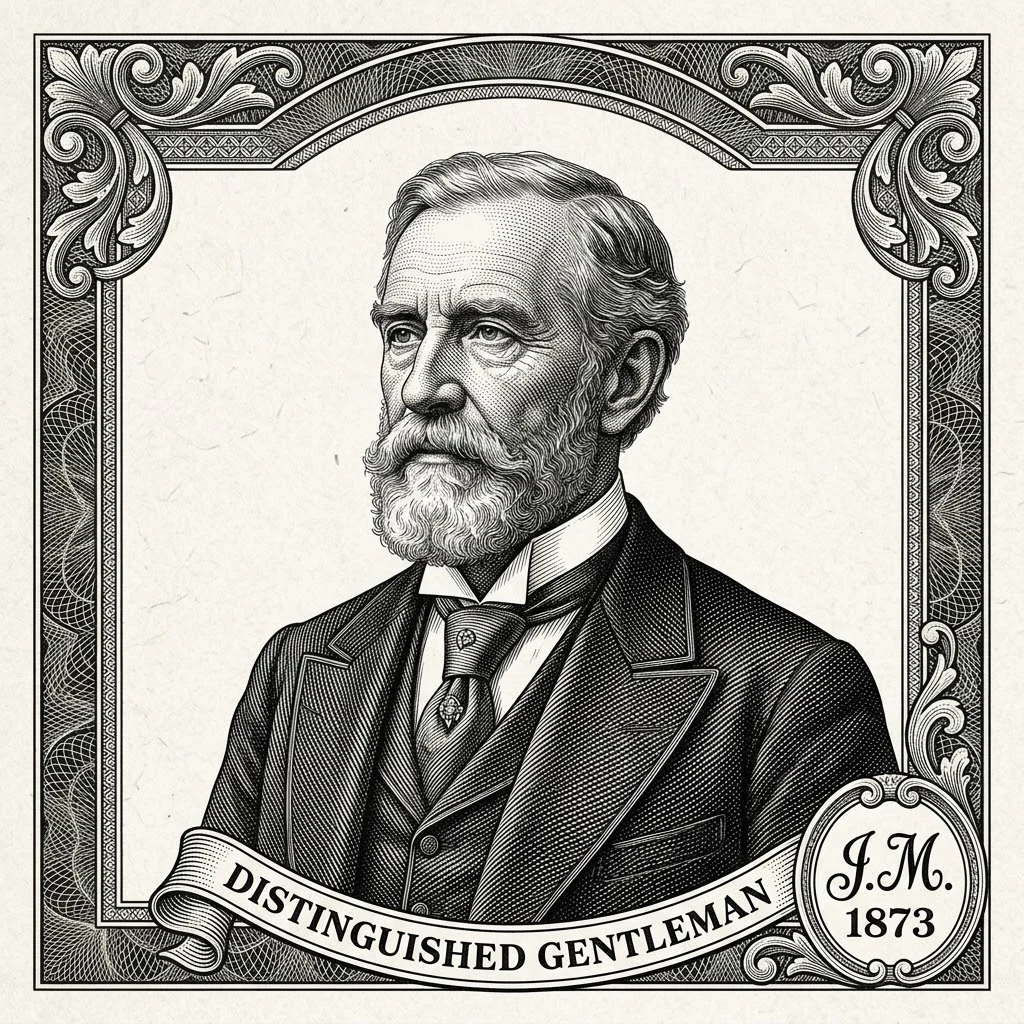
Copperplate, scratchboard, wood, or modern line

One tool, many engraving looks — pick classic copperplate hatching, white-on-black scratchboard, bold wood-block prints, or clean modern line portraits. The prompt presets cover every major engraving aesthetic.

Multiple stylesScratchboardVintage etching
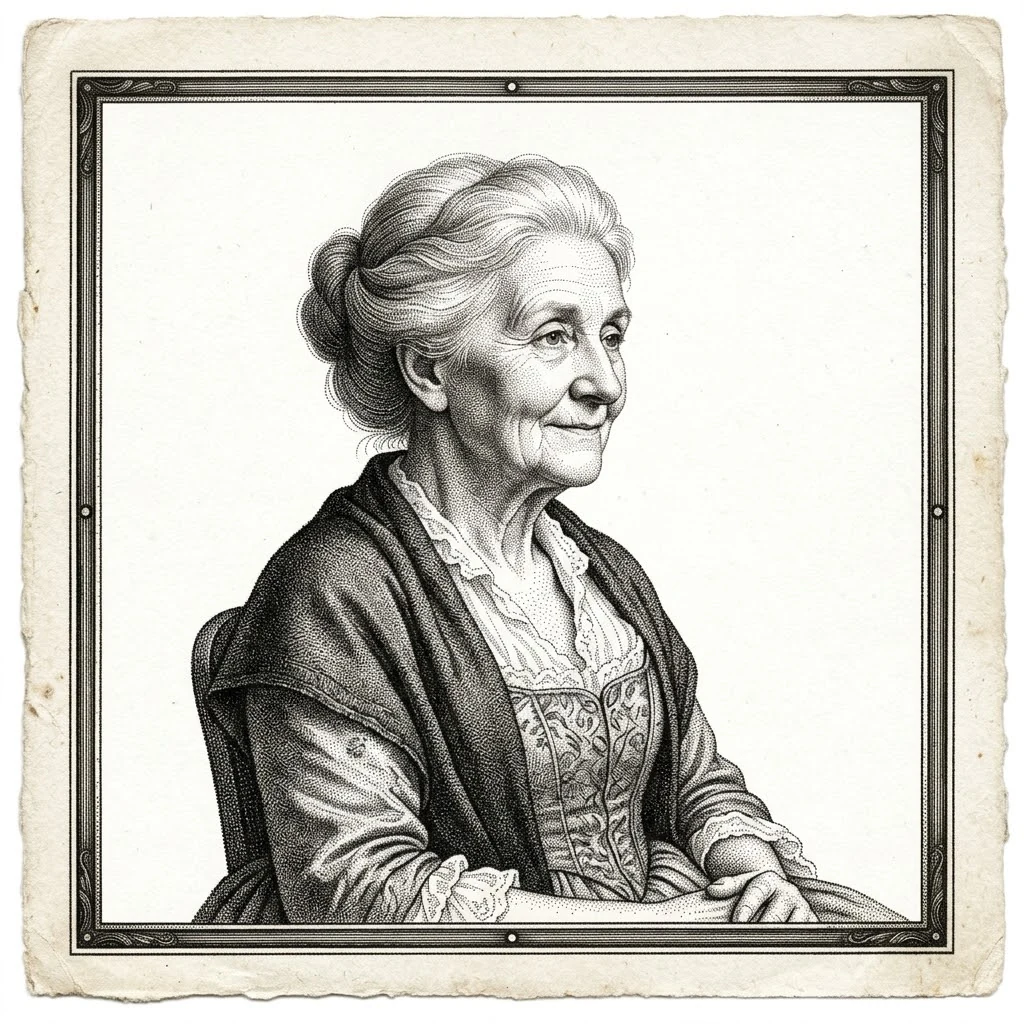
Best engraving portrait generator preserving facial likeness

Likeness Preserved

Photo to portrait, without losing the face

Upload one reference photo and the AI keeps the eyes, jawline, and expression recognizable while turning everything else into etched lines — perfect for gifts, memorial pieces, and brand portraits.

Photo to engravingPortrait redrawLikeness
Workflow

How to use the engraving portrait generator

Three short steps to convert image to engraving online free — upload, prompt, and download.

1

Upload your portrait

Drop in a clear, well-lit headshot. Front-facing photos with even lighting work best for an etched portrait.

2

Pick the engraving style

Choose copperplate, wood engraving, scratchboard, or stipple. Add the matching keywords to the prompt to guide the look.

3

Generate the engraving

Click generate and the tool builds the etched portrait in seconds. No watermark on the preview.

4

Download the high-res file

Save the full-resolution PNG and use it for prints, posters, social posts, gifts, or as a base for further illustration work.

Engraving portrait prompt ideas

Use these prompt directions when you want a specific kind of result.

Engraving Portrait Generator FAQ

Common questions about converting photos into etched portraits.


Try the free engraving portrait generator

Upload a photo and convert image to engraving online free in seconds — no install, no signup hassle.

Open the Generator