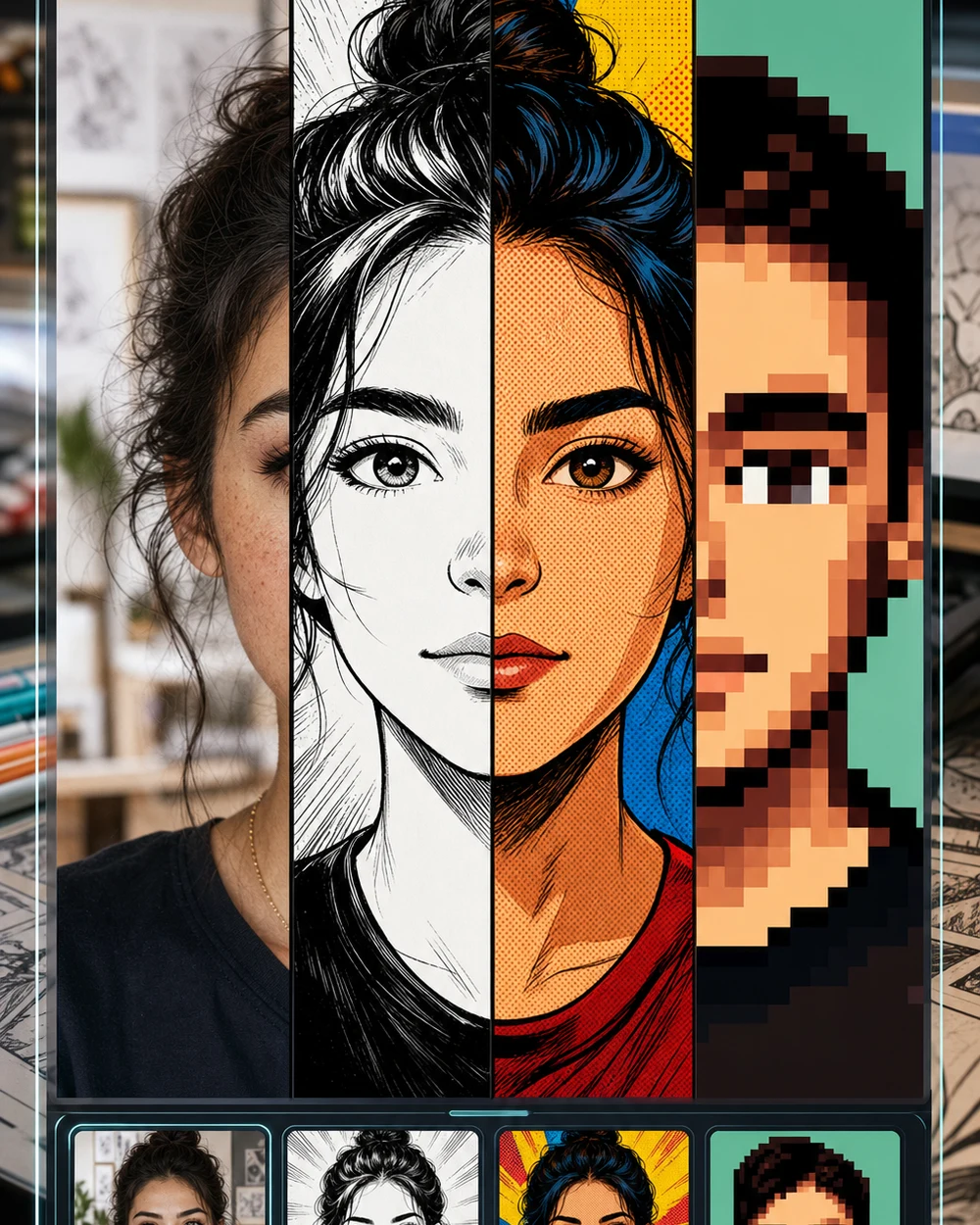
Turn a Selfie into a Comic Drawing

Drop a selfie, headshot, or group photo and the AI redraws it as comic art. Describe the style you have in mind — the model handles the ink, shading, and panel composition.

What you can turn into a comic drawing

The same generator handles portraits, couple shots, pets, outdoor scenes, and more — just swap the source image and adjust the prompt.

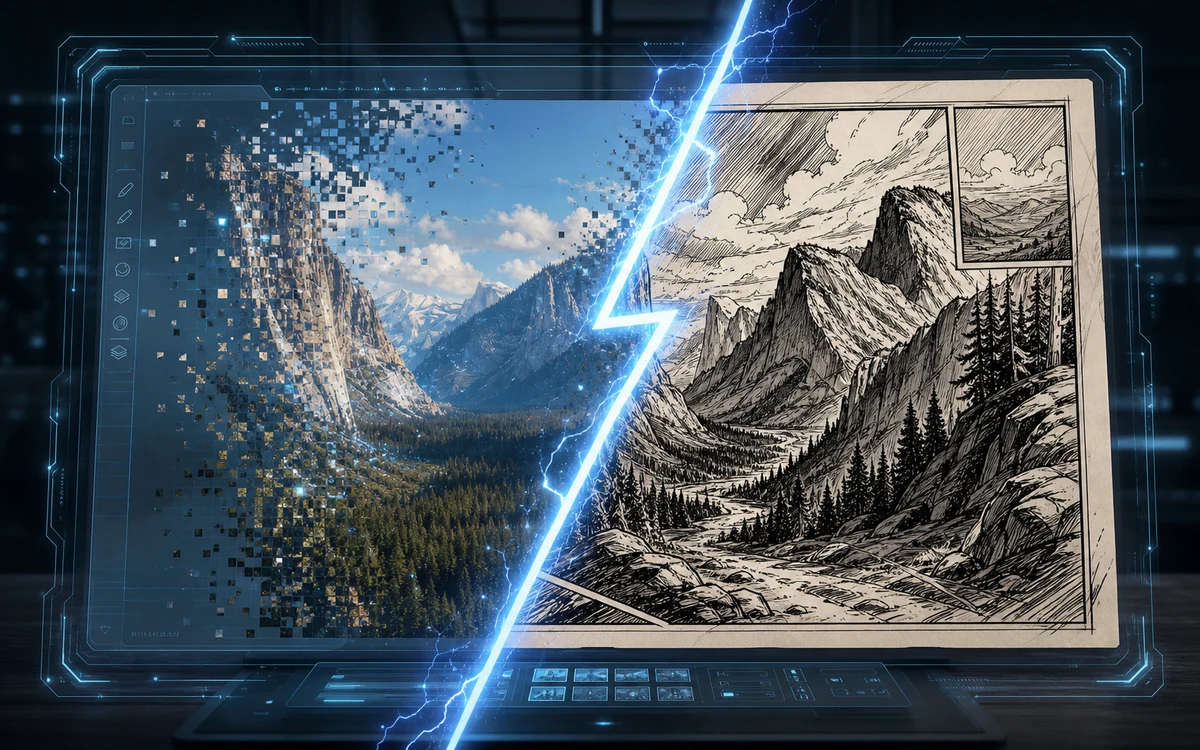
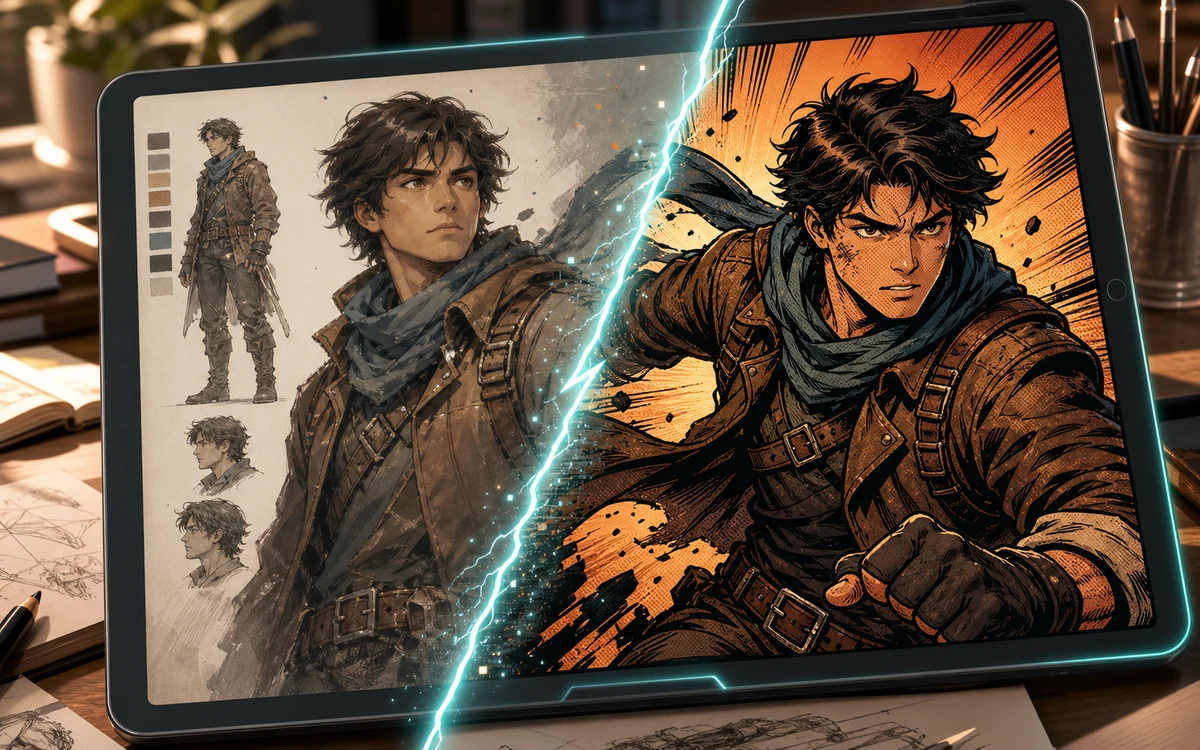
Character to comic conversion preview on a tablet with inked comic result

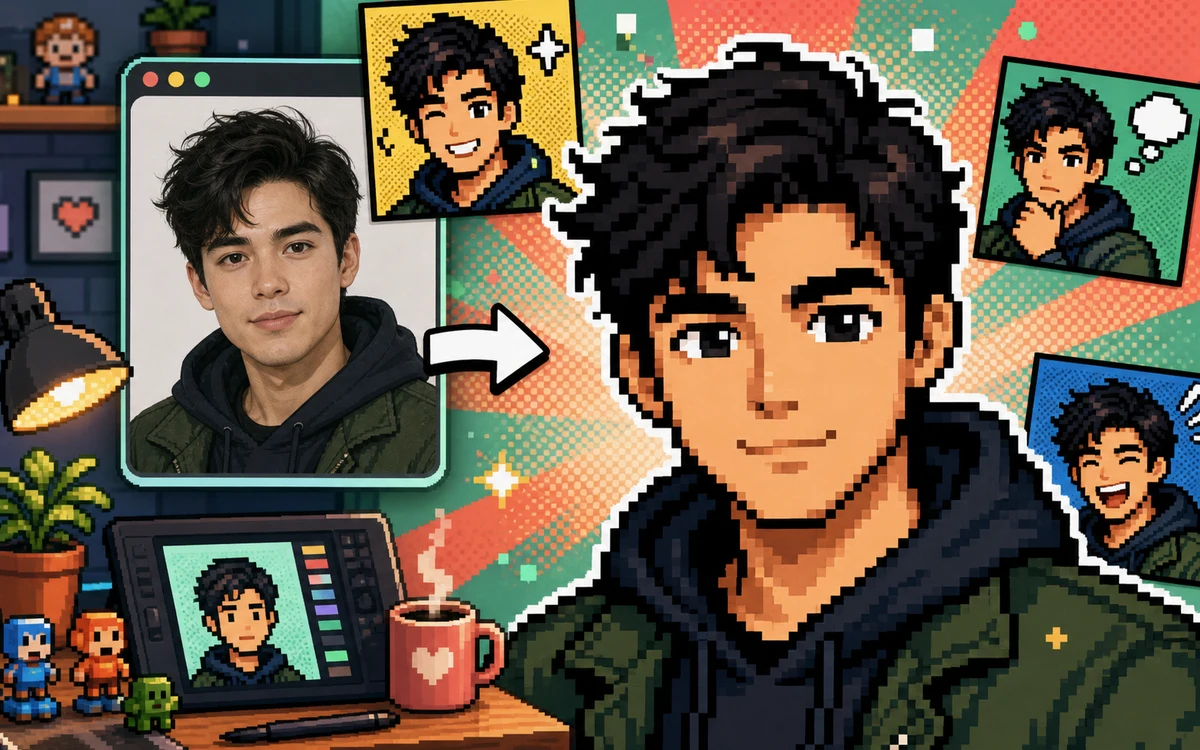
Selfie → Manga Portrait

Turn a selfie into a manga-style character

Upload a front-facing selfie and ask for shoujo soft-line art, shounen action screentone, or clean webtoon color panels. The AI keeps your facial proportions and redraws everything else in manga language.

Selfie to mangaManga portraitAnime style
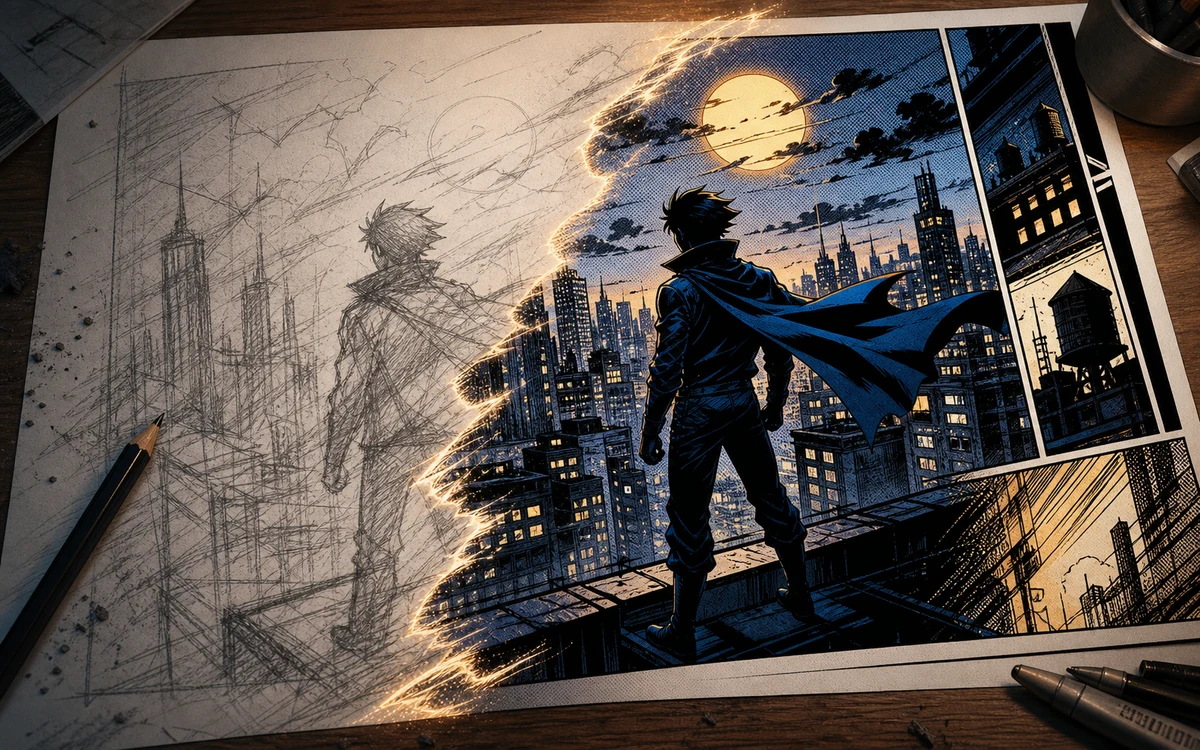
Sketch to comic conversion with pencil city scene becoming a finished panel

Photo → Graphic Novel Cover

Redraw a photo as a graphic novel cover

Use a portrait, couple shot, or full-body photo and prompt for a graphic novel cover look: dramatic rim lighting, heavy ink shadows, bold title-safe composition, and a cinematic color grade.

Graphic novelComic coverPhoto to illustration
Screenshot to comic conversion with a digital photo becoming a hand drawn panel

Scene → Comic Panel

Turn a casual snapshot into a comic panel

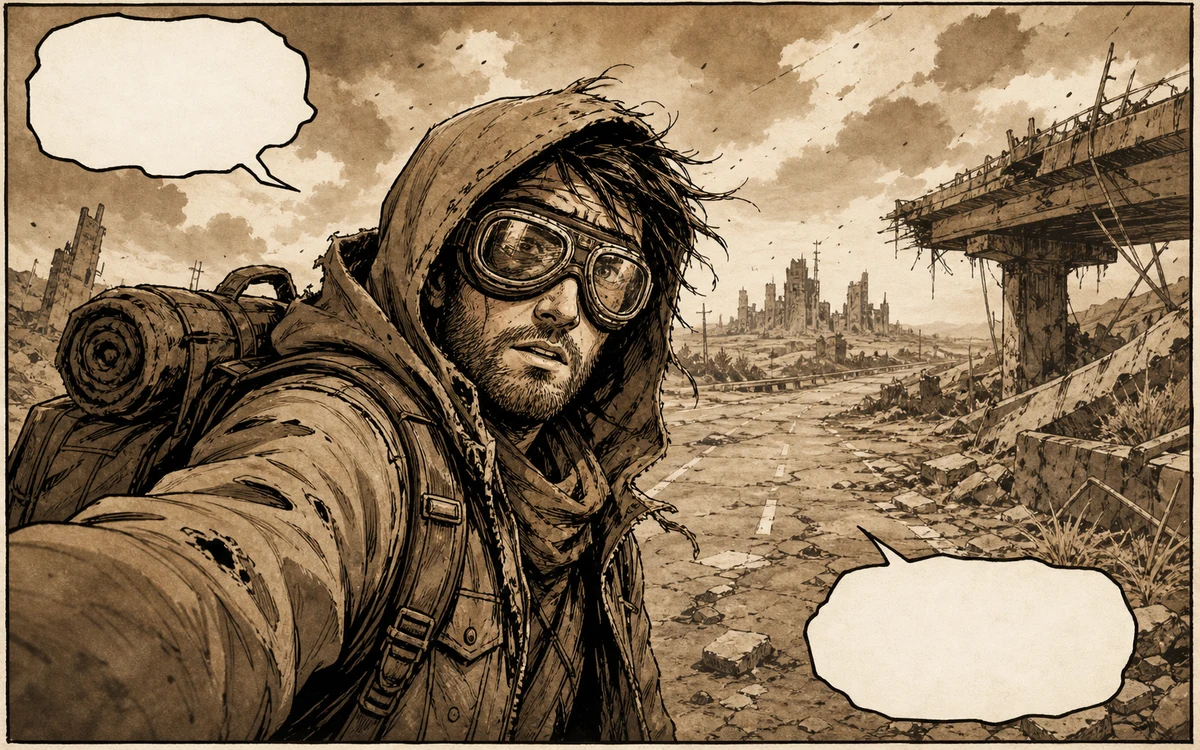
Take an everyday photo — a coffee shop corner, a street scene, a park bench — and prompt the AI to simplify it into a clean comic panel with controlled line weight, flat color zones, and story-ready framing.

Scene to comicPhoto to panelBackground art
Workflow

How to turn a selfie into a comic drawing

Four steps from your photo to a finished comic-style portrait — no design software, no drawing tablet.

1

Pick a clear photo

Use a well-lit selfie or portrait where the face isn't hidden by shadows, hats, or heavy filters. The clearer the source, the sharper the comic result.

2

Describe the comic look

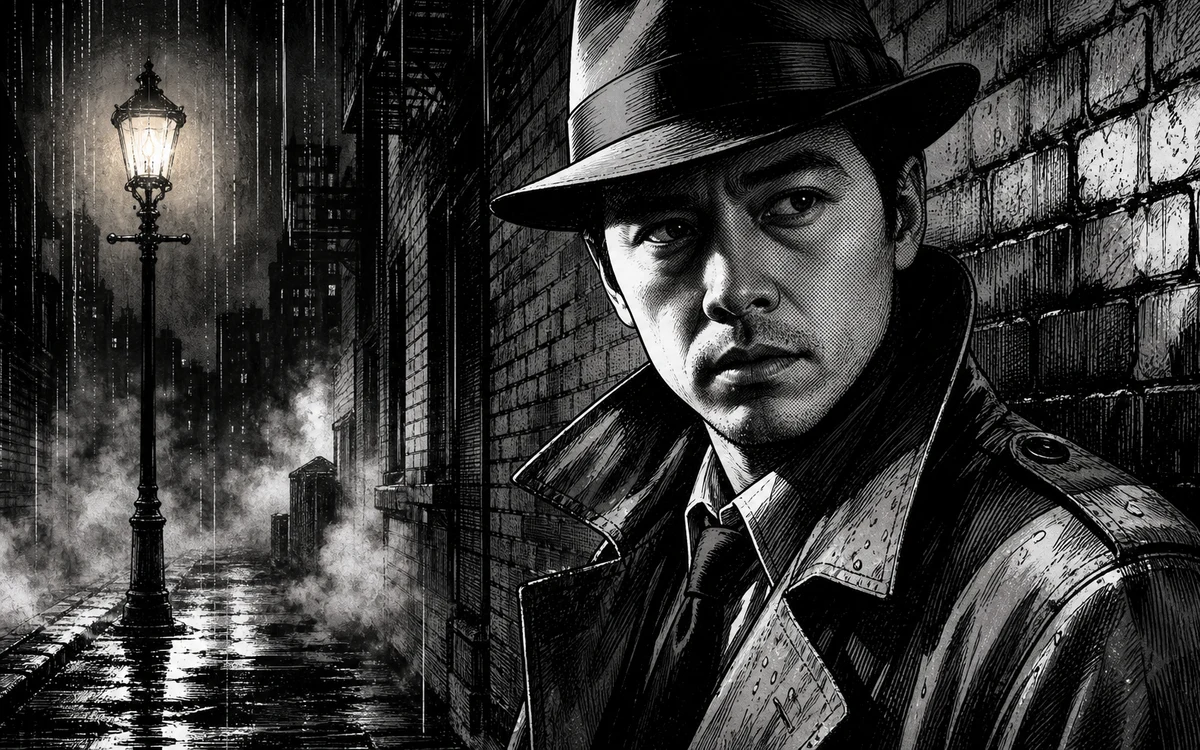
Name the style you want: manga ink, western hero, watercolor panel, noir shadow, retro strip halftone, or clean webtoon. Be specific — the model follows your direction.

3

Tell the AI what to keep

Mention what should stay the same: face shape, glasses, hairstyle, clothing color, background layout, or the overall mood of the photo.

4

Regenerate if needed

If the first pass is too realistic or too loose, tweak the prompt. Ask for thicker ink, fewer details, flatter colors, stronger shadows, or a simpler background.

Comic style ideas for your selfie

Switch the look by changing one sentence in your prompt. Here are three directions to get started.

Selfie to Comic — Questions

How the comic generator works, what photos to use, and which styles you can ask for.


Turn a selfie into a comic drawing now

Upload your photo, pick a comic style, and generate a hand-drawn portrait in under a minute.

Start Drawing