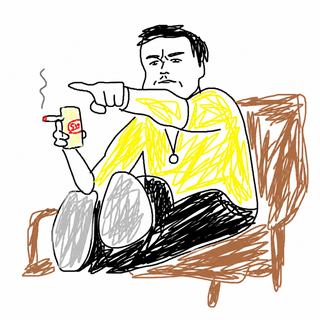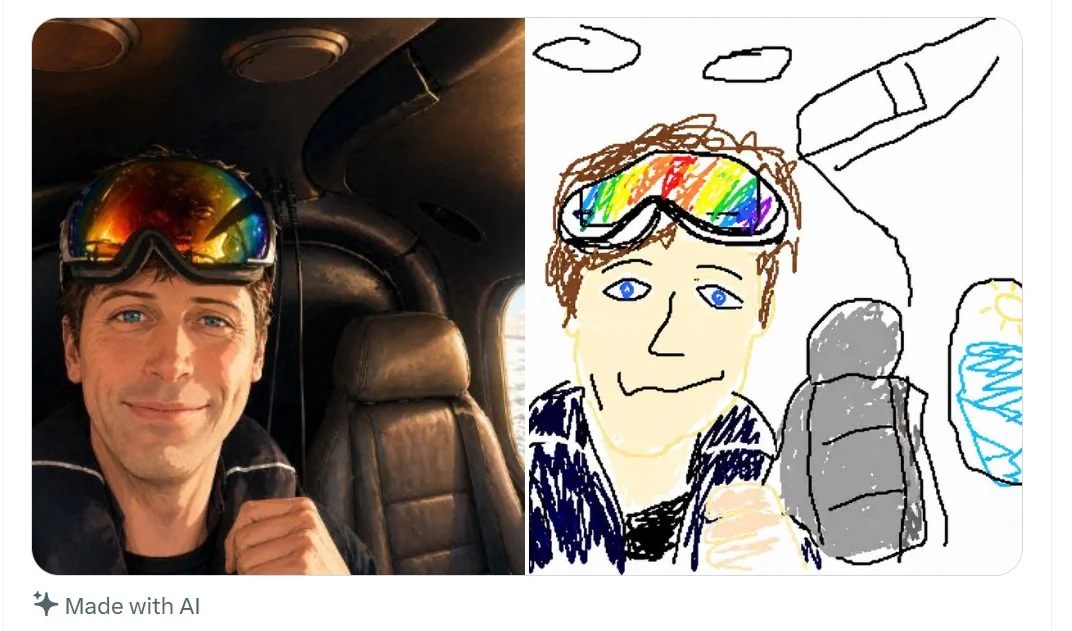
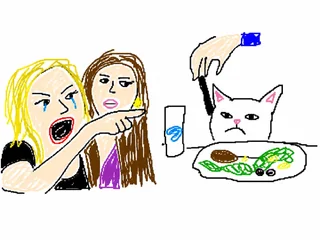
Classic Look
White canvas, rough outlines, and flat colors
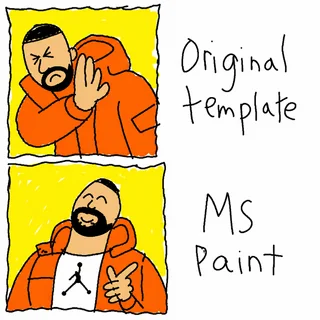
The strongest MS Paint results avoid cinematic polish. Ask for a plain white background, uneven black lines, basic fills, and visible mouse-drawn awkwardness.
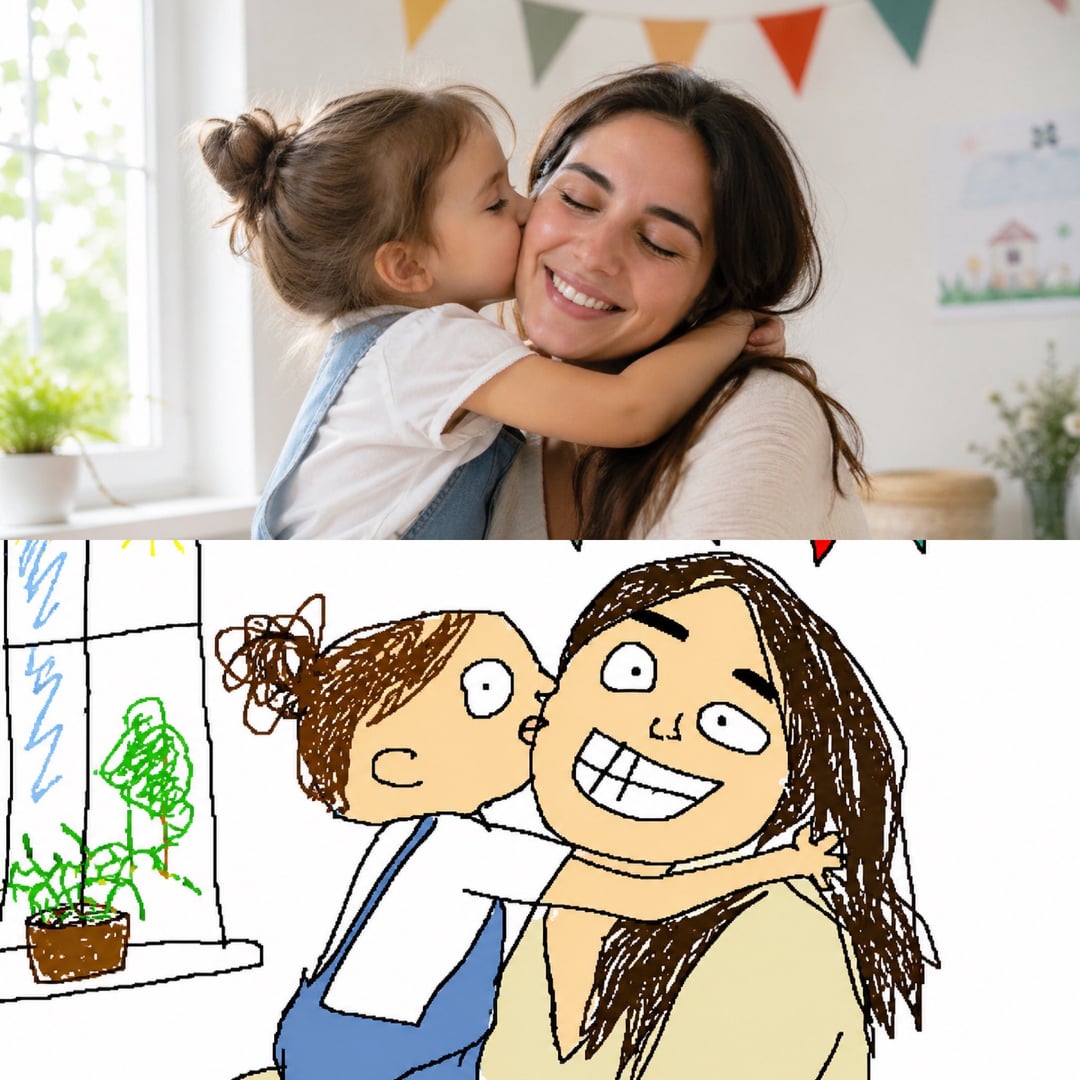
Upload an image and redraw it as a deliberately terrible MS Paint-style mouse drawing.
MS Paint prompts work best when you ask for simple structure instead of polished illustration.

Classic Look
The strongest MS Paint results avoid cinematic polish. Ask for a plain white background, uneven black lines, basic fills, and visible mouse-drawn awkwardness.

Prompt Control
Start with the thing you want to see, then add MS Paint style, drawn with a mouse, shaky outlines, uneven proportions, and no polish.

Image Redraws
Switch to image-to-image when you want the AI to keep the original subject recognizable while turning it into a deliberately clumsy MS Paint redraw.
Use a short prompt structure so the model knows both the subject and the drawing style.
Start with the object, character, scene, meme, or photo idea you want the image to show.
Use phrases like classic MS Paint, drawn with a mouse, shaky outlines, flat colors, and white background.
Create a deliberately simple drawing that looks handmade instead of polished.
If the result is too clean, add childish, uneven, badly drawn, no shading, or intentionally clumsy.
Use these prompt directions when you want a specific kind of simple MS Paint result.

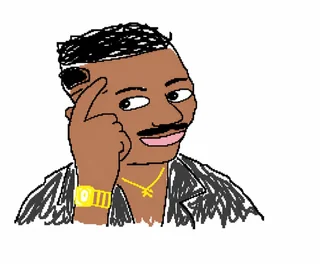
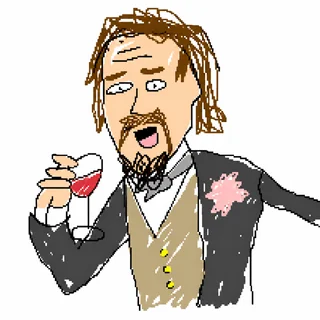
Ask for a recognizable meme subject redrawn with awkward mouse lines, simple faces, and intentionally bad proportions.

Turn a product idea into a rough white-background doodle with thick outlines and simple flat colors.

Upload an image and ask for a clumsy MS Paint redraw that keeps the subject recognizable but visibly hand-drawn.
Common questions about creating MS Paint style AI images.
Generate a simple, funny, mouse-drawn image in classic MS Paint style.