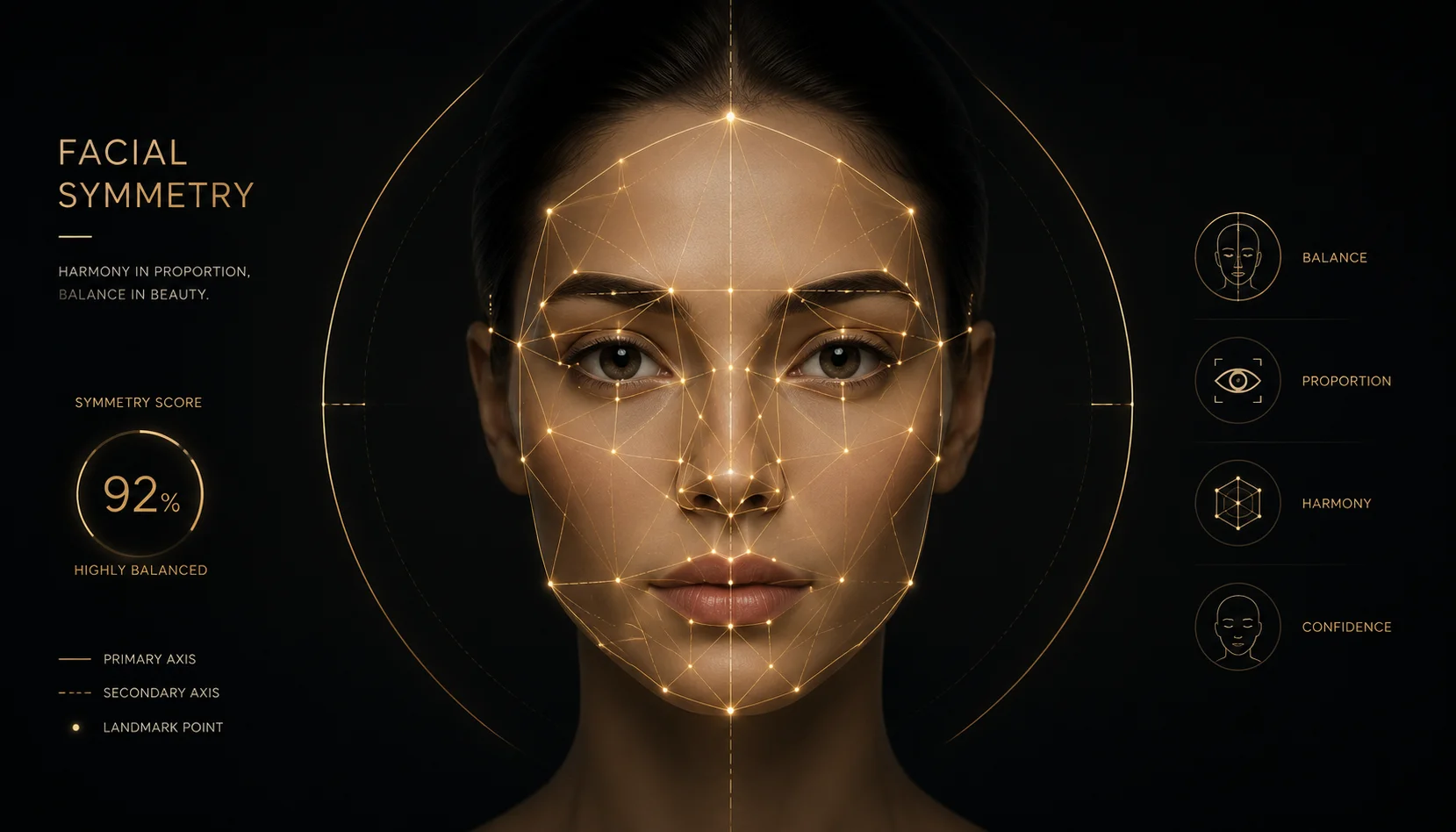
Face Symmetry Test Online

Upload a frontal portrait and the AI facial symmetry analyzer evaluates bilateral symmetry, facial proportions, jawline definition, eye alignment, nose centering, lip balance, and overall harmony. The tool produces a professional report with symmetry percentages, face shape ID, and individualized observations — no account or login required.

Professional facial symmetry analysis with AI precision

Pvid's facial symmetry analysis goes beyond a simple score — it delivers detailed proportion data, feature-level observations, and objective beauty ratio calculations designed for analytical users who want substance.

pvid AI face symmetry test showing bilateral symmetry analysis with percentage scores

Bilateral Scoring

Measure left-right symmetry across all facial zones

The AI evaluates symmetry of your eyes, brows, cheeks, jawline, and lips independently, producing per-feature percentages and an overall facial harmony index. Each metric is calculated from detected landmarks so you see precisely where your face is most and least symmetrical.

Bilateral symmetryAI scoringFacial metrics
pvid facial landmark mapping overlay showing measurement points across a face

Landmark Detection

AI maps 60+ facial points for precise measurement

The symmetry calculator identifies key landmarks — eye corners, nose bridge and tip, lip contours, jawline edges, and brow peaks — then compares bilateral distances and angles. This landmark-based approach ensures consistent, repeatable measurements across multiple tests.

Landmark detectionFacial mappingPrecision
pvid facial proportion analysis displayed on a smartphone with measurement data

Proportion Analysis

Compare your facial ratios against classical standards

The face symmetry analyzer measures proportional relationships — eye spacing relative to face width, nose length relative to face height, lip-to-chin distance — and compares them against classical proportion references for a data-backed assessment of your facial balance.

Golden ratioFacial proportionsRatio analysis
Workflow

How to take a face symmetry test online

The pvid face symmetry test takes about 30 seconds from upload to results. Follow these four steps for the most accurate analysis.

1

Prepare your photo

Take a front-facing portrait with your face centered, eyes open, and a neutral expression. Avoid shadows across your face — even lighting produces the most reliable symmetry analysis.

2

Upload to the analyzer

Click the upload area in the generator above and select your photo. The AI analyzer supports standard image formats. Your photo is processed securely and never stored permanently.

3

Review your report

Within seconds, the generator returns a complete report showing your overall symmetry percentage, per-feature scores, face shape classification, and personalized observations.

4

Share or save data

Download your symmetry analysis as an image or share the results using a unique link. Use the data as a baseline to track changes over time or simply learn more about your facial structure.

Tips for the most accurate face symmetry test

Optimize your upload for reliable AI symmetry analysis with these practical guidelines.

Face Symmetry Test — FAQ

Common questions about AI-powered facial symmetry analysis and how it works.


Ready to discover your facial symmetry?

Upload a photo above and get your complete face symmetry test online — no sign-up, no cost, just honest AI-powered analysis of your facial proportions and balance.

Run Your Face Symmetry Test