AI Cosplay Video Generator

Free AI cosplay video maker. Turn one photo into a finished clip — anime, game, or original character motion. The cosplay generator keeps the face stable while adding costume detail, stage lighting, and cinematic camera. No editing skills, no rigging, ai cosplay very easy to generate clips.

0/-100

What our AI cosplay video generator creates from one photo anime, game, and original character motion

Three popular ways creators use this AI cosplay video maker — from anime character clips to AI generated cosplay girls reels and original-character AI model cosplay output.

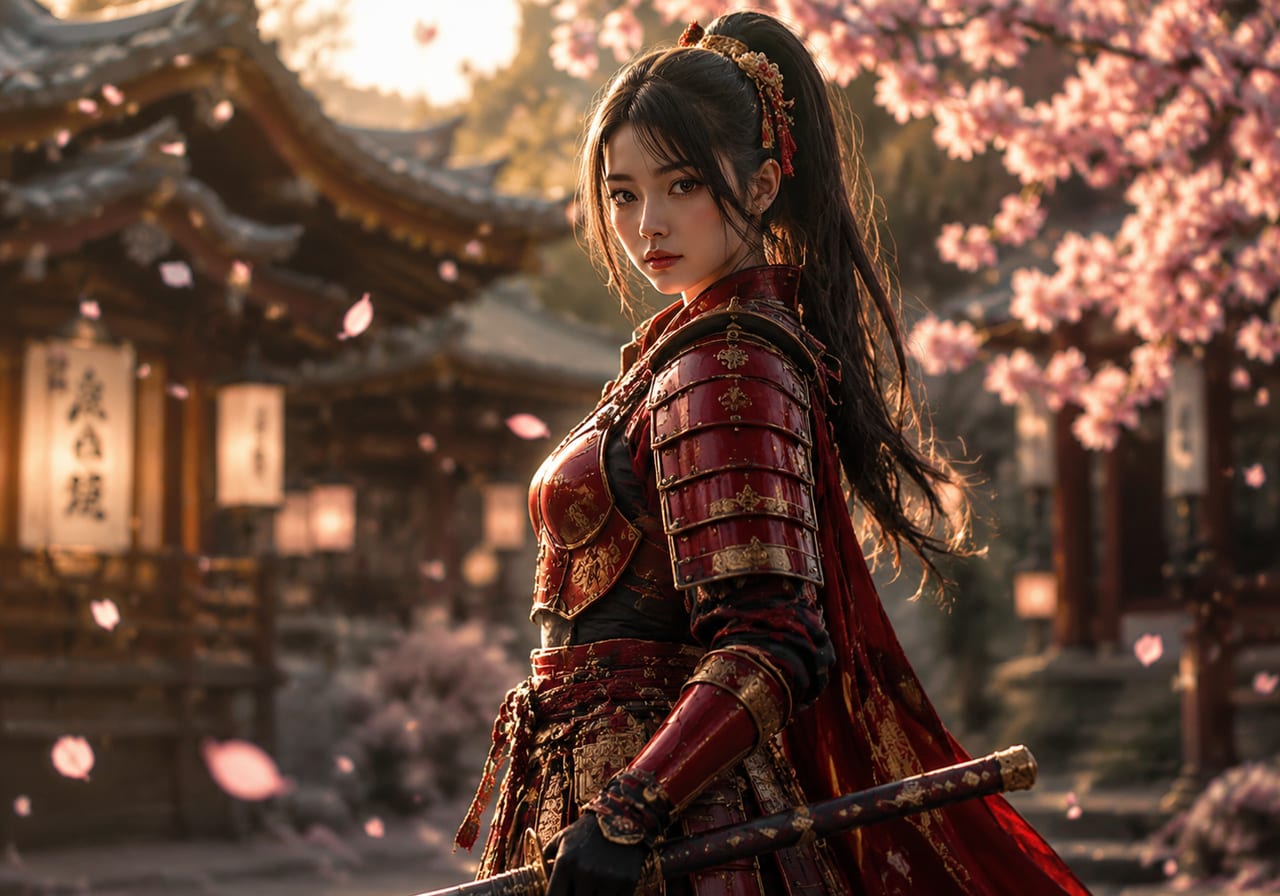
Anime characters withstable face and clean costume detail

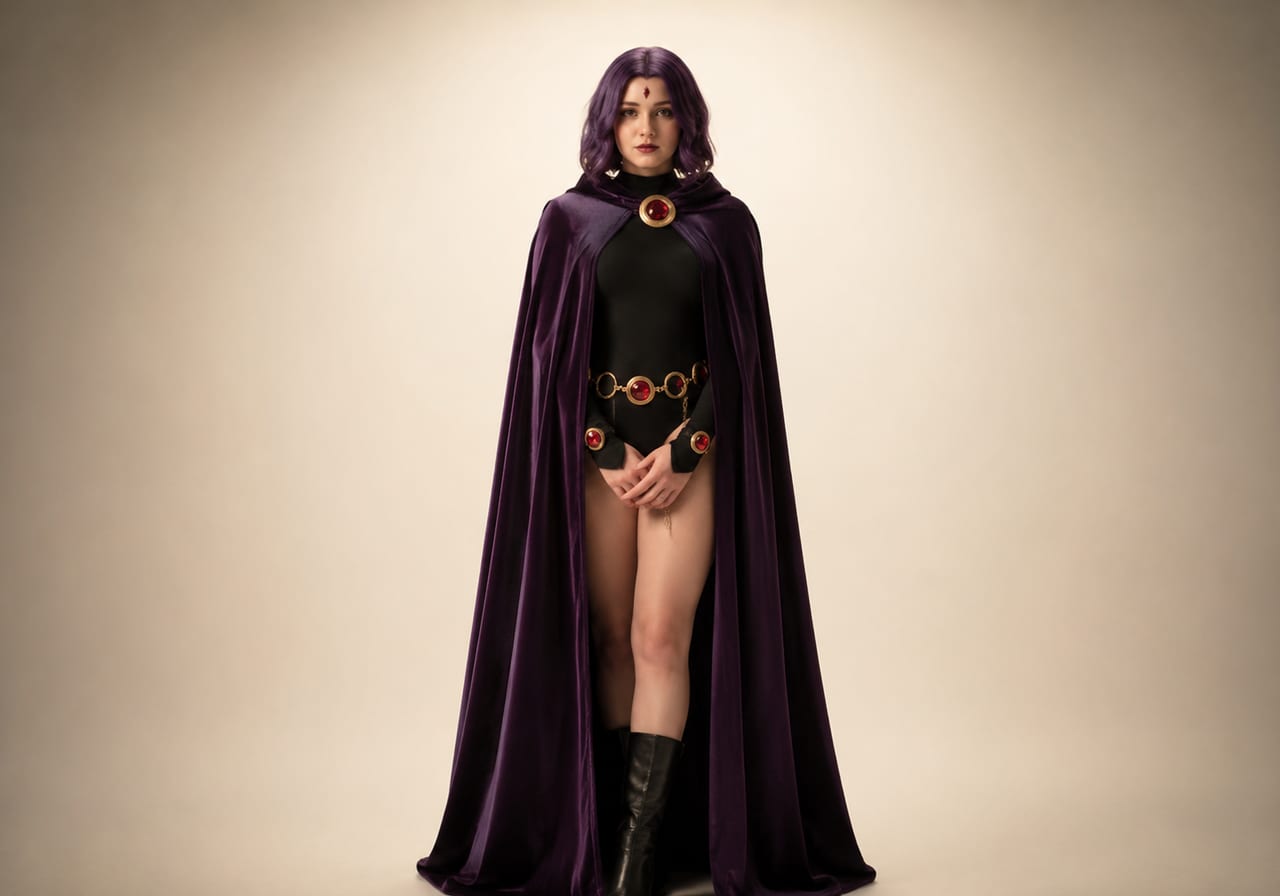
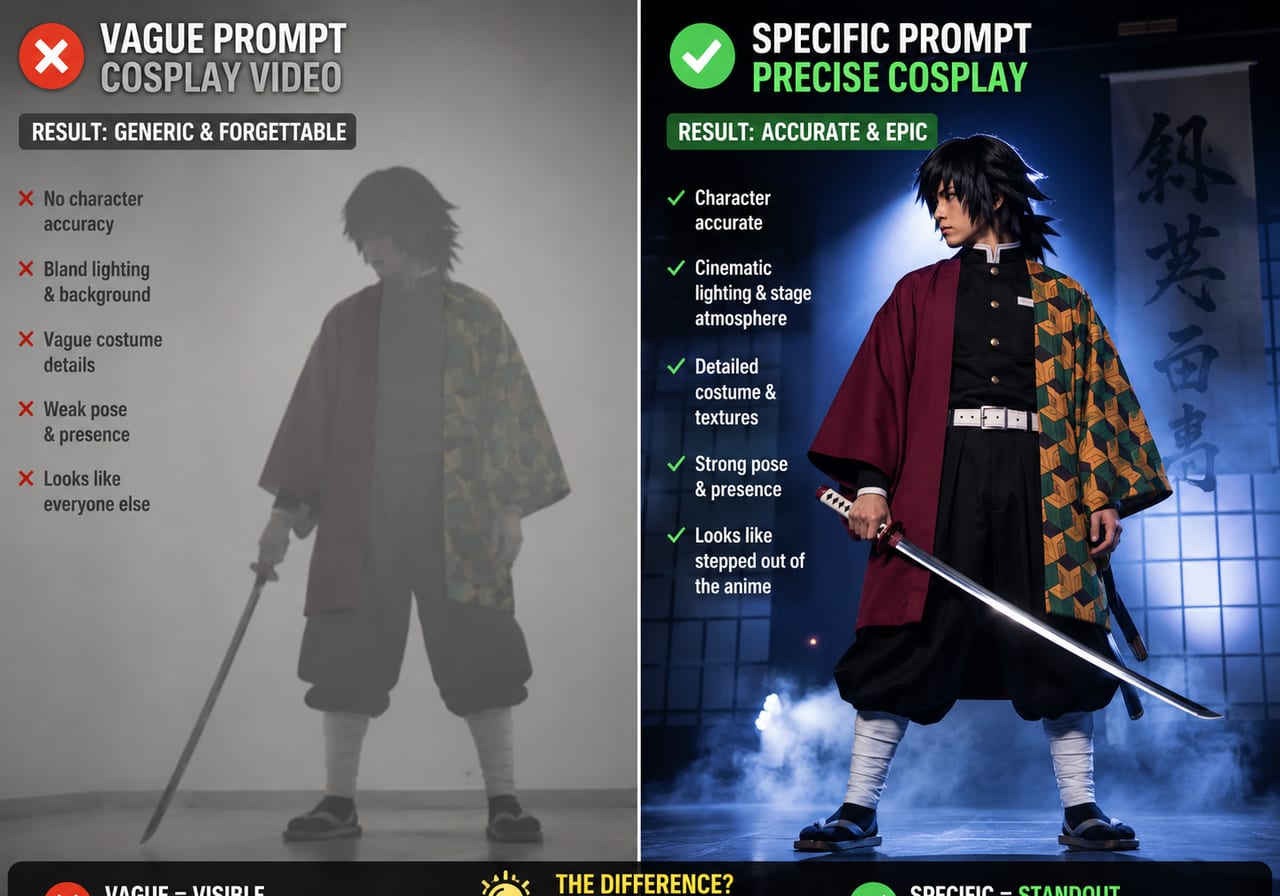
Drop in one portrait and let the cosplay generator render an anime cosplay scene around the subject. The AI cosplay video keeps the face recognizable and adds stage lights, camera motion, and costume highlights — a focused alternative to a generic AI video generator anime tool.

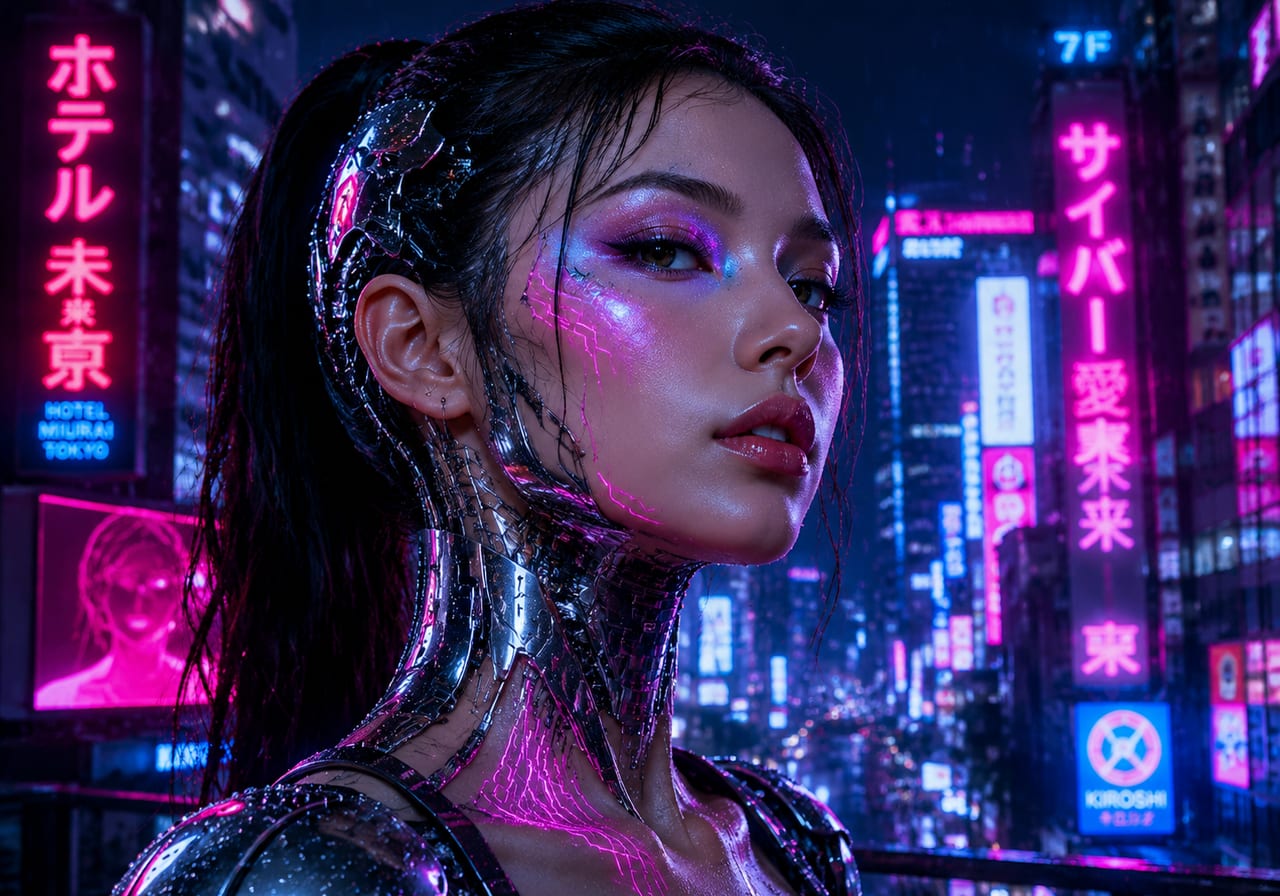
AI generated cosplay girls clips withfashion-style camera and lighting

A clean portrait gives the AI cosplay video maker enough room to add fashion-style camera movement, soft particles, and outfit detail. Great for AI generated women cosplay girls reels and short-form content where the result should look polished and on-brand.

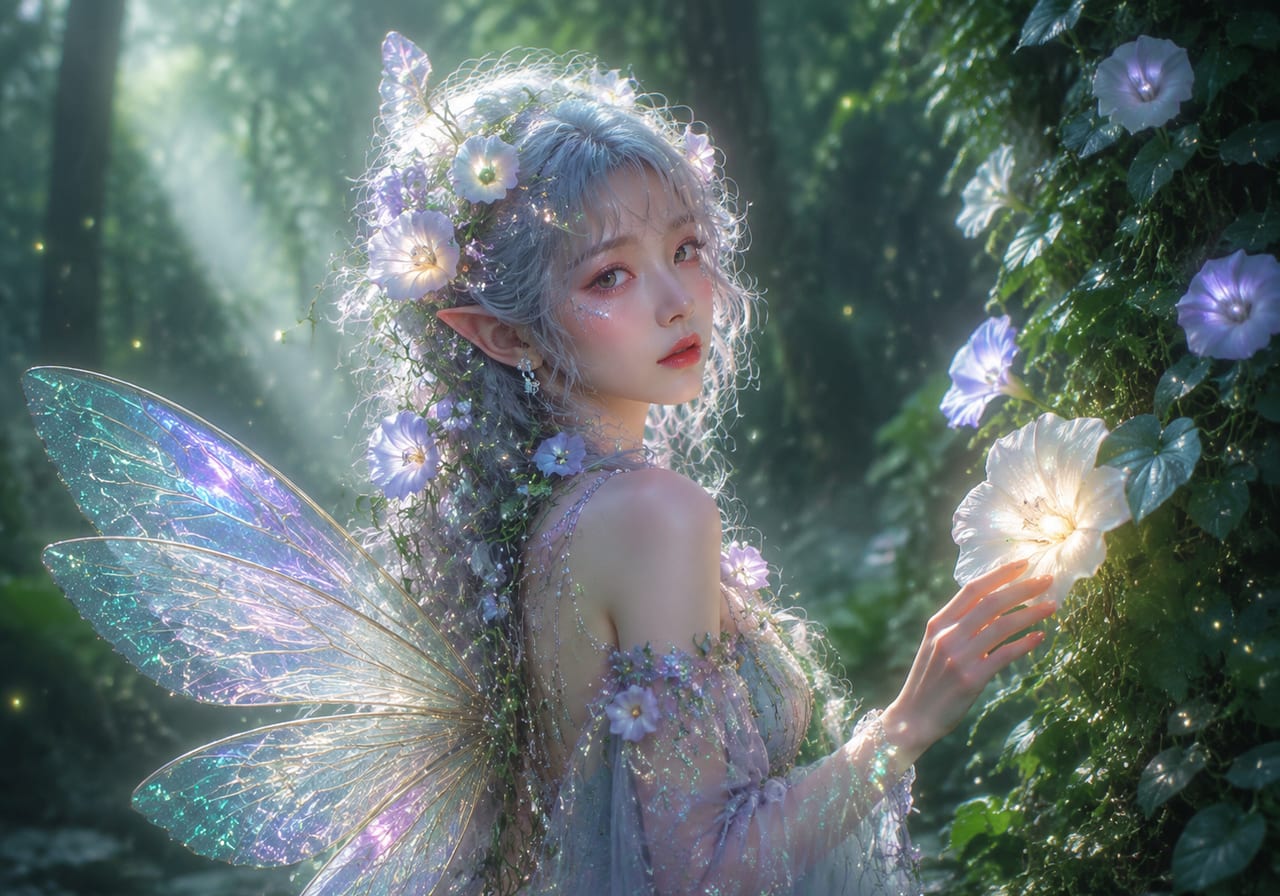
AI model cosplay reels withoriginal character look and feel

Use the cosplay generator for original character work — fantasy, sci-fi, or game-inspired AI model cosplay. The AI cosplay video is rendered with consistent costume design and a cinematic stage feel that turns one photo into a finished cosplay video.

What an AI cosplay video generator actually does

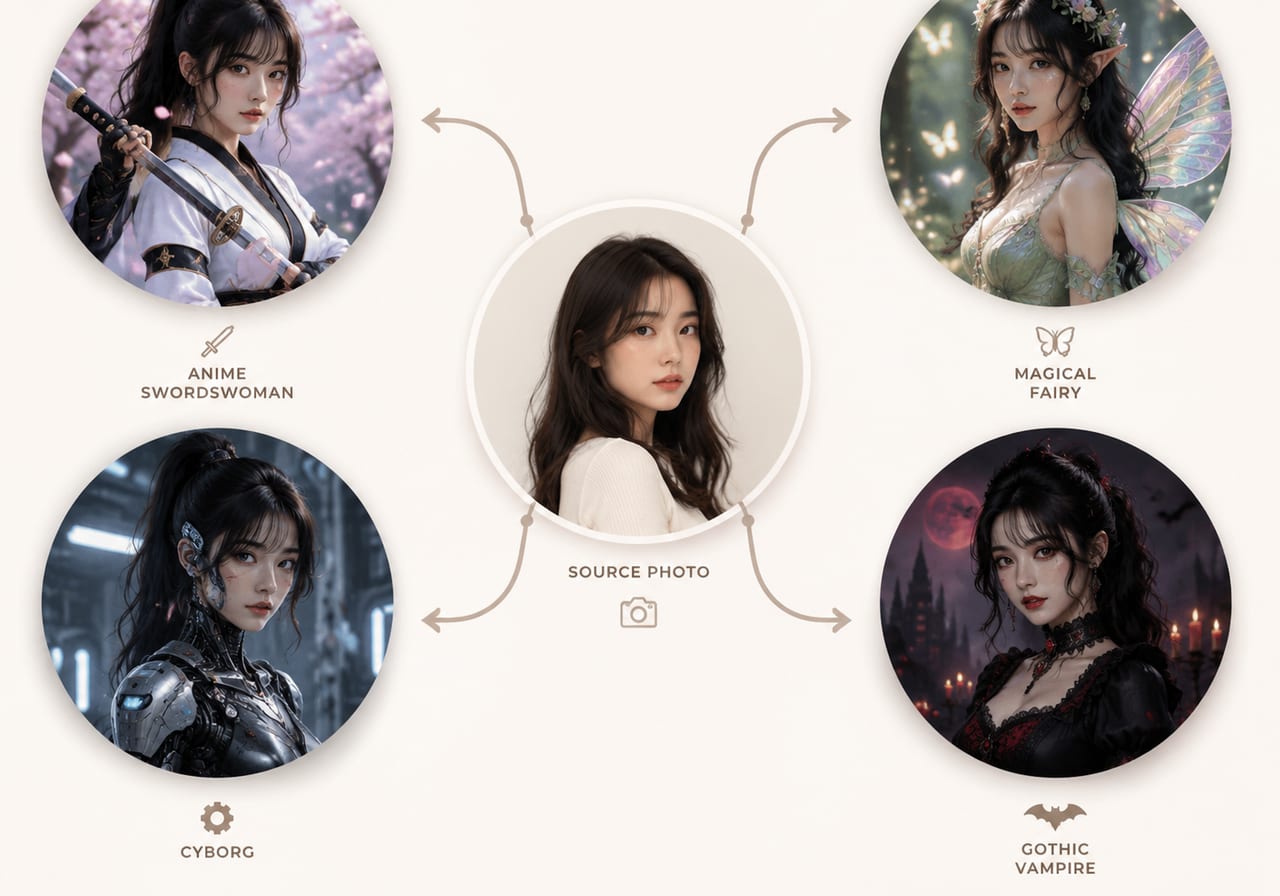
An AI cosplay video tool turns a still photo of a person into a short cosplay video clip. Instead of building costumes, lighting a stage, and rigging a model in editing software, you upload one image, describe the cosplay character, and let the cosplay generator add costume detail, motion, and atmosphere — fast enough to make your own AI video free of complex production.

Prompt-led AI cosplay generator

Describe the cosplay character, mood, and stage instead of keyframing every layer. The clip is built around your prompt.

Create AI video using my face

Upload one portrait so the AI cosplay video keeps your face and identity stable across frames — the core promise of create AI video using my face.

Anime, game, and original characters

Useful as an AI video generator anime helper, AI model cosplay tool, or original-character AI video art creator — one workflow, many looks.

Reusable AI cosplay tutorial flow

Same upload, new prompt — ai cosplay very easy to generate, can also create clips for non-cosplay scenes when needed.

Best photo types for the AI cosplay video maker

Three input styles consistently produce strong results.

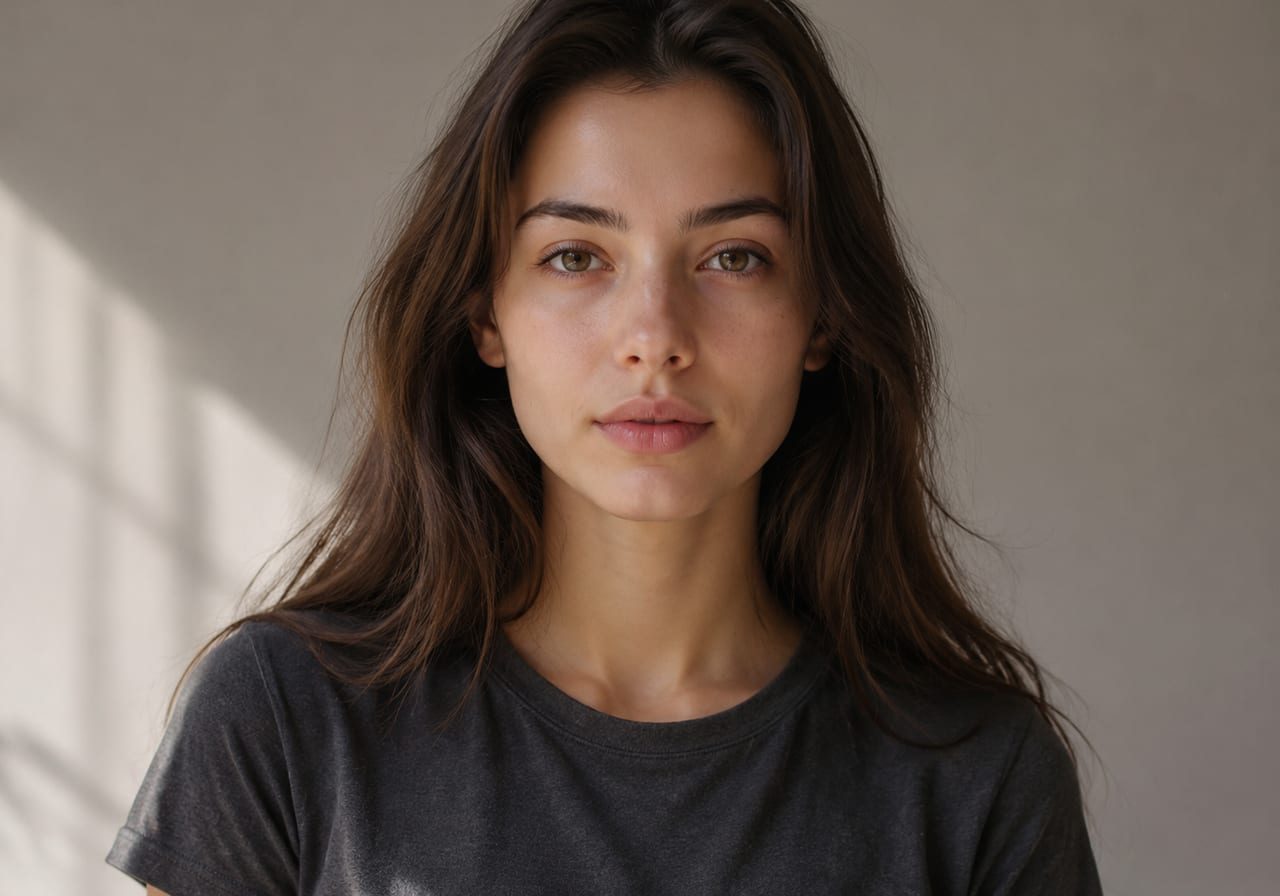
AI cosplay video portrait input example

Portrait input

Clean portrait — AI cosplay video with stable identity

A sharp upper-body or face-forward portrait is the strongest input. With one clear subject, the AI cosplay generator can add costume layers, hair detail, prop work, and stage motion while keeping the face recognizable — the core promise of create AI video using my face.

PortraitStable faceAI cosplay generator
Anime cosplay style example

Anime style

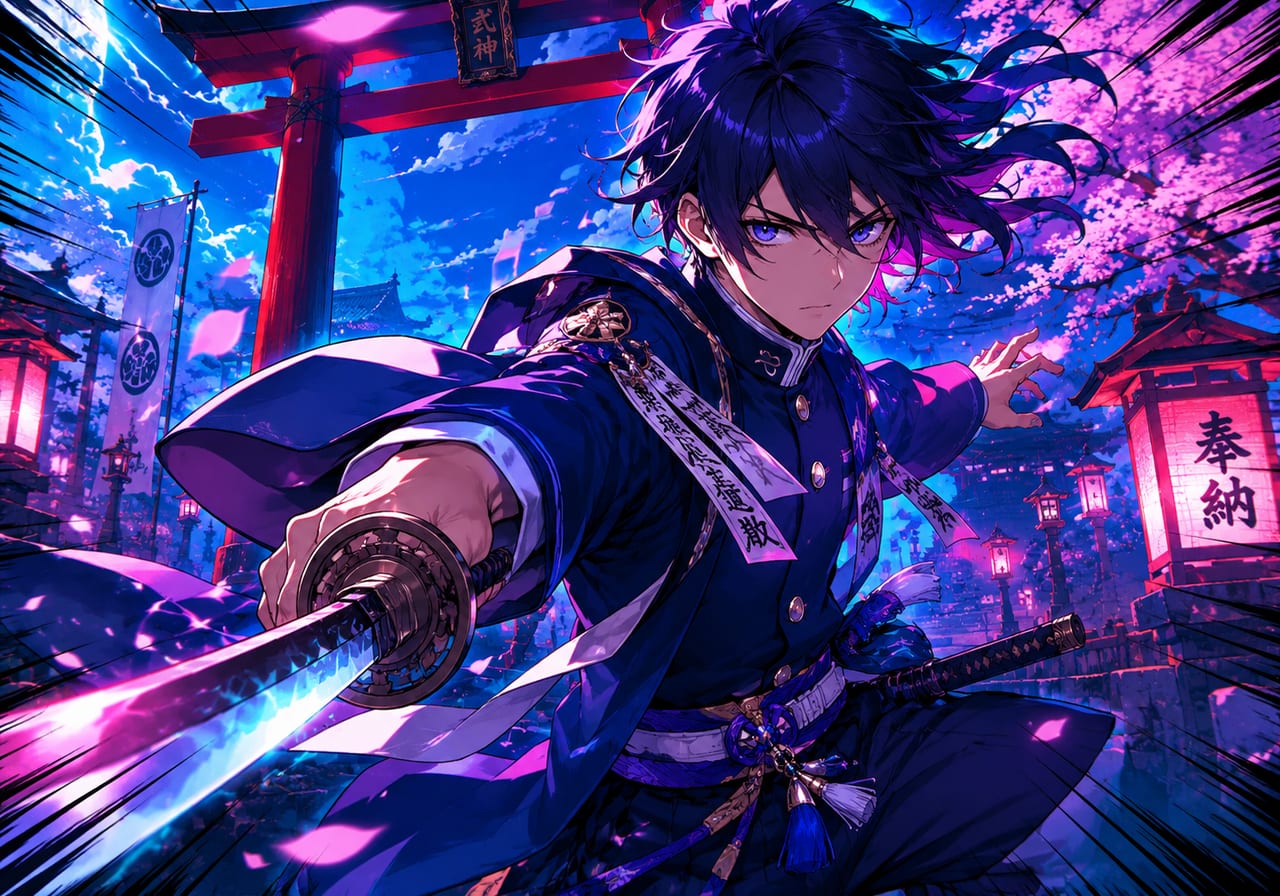
Stylized photos — AI video generator anime cosplay

Already-stylized inputs work well when you want an AI video generator anime feel for the AI cosplay video. Lean shading, clean line edges, and a defined silhouette give the model enough structure to add cinematic camera, glow, and animated stage backdrops for AI generated cosplay girls and anime character reels.

AnimeStylizedBest AI video maker
Game character cosplay example

Game character

Game-character photos — AI model cosplay clips

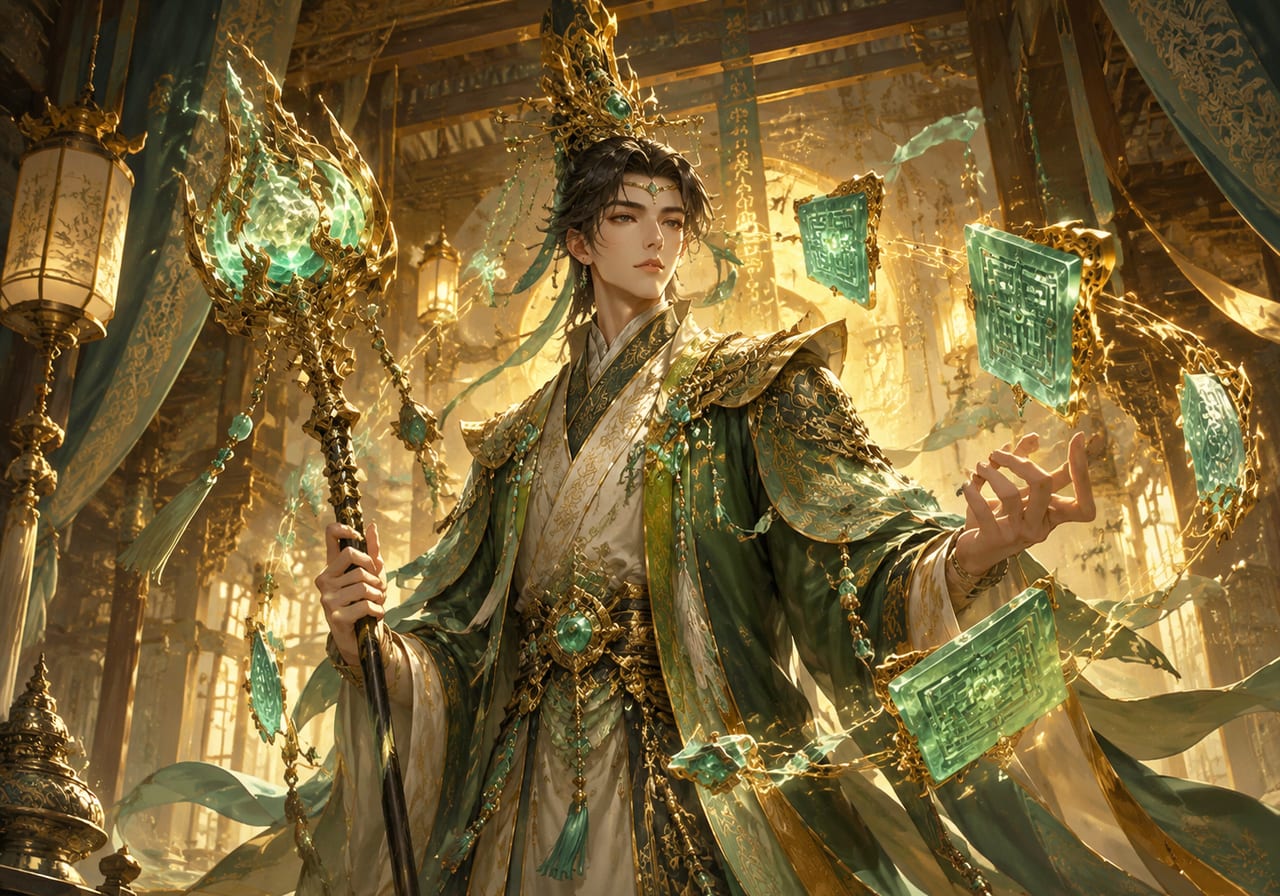
Photos that already lean into game-style outfits — armor, sci-fi suits, fantasy robes — give the AI cosplay video generator rich material for AI model cosplay output. Useful for ningguan-style fantasy looks and similar character cosplay video tasks where users search how to ai generate ningguan cosplay.

Game cosplayCharacterAI model cosplay
Workflow

How to make a cosplay video with our AI cosplay generator

An AI cosplay generator tutorial in four short steps — short enough to use as an AI cosplay tutorial for first-time users learning how to cosplay AI characters.

1

Upload one photo

Start with a clean portrait or character reference. This is the create AI video using my face step — the clip is built around this single input.

2

Describe the cosplay character

Write a short prompt: anime warrior, fantasy knight, sci-fi pilot, ningguan-style mage. The AI cosplay generator uses this to build costume, props, and lighting for the clip.

3

Generate the AI cosplay video

Run the AI cosplay video maker. The tool returns a short cosplay video clip with stable identity, stage lighting, and cinematic camera motion — that is how to make a cosplay video without editing skills.

4

Download and publish

Export the AI cosplay video for TikTok, YouTube Shorts, Instagram, or fan portfolios — and reuse the same flow for new characters.

AI cosplay tutorial tips for cleaner cosplay results

Practical reminders that improve every render.

AI cosplay video FAQ

Common questions about the AI cosplay generator.


Make your own AI cosplay video free

Upload one photo, describe the cosplay character, and let the generator render the clip — make your own AI video free, no install or editing skills required.

Generate cosplay video