AI Pet Portrait Generator

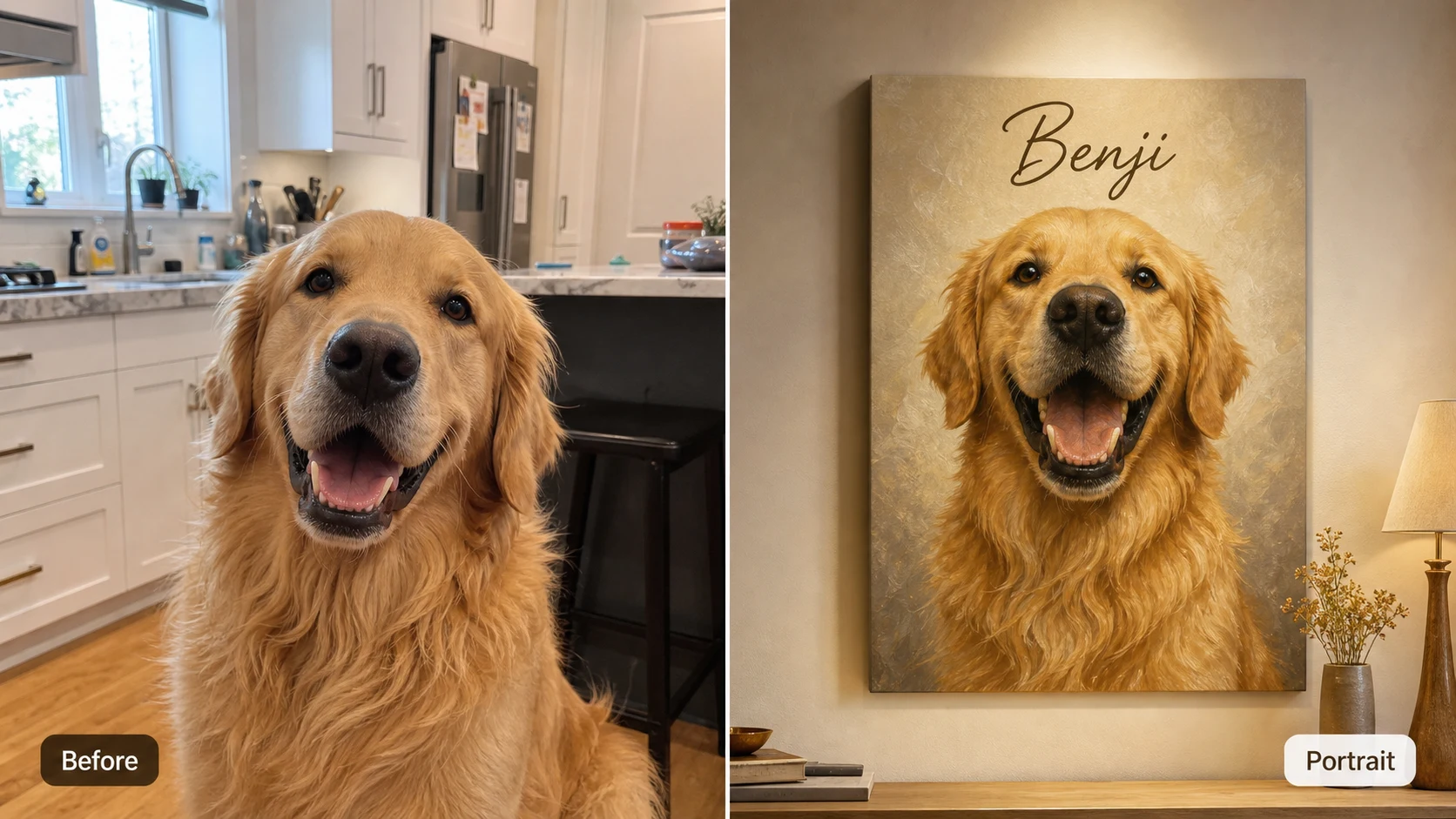
Upload or describe your favorite pet photo, then use the ai pet portrait generator to create a refined custom pet portrait with recognizable fur, expressive eyes, premium studio lighting, and a gallery-ready finish.

Create AI pet portraits from real dog and cat photos

The ai pet portrait generator is built for owners, creators, and small pet businesses who want a polished portrait from an everyday photo. Instead of only smoothing the original image, the ai pet portrait generator helps turn a quick phone snapshot into a custom pet portrait with controlled lighting, tasteful styling, and a finished print-ready look.

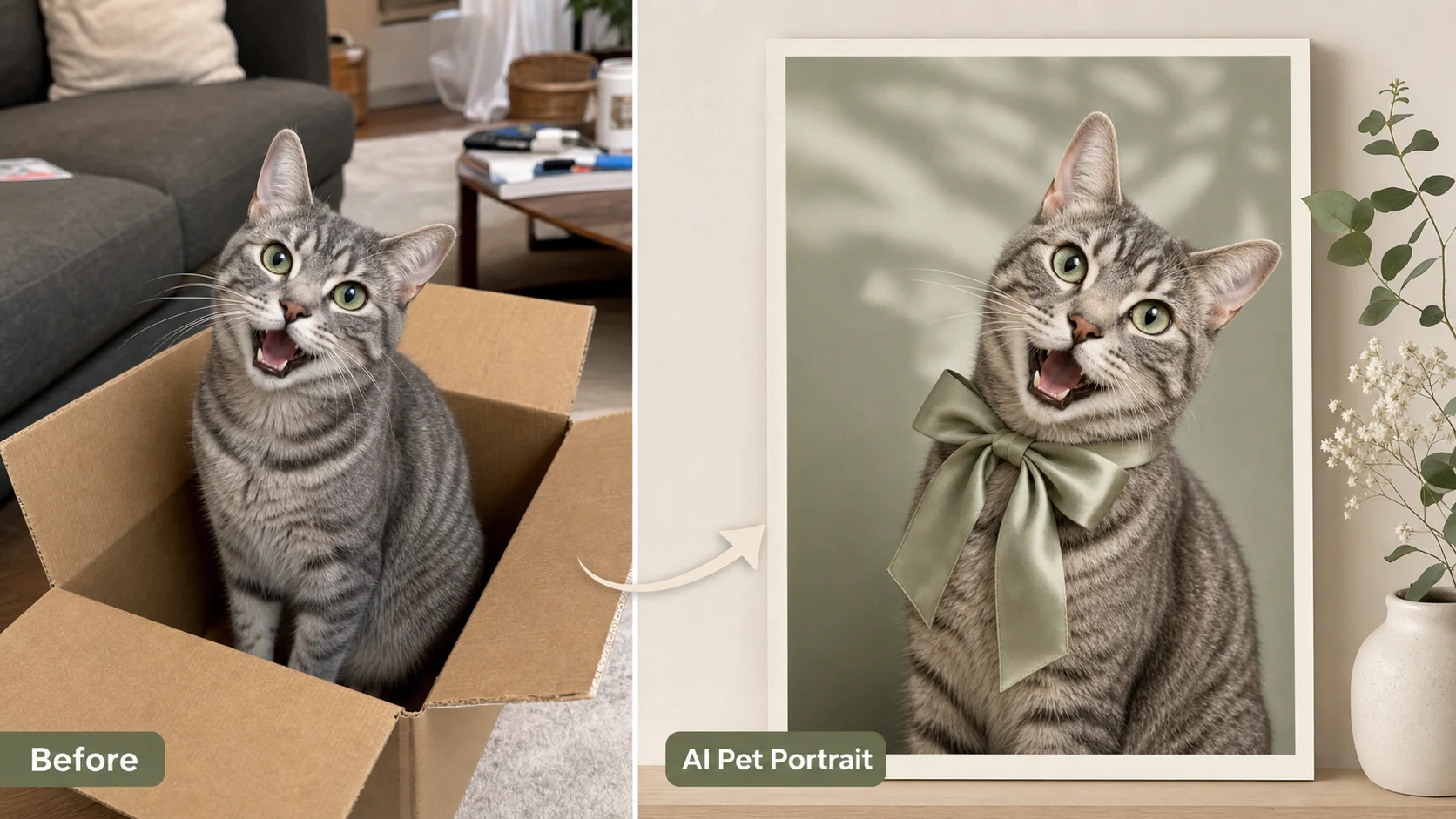
AI pet portrait generator comparison showing a gray tabby cat transformed into an emerald gallery portrait

Pet Photo to Art

Turn a casual pet snapshot into custom portrait art

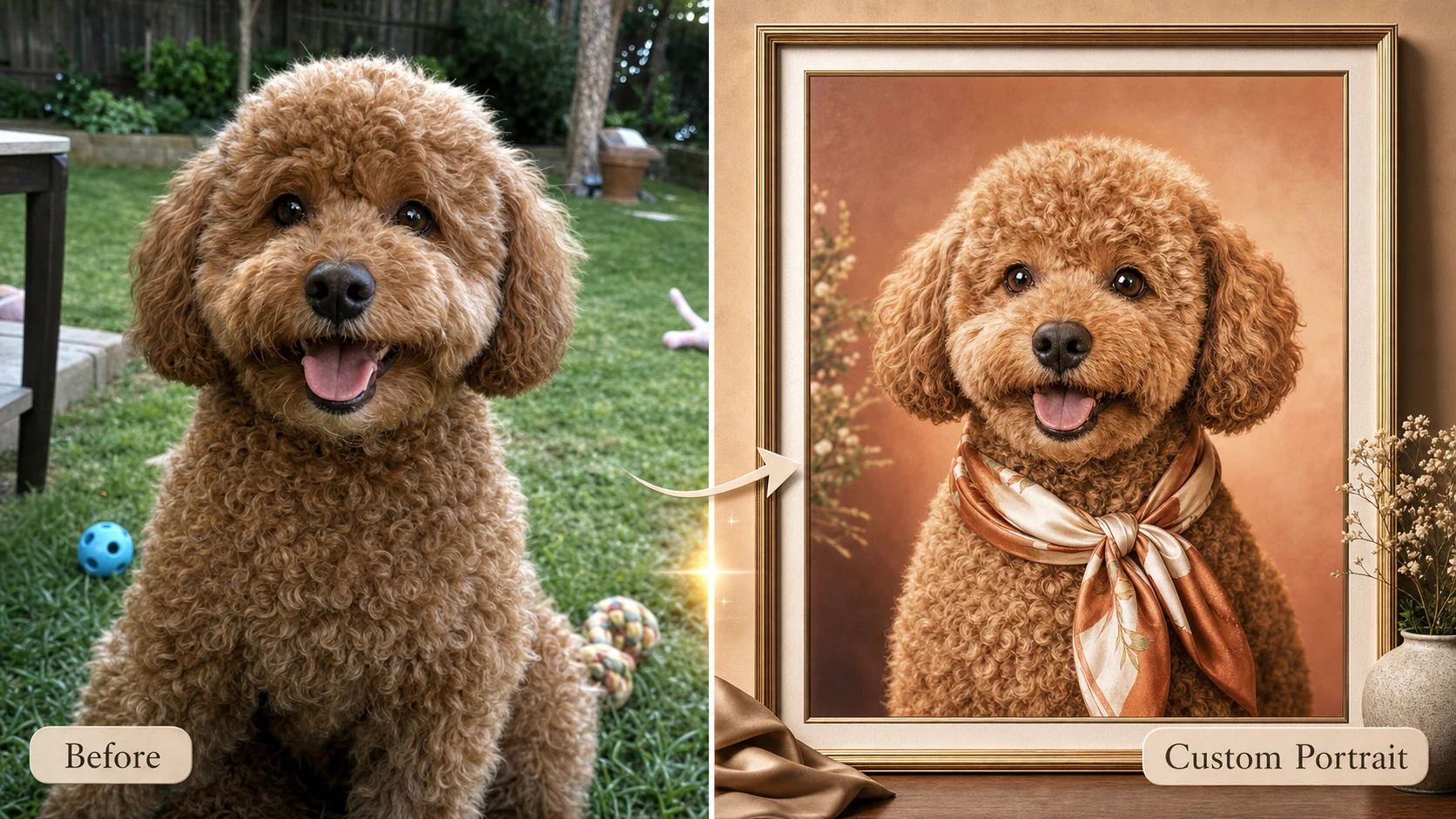
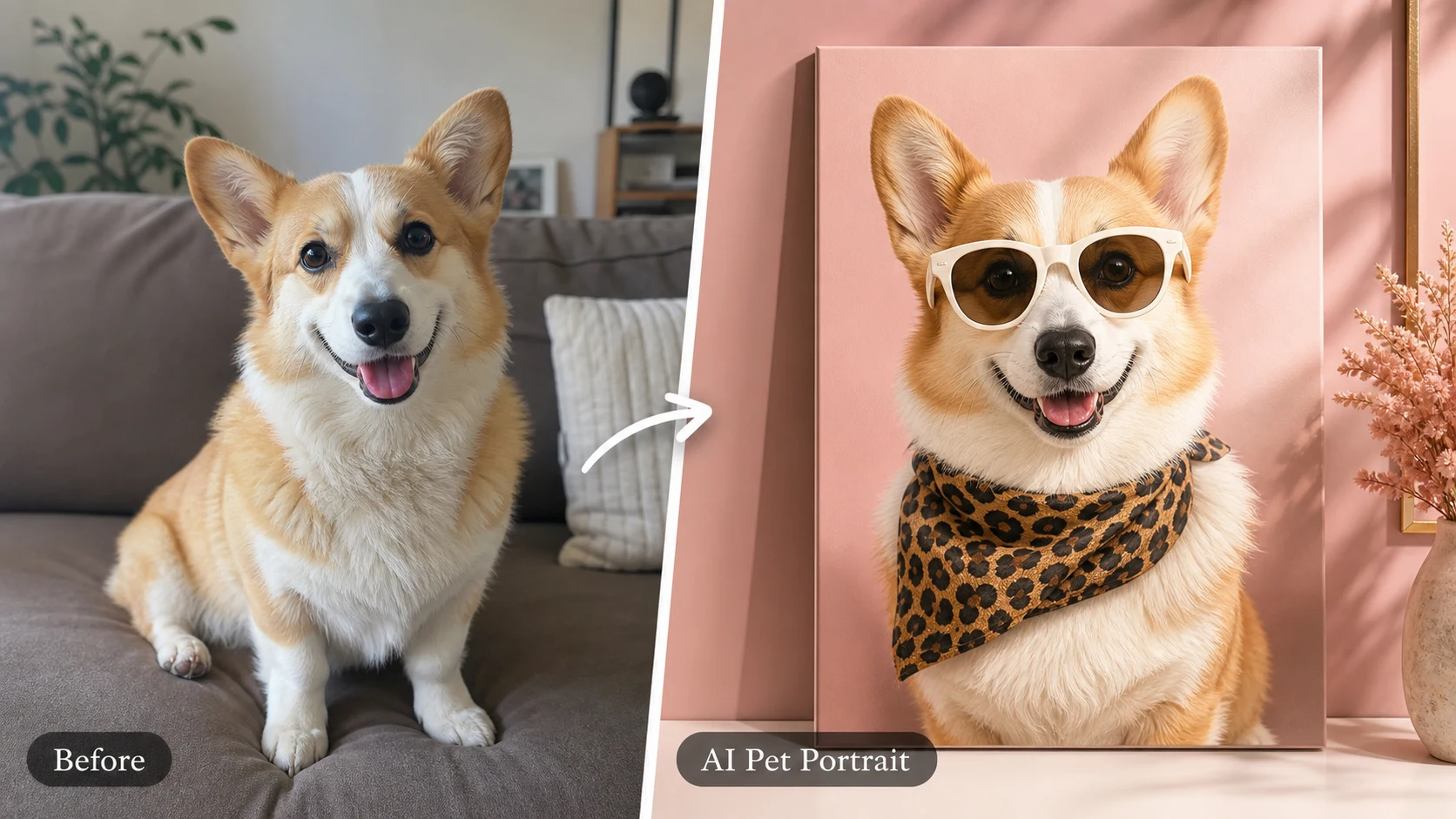
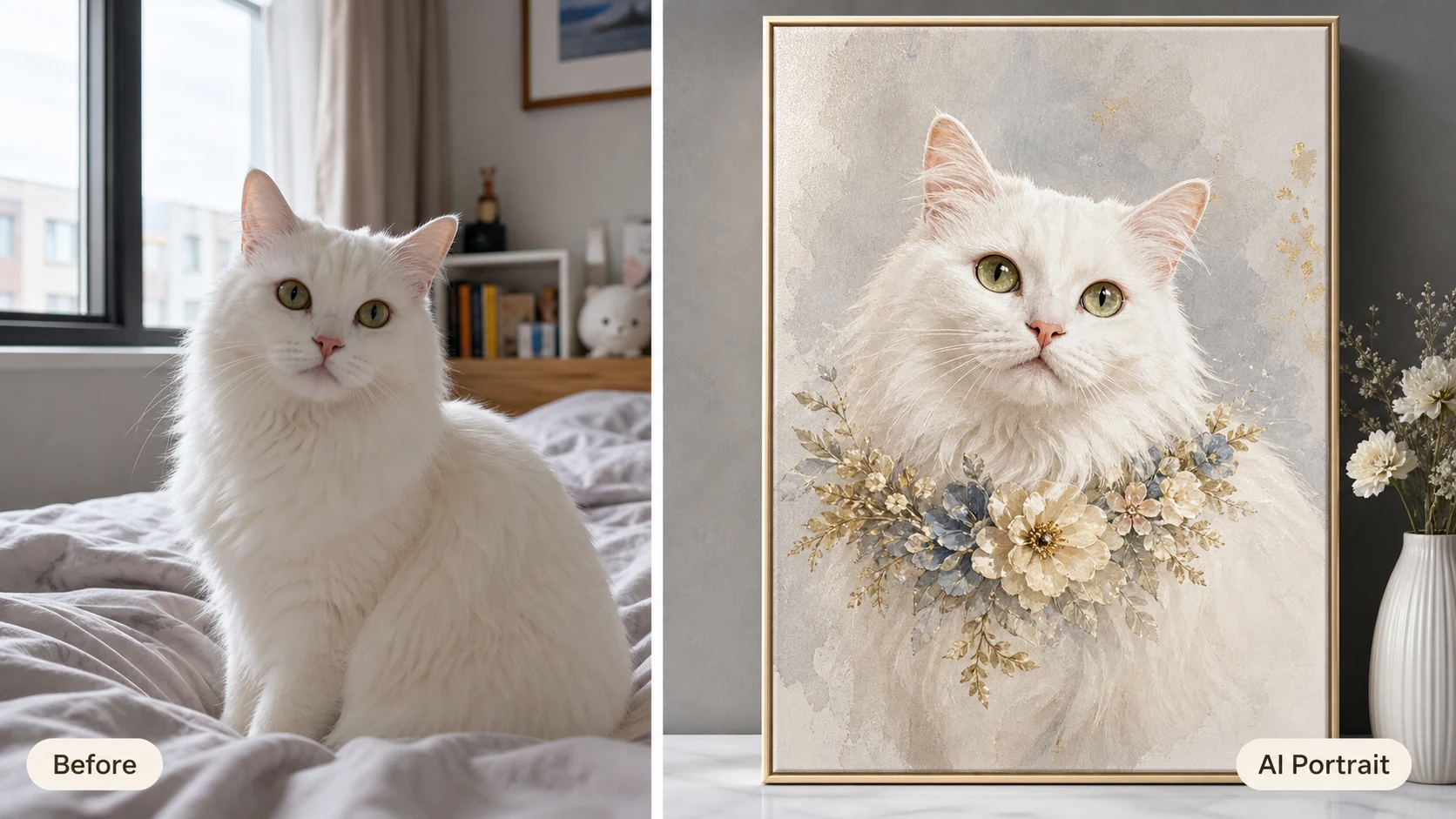
A good pet portrait ai workflow starts with identity. The ai pet portrait generator should keep the things that make your pet recognizable: face shape, markings, eye color, ears, whiskers, posture, and personality. Then it can add a stronger portrait setting, a clean background, better lighting, and a premium art finish. Use the ai pet portrait generator when the source photo is cute but messy, dark, cluttered, or too ordinary for a gift card, avatar, framed print, memorial image, or social post.

Pet portrait AIPhoto to portraitGift art
AI dog portrait example showing a white Pomeranian snapshot transformed into a pastel custom pet portrait

AI Dog Portrait

Make an ai dog portrait that still looks like your dog

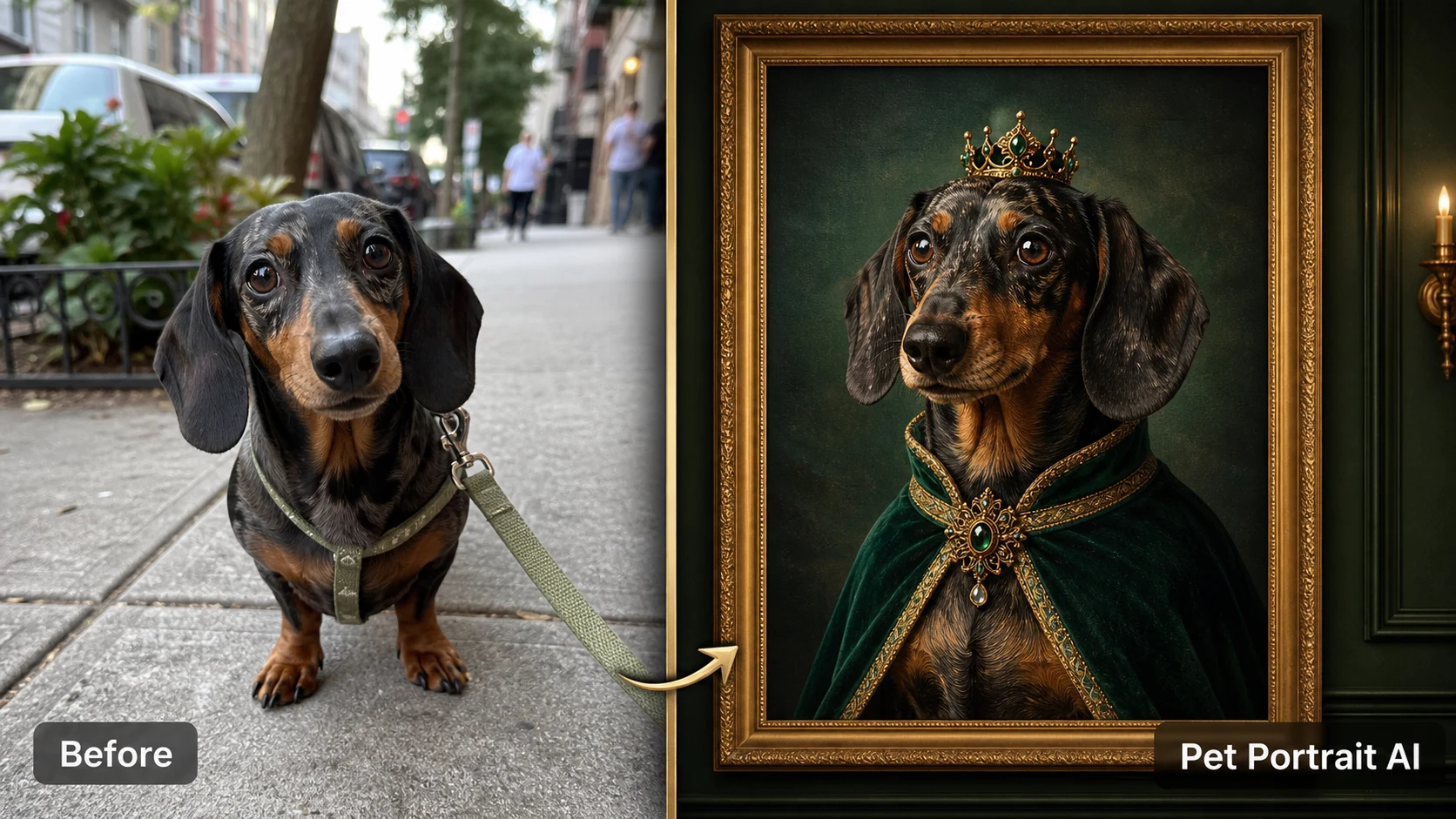
An ai dog portrait can feel generic when the prompt only asks for a fancy dog painting. The ai pet portrait generator works better when your prompt names breed, coat color, eye detail, favorite expression, and one clear style direction. For a Shiba Inu, ask for alert ears and cream fur. For a dachshund, keep the long muzzle and soft ears. For a mixed-breed rescue dog, preserve the spotted markings and smile. This gives the ai pet portrait generator enough structure to create a refined portrait while keeping the pet's real identity intact.

AI dog portraitRecognizable faceBreed details
AI pet portrait generator example showing a dachshund transformed into a refined custom dog portrait

Premium Styles

Choose gallery, editorial, oil painting, or boutique styles

The ai pet portrait generator can support polished styles without copying a real brand or protected character. Ask for luxury gallery card, refined oil painting, soft pastel boutique portrait, modern editorial poster, velvet studio backdrop, warm neutral canvas, or clean wall-art presentation. These style words make ai pet portraits feel designed rather than accidental. Keep the style prompt specific, but avoid real magazine names, logos, official uniforms, or copyrighted characters unless you own the rights.

Gallery portraitEditorial pet artOil painting finish
Workflow

How to use the ai pet portrait generator

The best ai pet portrait generator prompts are simple but precise: start with the pet photo, lock the recognizable details, then choose one portrait style and one clean background.

1

Upload the clearest pet photo

Use a photo where the pet's face is visible and the eyes are not hidden. The ai pet portrait generator can improve lighting and style, but a clear source helps preserve markings, nose shape, ears, and expression. Dog, cat, puppy, kitten, rabbit, and other pet photos can work when the face and body shape are readable.

2

Describe what must stay recognizable

Tell the ai pet portrait generator to preserve fur markings, eye color, breed traits, face shape, expression, and personality. This is especially important for an ai dog portrait, a tabby cat portrait, or a mixed-breed pet where small markings make the image feel personal.

3

Pick one refined portrait style

Choose a focused style such as luxury custom pet portrait, oil painting, soft studio portrait, pastel boutique card, editorial pet poster, renaissance-inspired cat portrait, or modern wall art. The ai pet portrait generator usually performs better with one strong style than a long list of conflicting aesthetics.

4

Generate and refine the result

If the first AI pet portrait looks too generic, add more identity details and simplify the background. If the style is too plain, add words like gallery lighting, premium framed art, canvas texture, tasteful collar, or warm neutral backdrop. Keep the prompt safe by avoiding real logos, brand names, and protected characters.

AI pet portrait generator prompt ideas

Use these prompt ideas when you want pet portrait ai output that feels premium, personal, and usable for prints, profile images, gift mockups, or social posts.

AI Pet Portrait Generator FAQ

Common questions about using an ai pet portrait generator free online, uploading pet photos, making ai dog portrait results, and creating safe custom AI pet portraits.


Create a polished AI pet portrait

Use the ai pet portrait generator to turn a casual dog, cat, or pet photo into a refined custom AI pet portrait. The ai pet portrait generator prompt above is tuned for recognizable faces, detailed fur, premium studio lighting, and gallery-ready pet artwork without logos, watermarks, or protected character styling.

Try AI Pet Portrait Generator