Frame to Video AIAnimation Assembly Line

Upload one or more still frames and convert them into a smooth animated video sequence using frame to video AI. This ai frame to video generator preserves subject identity and composition while adding fluid motion, controlled camera movement, and polished cinematic transitions suitable for social media campaigns, product showcases, and content production pipelines.

Process frame sequences at production scale frame-to-video sequences for campaigns

This ai frame to video generator turns your still images into animated video sequences with subject consistency, controlled camera movement, and smooth transitions — all without complex timeline editing or frame-by-frame rendering.

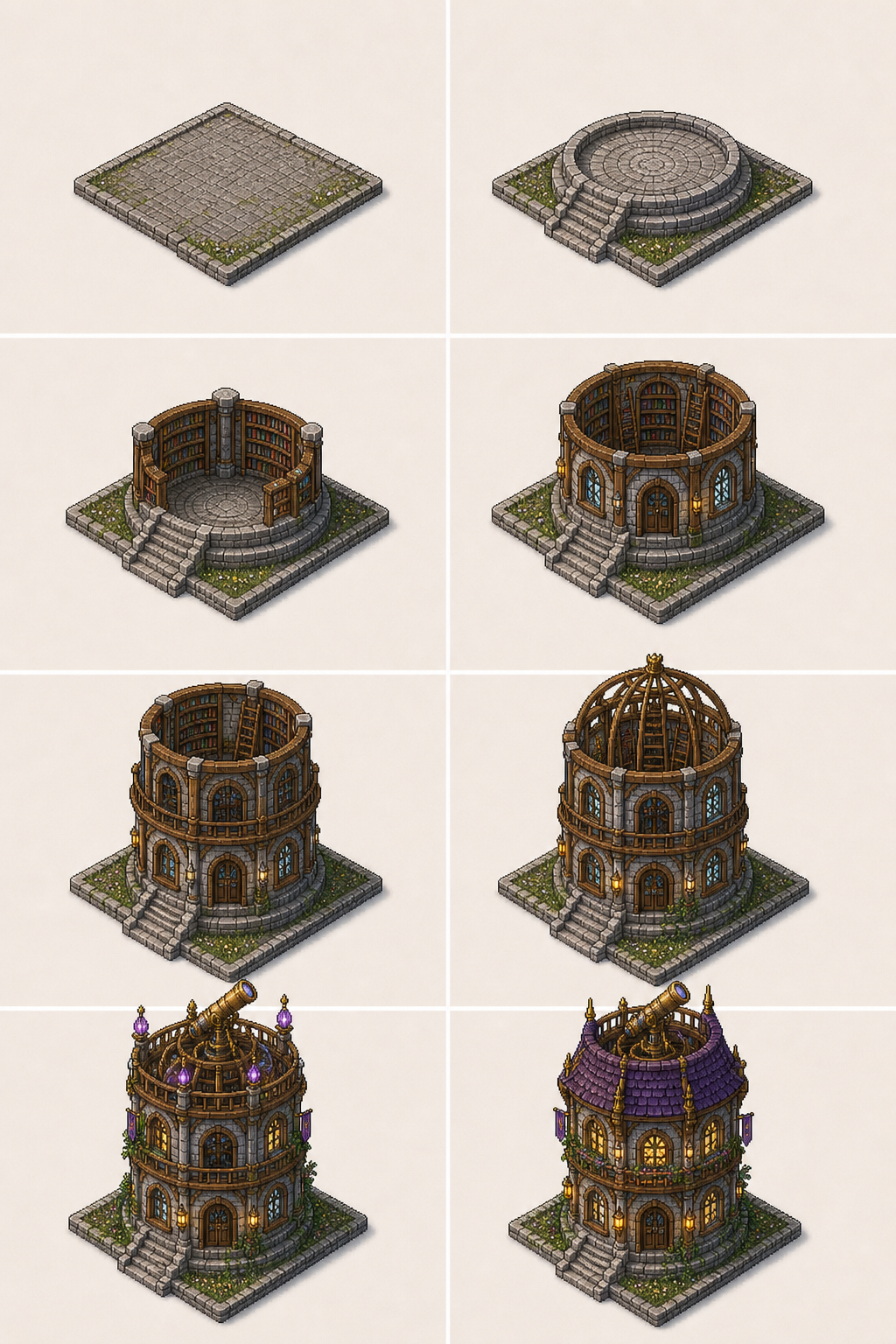
Upload frames andgenerate seamless transitions

Select your start and end frames, then use an ai frame to video generator to fill the gap with fluid motion, natural pacing, and coherent scene composition that preserves your original imagery.

Frame-to-video AI seamless transition example

Keep subject identityacross every frame

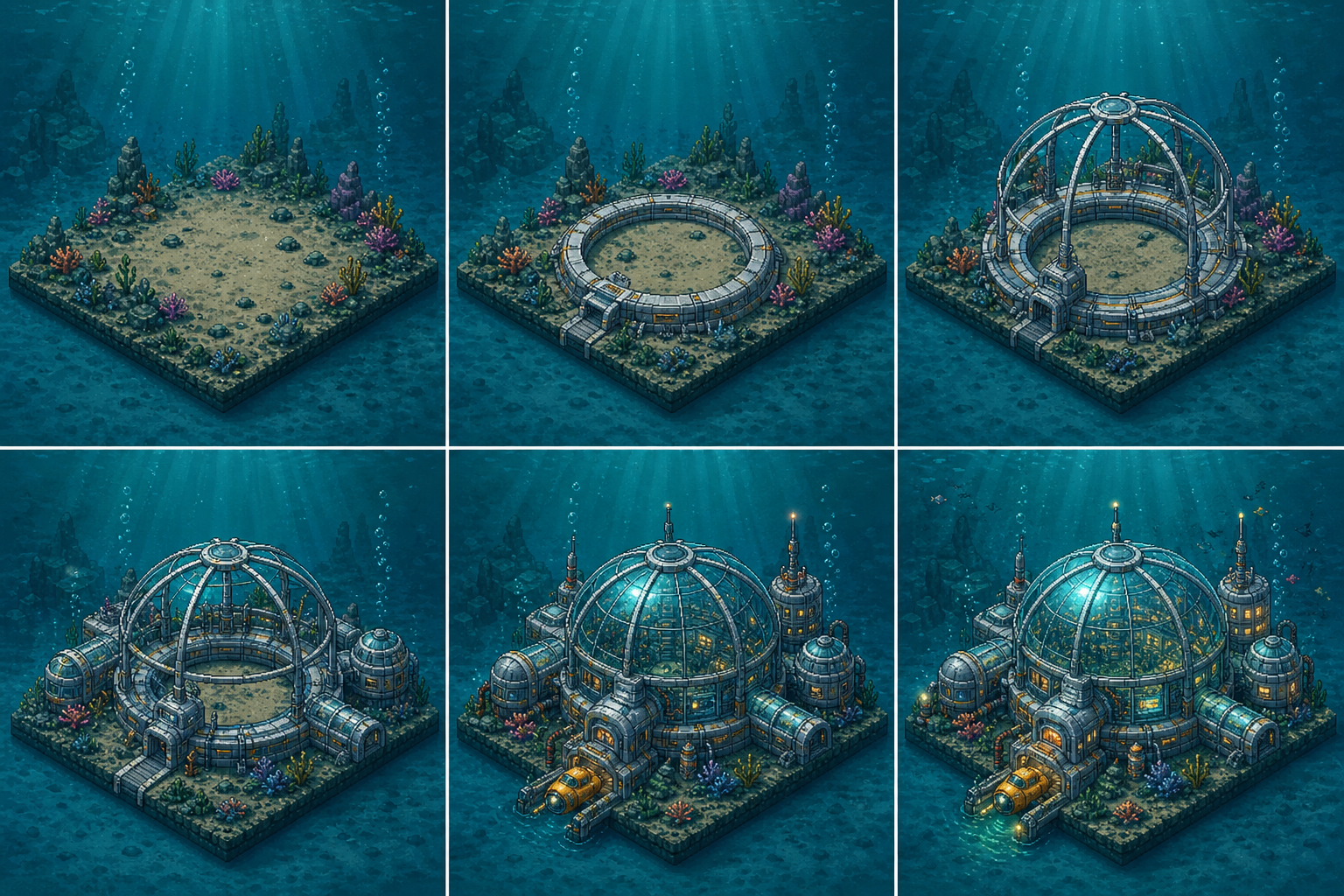
The ai frame to video generator preserves face, pose, body shape, and composition details so your sequence stays consistent from the first frame to the last without identity drift.

Subject identity preservation across frame-to-video sequence

Export sequences forsocial, ads, and campaigns

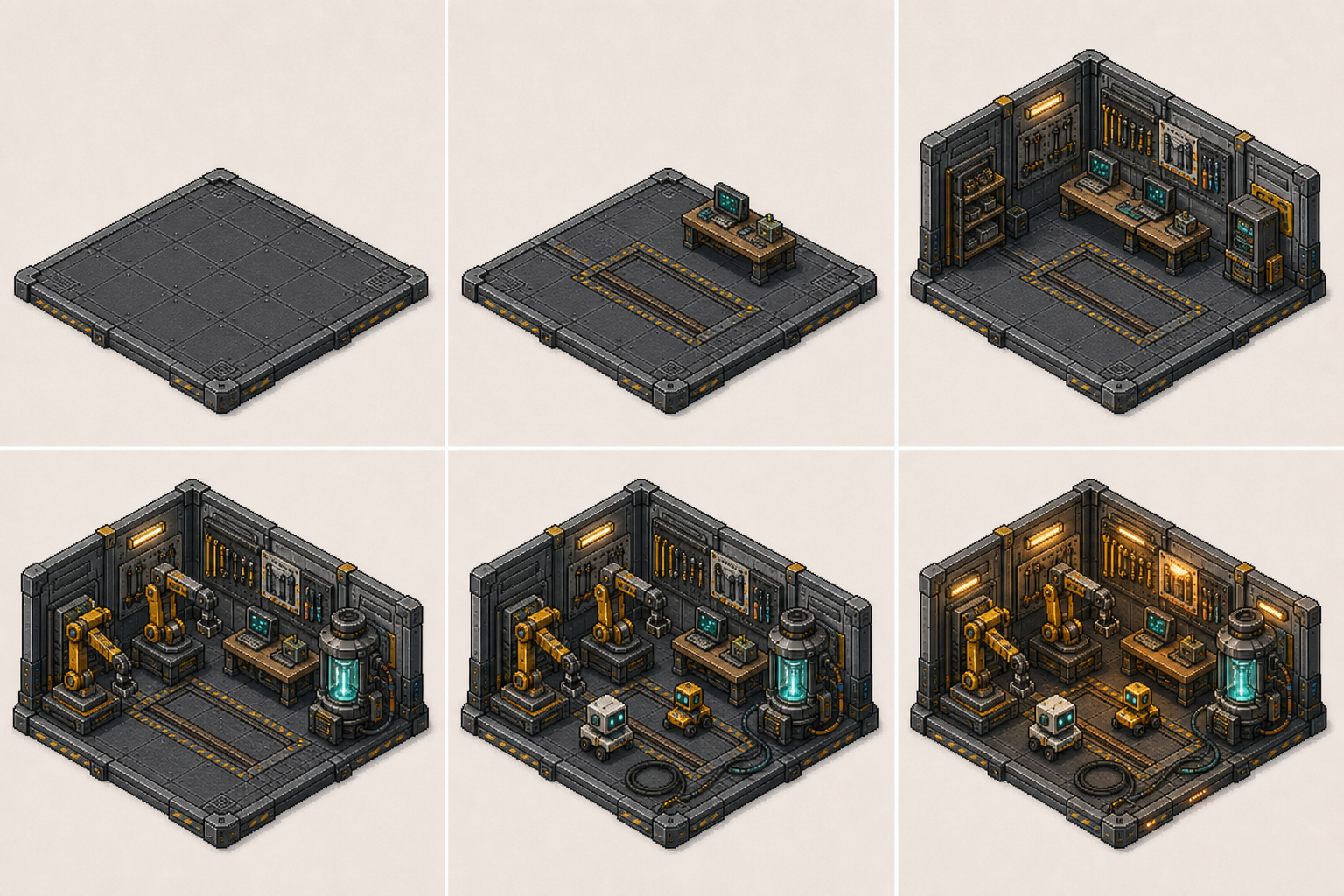
Generate frame-to-video content in 16:9 or 9:16 formats ready for TikTok, Instagram Reels, YouTube Shorts, product demos, social ads, and campaign storytelling.

Frame-to-video AI export for social media campaigns

What the ai frame to video generator does

An ai frame to video generator turns still images into animated video sequences. Instead of offering video editing timelines, motion graphics templates, or frame-by-frame animation tools, this page focuses on AI-powered image-to-video sequencing for creators who want smooth transitions between keyframes.

Frame-to-video by default

Upload one or more images as keyframes, then animate them into a smooth sequence with subject consistency and controlled camera motion between frames.

Short-form content ready

Use it for TikTok, Instagram Reels, YouTube Shorts, product demos, and campaign videos where smooth frame-to-frame motion performs better than cuts.

Preserved subject identity

The ai frame to video generator keeps face, pose, composition, and style consistent from the first frame through the last frame without visual drift.

Campaign URL injection

Campaign URLs can prefill the prompt and inject inputImage, inputImages, referenceImage, or referenceImages for faster paid or organic promotion.

Best frame to video AI styles and techniques

Use these prompt directions to create frame sequences that flow naturally from one image to the next without jarring cuts or identity drift.

Frame to video AI keyframe transition technique

Keyframe transition

AI frame to video generator for smooth sequencing

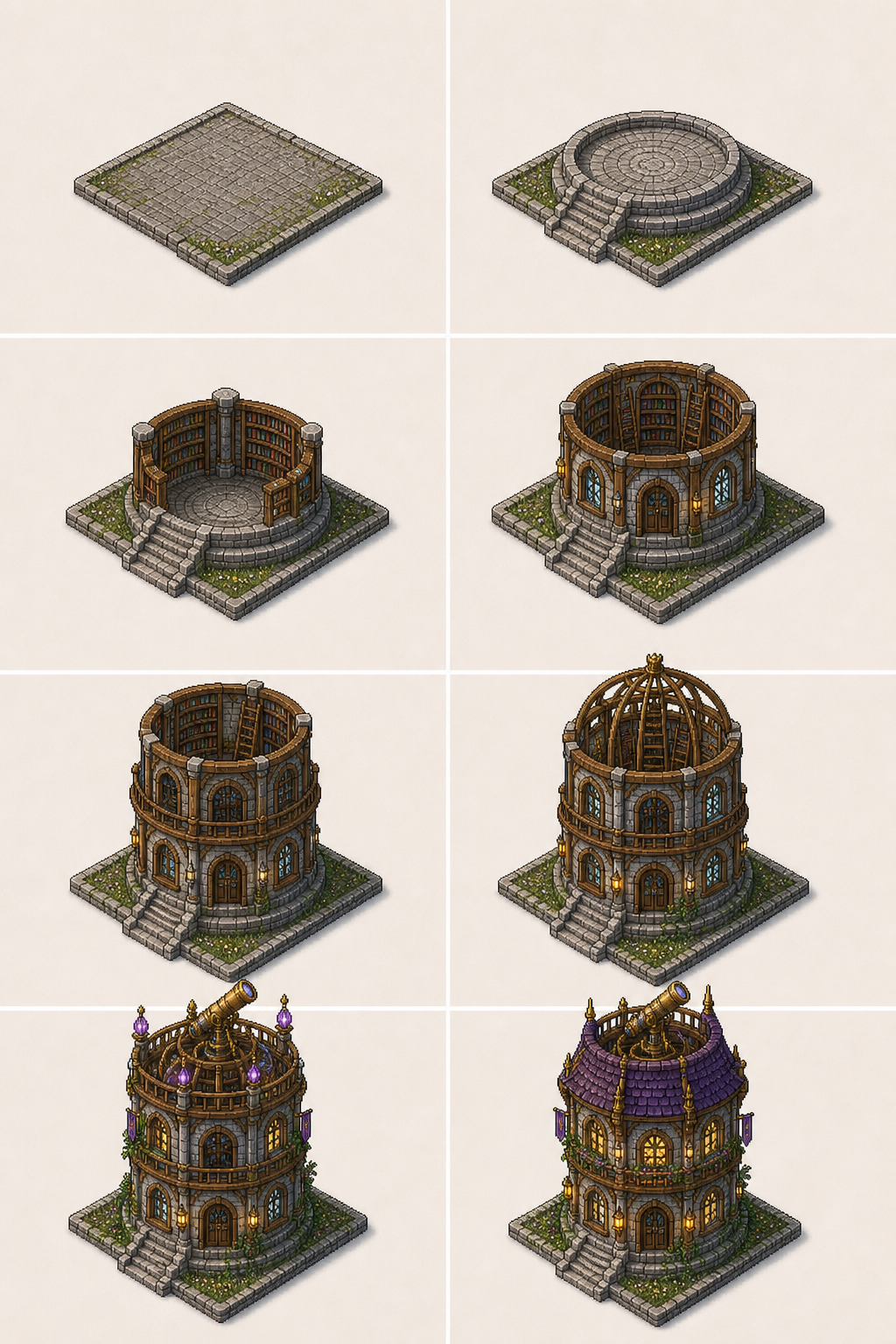
Use an AI frame to video generator when you need seamless motion between keyframes: start with your first and last images, describe the intermediate motion, and let the model fill the gap with coherent composition and natural pacing.

KeyframeSeamless transitionSequence
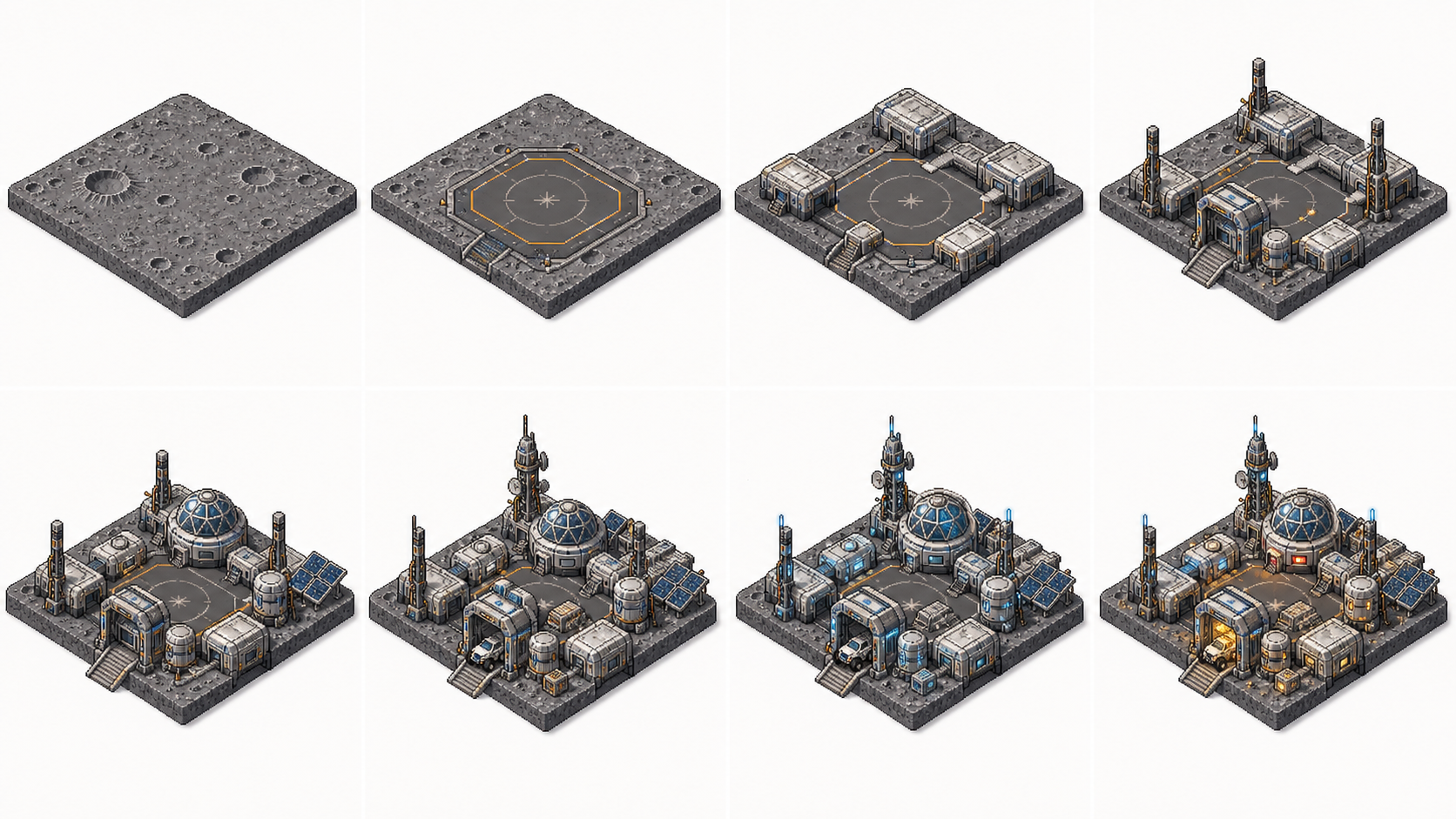
Subject identity preservation in frame-to-video AI

Identity preservation

Keeping subject consistency across frames

The best ai frame to video generator tools maintain subject identity from the first frame through the last. Upload clear images with visible faces and distinct poses so the model can anchor composition and preserve visual continuity throughout the sequence.

IdentityConsistencyPreservation
Camera movement direction in frame-to-video AI

Camera movement

Directing camera motion in frame sequences

Describe the camera path you want: slow push-in, smooth pan, gentle orbit, or dramatic zoom. The model follows these directions to create cinematic movement between your frames.

Camera motionPush-inOrbit
Workflow

How to create an ai frame to video generator sequence

Build a smooth frame-to-video sequence in four simple steps.

1

Upload your keyframes

Choose 1-4 clear images as your sequence frames. The AI uses these as visual anchors for the animation.

2

Describe the transition style

Tell the ai frame to video generator what motion you want: smooth dissolve, camera push, gentle orbit, or scene morph.

3

Generate the animated sequence

Run the ai frame to video generator to create a smooth video with fluid transitions, preserved identity, and polished motion.

4

Export and distribute

Download your frame-to-video output for social media, campaigns, product demos, or content production.

Prompt tips for cleaner frame-to-video AI results

Small prompt and image choices make the difference between a jumpy sequence and a smooth frame-to-video animation.

Build your frame-to-video pipeline

Upload your keyframes, use a frame to video AI prompt, and create smooth animated sequences for social media, campaigns, and content production.

Create Frame to Video AI