Create MP4 Video From Photos

Turn a favorite still into a short, publishable MP4 without opening a timeline. Upload a photo, describe the camera move, mood, captions, transitions, or music-ready beat, and create video from photos using AI for social posts, memories, product stories, and quick campaign drafts.

Create MP4 video from photos for campaign drafts

Start with a clear image and describe how the finished clip should feel. Photo Video AI turns that direction into camera motion, depth, effects, transitions, caption space, and MP4-ready timing, so you can create video from photos online free for drafts before polishing the final social version.

Photo-first input

Use your image as the anchor, so faces, places, products, outfits, and important details stay recognizable while the scene gains motion.

Prompted motion

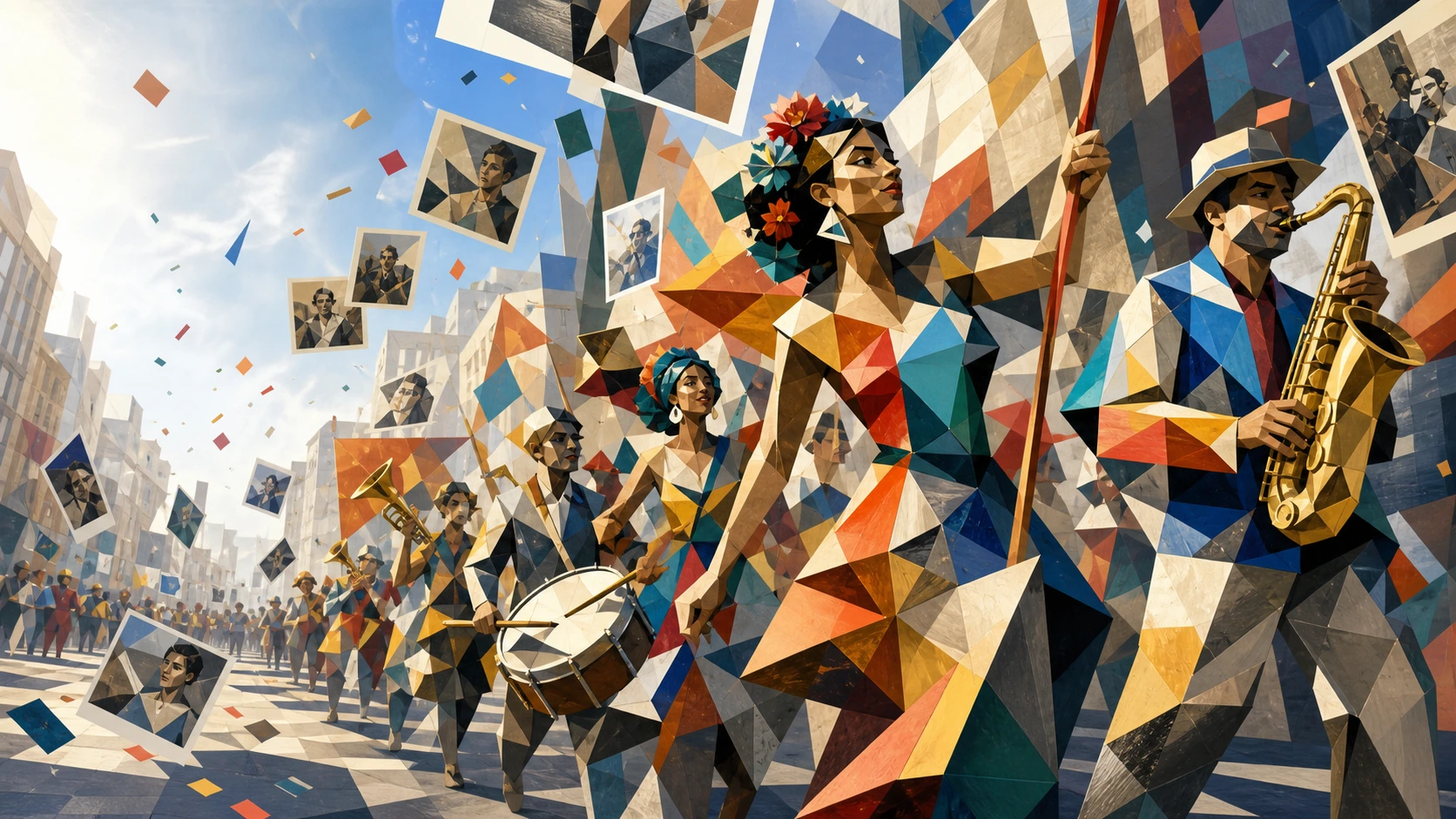
Ask for push-in movement, parallax, rain, snow, steam, fabric motion, collage rhythm, smooth transitions, effects, captions, or clean text space when you create video from photos with collage ideas.

MP4-ready results

Create MP4 video from photos for Instagram, YouTube, Facebook cover tests, birthday greetings, product pages, and website hero clips.

No timeline setup

Create video from photos with online tool speed instead of manual keyframes, stock slideshow templates, and repeated timeline adjustments.

Photo Video AI workflows for MP4 social clips

Use one workflow for social clips, music-ready slideshows, captioned memories, mixed media campaign drafts, and cinematic image-to-video experiments.

Create video slideshow from photos with a ukiyo-e rain market reference image

Slideshow Motion

Create video slideshow from photos with cinematic movement

Create video from photos with slideshow maker simplicity, but let AI handle movement that a template cannot easily fake. Ask for slow camera drift, layered parallax, gentle zoom, soft light shifts, or a calm reveal when you want to create video from photos with transitions that feel like a short film rather than a flat slideshow.

SlideshowTransitionsParallax
Create video from photos with music and text using a magical paper theater reference image

Music and Captions

Create video from photos with music-ready pacing

Describe rhythm, mood, and timing before you add a track. Photo Video AI can serve as a photo video maker with music online free draft flow: ask for slow beats, upbeat birthday montage energy, calm cover-loop timing, or caption space, then create video from photos with music and text instructions that stay short and specific. If you need create video from photos with text output, include the exact short wording and placement.

Music-readyCaptionsText space
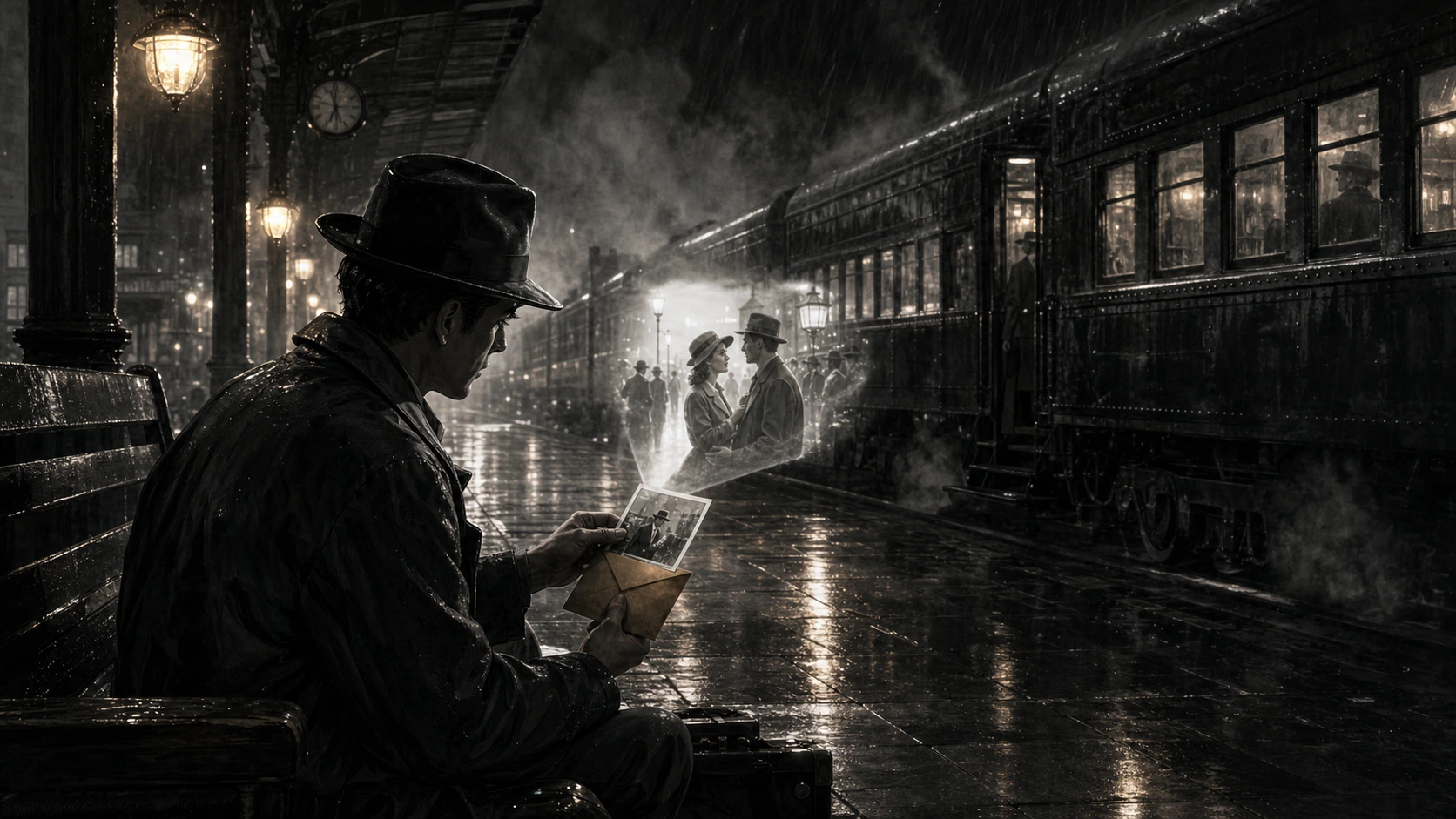
Create video from photos for social channels with a cinematic snow train memory reference image

Social Publishing

Create video from photos for Instagram, YouTube, and Facebook

Create a YouTube video from photos in 16:9 for a travel recap, product intro, event opener, or background clip. For Instagram, ask for stronger subject focus and clean motion. For a Facebook cover video, keep the loop calm, centered, and readable.

YouTubeInstagramFacebook
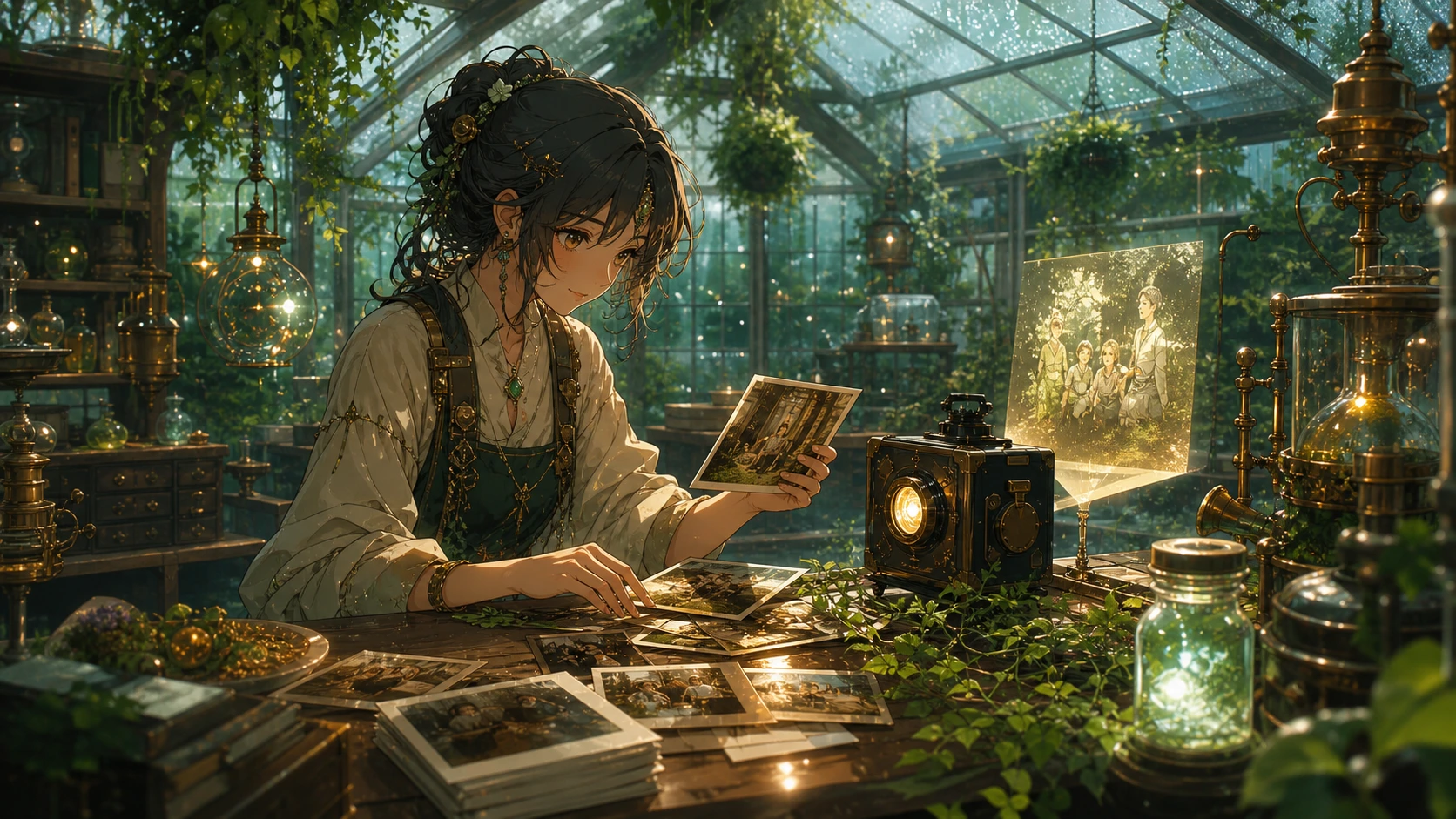
Create video from photos and videos with a cyberpunk greenhouse reference image

Mixed Media

Create video from photos and videos in a consistent style

Create video from photos and videos when a campaign mixes still assets, short clips, and screenshots. Use create video from photos and videos free experiments to test the look: cyberpunk product reveal, warm family memory, dreamy travel diary, or clean brand story. Then carry the same pacing into the rest of the campaign when you create video clip from photos for ads or posts.

Mixed mediaCampaignsStyle
Workflow

How to create video from photos with Photo Video AI

Create video from photos online in four practical steps: start with the image, write the finished motion, generate, then download the MP4 for the platform you need.

1

Upload the photos

Choose one clear image first. A small, focused set works too when the lighting, subject, and depth are consistent.

2

Describe the finished clip

Write what the viewer should see: slow push-in, dreamy transitions, birthday glow, rain reflections, captions, create video from photos with effects, collage motion, or music-ready pacing.

3

Generate the video

Create video from photos using the image-to-video model, 16:9 framing, short duration, and a focused prompt that avoids unnecessary style conflict.

4

Download and publish

Create video from photos for free testing, then export the MP4 for YouTube, Instagram, Facebook, birthday messages, landing pages, or client drafts.

Prompt tips for music-ready MP4 drafts

Better results usually come from a prompt that names the subject, motion, mood, and publishing need instead of listing every possible effect.

Create Video From Photos FAQ

Answers for creators who want to create video from photos free online, test AI motion, add music-ready pacing, use captions, or export MP4 campaign clips.


Create a music-ready MP4 from photos

Upload a photo, describe the motion, and create video from photos as a cinematic MP4 for social posts, birthday memories, YouTube intros, product stories, or polished Photo Video AI campaign drafts.

Create Video From Photos