Seedance 2.1 Video Generator

This seedance 2.1 page serves as an early creative workspace where AI video projects build around a clear visual direction. Create dance and performance clips using the Seedance 2.0 model on pvid.app — test image-to-video, text-to-video, and video-to-video ideas while preparing polished prompts for seedance 2.1 demand.

Seedance 2.1 video generator features for dynamic dance clips

The seedance 2.1 page is tuned for creators who want to generate dance and performance videos in diverse visual styles. Try each style below as a starting point for your own prompt ideas.

seedance 2.1 dancer with magical particle effects and ethereal glow

Magical Image to Video

Turn a single fantasy dance frame into a stable seedance 2.1 clip

Upload one frame of a dancer surrounded by magical light particles with clear lighting and a readable silhouette. The seedance 2.1 generator prompt asks for controlled particle motion, subject stability, and ethereal atmosphere, so a still fantasy scene can become a short video without losing its dreamlike quality.

Image to videoFantasy atmosphereParticle effects
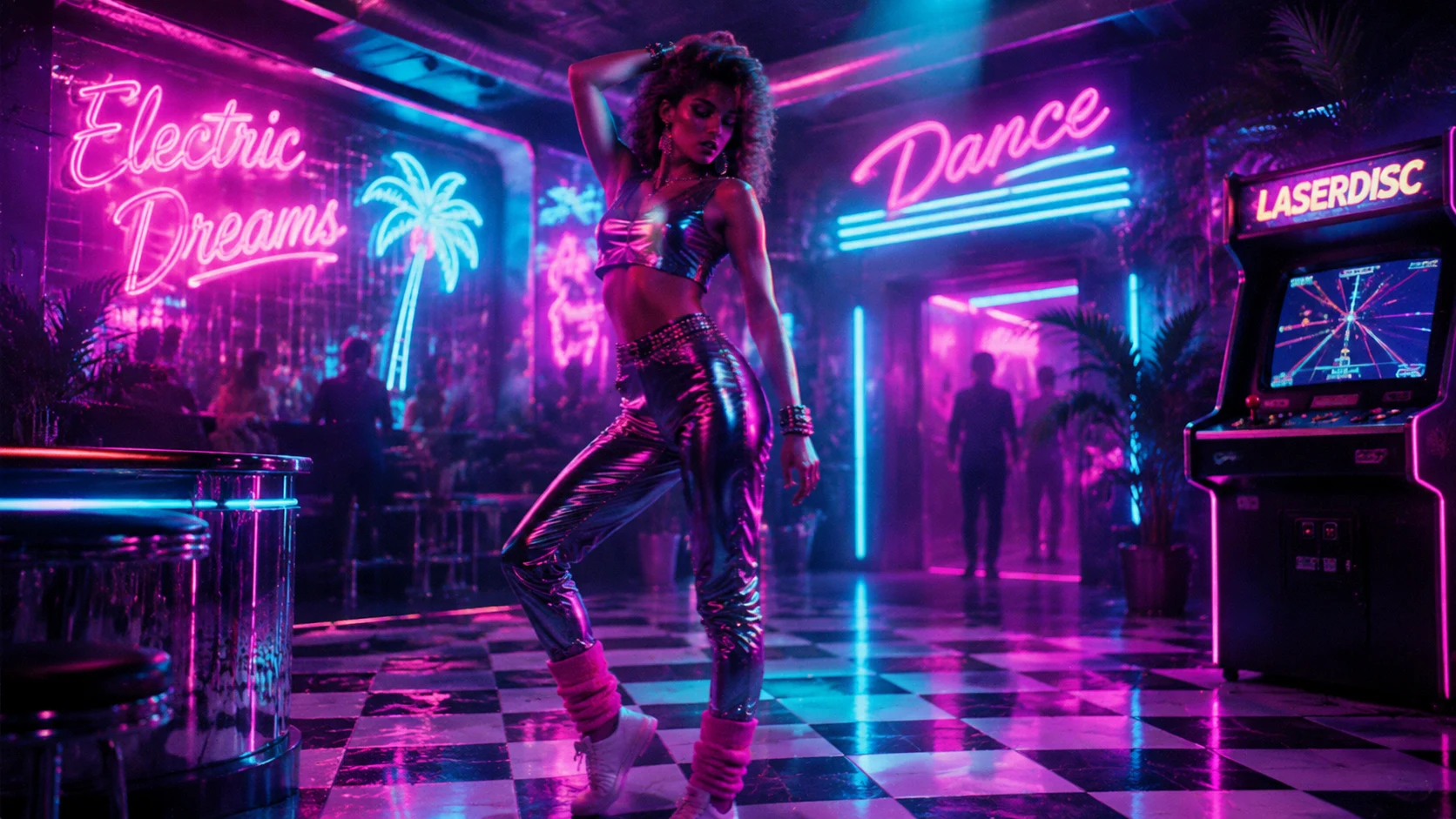
seedance 2.1 retro synthwave dancer under neon pink and blue lights

Retro Text to Video Planning

Write seedance 2.1 prompts with neon retro detail

A good seedance 2.1 text prompt describes neon colors, grid environments, retro lighting, and camera movement. Instead of generic dancing, describe a synthwave dancer under pink and blue neon lights on a grid floor, with slow tracking shots and nostalgic VHS color.

Prompt planningNeon aestheticRetro style
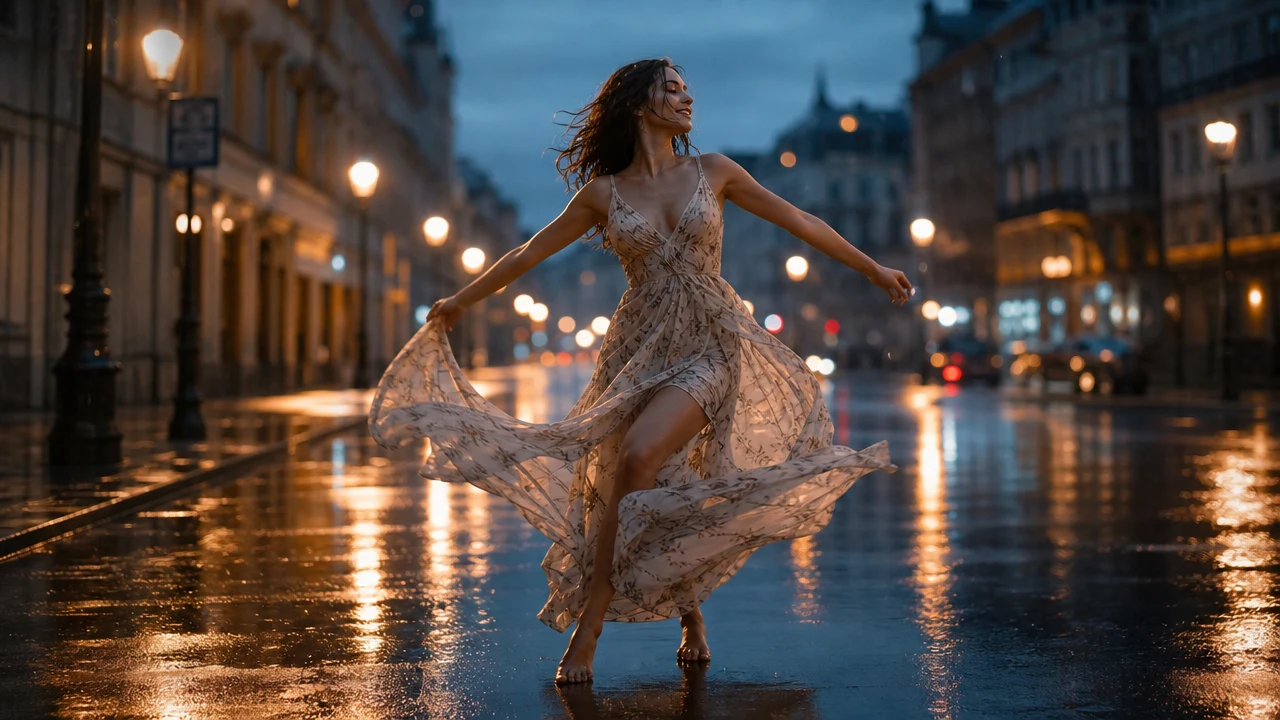
seedance 2.1 street dancer in blue rain with wet reflections

Video Restyle

Use seedance 2.1 language to reshape street dance footage

For creators who already have a street performance clip, seedance 2.1 prompt language can guide a restrained restyle. Keep the dancer's motion readable, preserve the subject, and adjust the scene to a blue-hour rain atmosphere with warm lighting and wet pavement reflections.

Video inputStreet danceRain atmosphere
Workflow

How to make a seedance 2.1 style video

Use this seedance 2.1 workflow to get a clean, polished AI video with a single unified visual direction.

1

Start with one direction

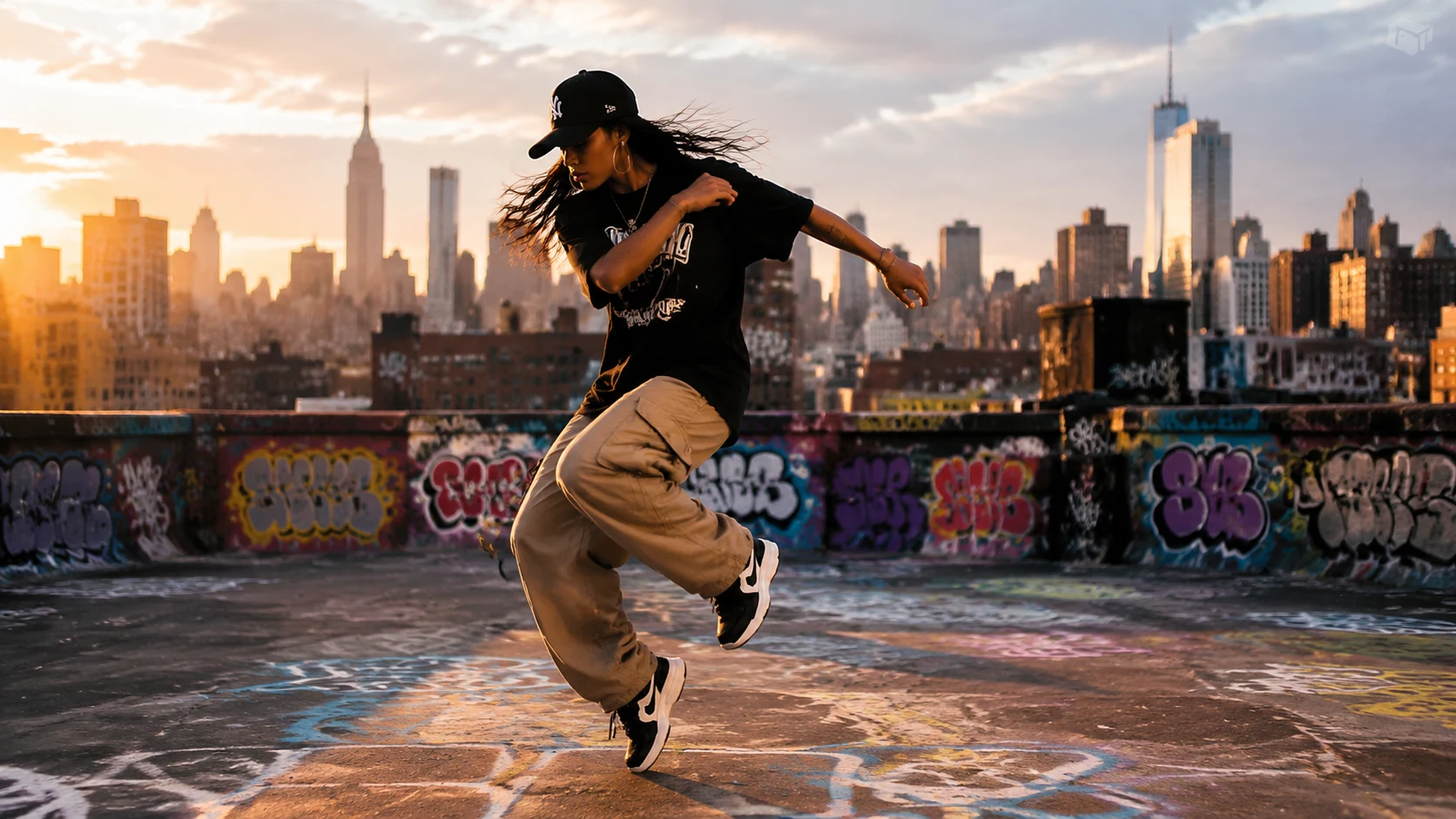
Choose a single scene or style for seedance 2.1 generation: a dramatic sunset silhouette, a neon retro dance floor, a rainy street performance, or any consistent visual direction.

2

Upload a reference or write the scene

For image-to-video, upload one strong frame. For text-to-video, write the seedance 2.1 scene as if briefing a cinematographer: subject, place, light, lens, camera move, and mood.

3

Describe motion, not multiple concepts

Tell seedance 2.1 what should move: flowing fabric in the breeze, drifting magical particles, neon reflections on the floor, a slow orbit around the dancer, or subtle head turns.

4

Generate, review, and refine

Run the Seedance 2.0 default, inspect subject stability and motion quality, then tighten the seedance 2.1 prompt with fewer adjectives and more camera-specific direction.

Where seedance 2.1 dance video prompts shine

Seedance 2.1 can generate dance performances in many visual styles, from painterly watercolor to gritty urban realism.

Seedance 2.1 video generator FAQ

Common questions about using this seedance 2.1 page with the current Seedance 2.0 generator default.


Try the seedance 2.1 video generator workflow

Start with one scene, keep the motion natural, and use the Seedance 2.0 default to prepare practical seedance 2.1 prompt ideas before the keyword becomes crowded.

Generate Your Seedance 2.1 Clip