Omni Flash GeneratorAI Flash Video Maker

Generate campaign-ready flash video assets from an image or text prompt. The omni flash generator produces stylized short-form clips with cinematic motion, flash-effect transitions, and professional pacing — built for content marketers, social media managers, and video production teams who need quick-turnaround assets without sacrificing quality. Built on Gemini Omni Flash technology for rapid AI video generation.

Build campaign assets with the omni flash generator flash video assets for professional campaigns

This omni flash video maker produces short-form flash clips that fit into content calendars, ad creative rotations, and social media pipelines. Each generation delivers a polished asset — not a rough draft.

Turn product shots intocinematic flash demos

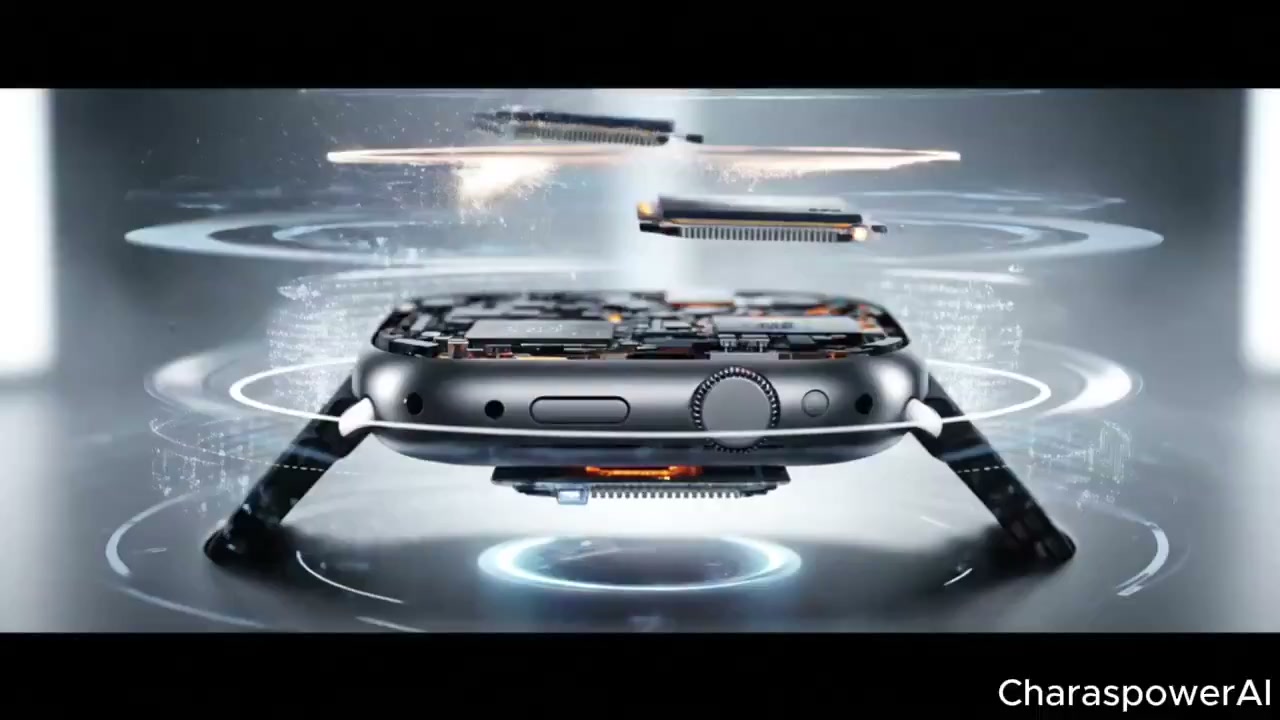
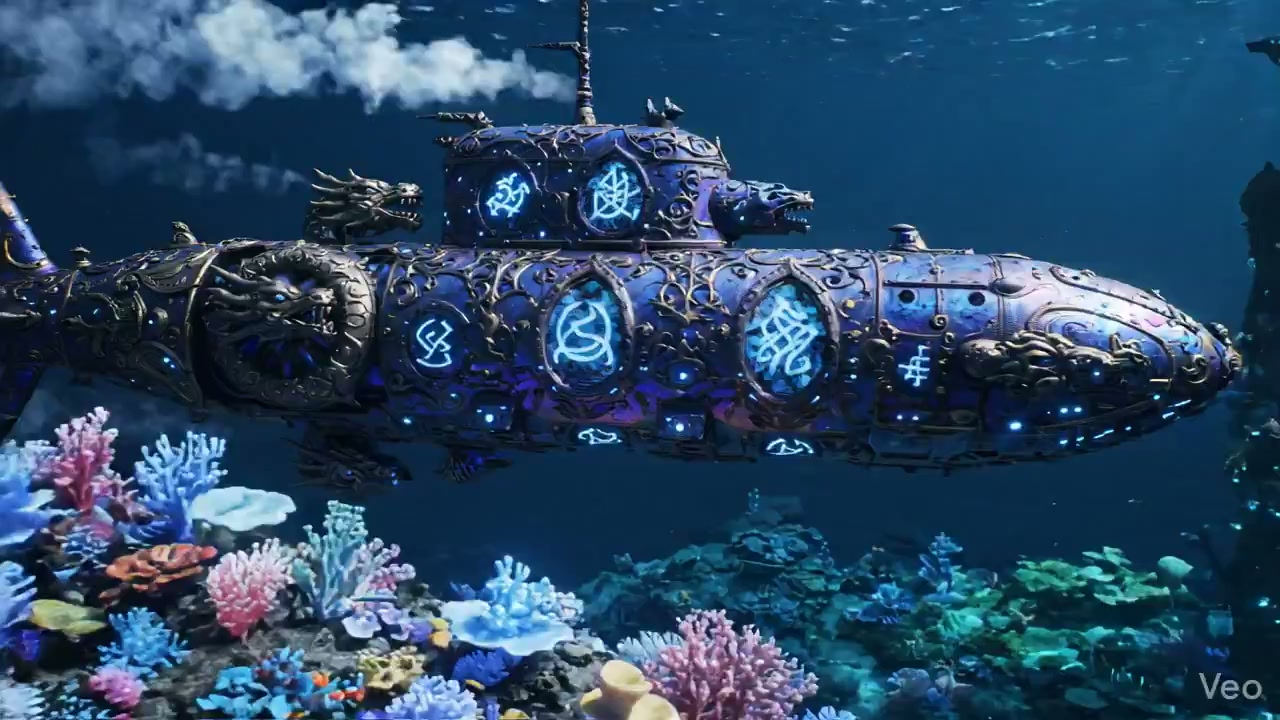
Feed the omni flash generator a product image and get back a stylized flash demo with rapid cuts, light flares, and professional pacing — ready for landing pages and ad placements.

Omni flash generator cinematic product demo example

Create social flash reels withconsistent brand motion

Use the omni flash video maker to produce a series of brand-consistent flash clips. Keep the same flash signature while varying the subject — useful for multi-asset campaigns.

Omni flash generator brand-consistent social reel example

Adapt existing clips intoflash-style ad formats

Repurpose existing video footage through the omni flash generator for a fresh flash look. New style, same core content — ideal for A/B testing creative approaches.

Omni flash generator ad format adaptation example

What the omni flash generator does for your workflow

An omni flash video maker turns static images and text prompts into short-form flash-style videos with cinematic motion, light effects, and rapid transitions. It’s designed for production teams who need multiple polished flash assets without re-entering prompts or resetting parameters for each clip.

Image-to-video for campaign reuse

Start with an existing product shot, portrait, or brand image. The omni flash generator animates it into a flash-style clip while preserving the original composition and subject.

Prompt-only flash concepts

Describe the scene from scratch when you don’t have a source image. The omni flash video maker builds the entire visual around your text prompt.

Consistent output across batches

Use the same prompt structure across a campaign batch. The omni flash generator maintains style consistency while varying the visual subject for each asset.

Prompt and image URL ready

Campaign URLs can prefill the prompt and inject inputImage, inputImages, referenceImage, or referenceImages into the generator for faster paid or organic promotion.

Flash video styles the omni flash video maker handles best

These flash directions work reliably across different subjects and aspect ratios. Each orientation serves a specific campaign channel.

Omni flash generator product demo video style

Product Flash

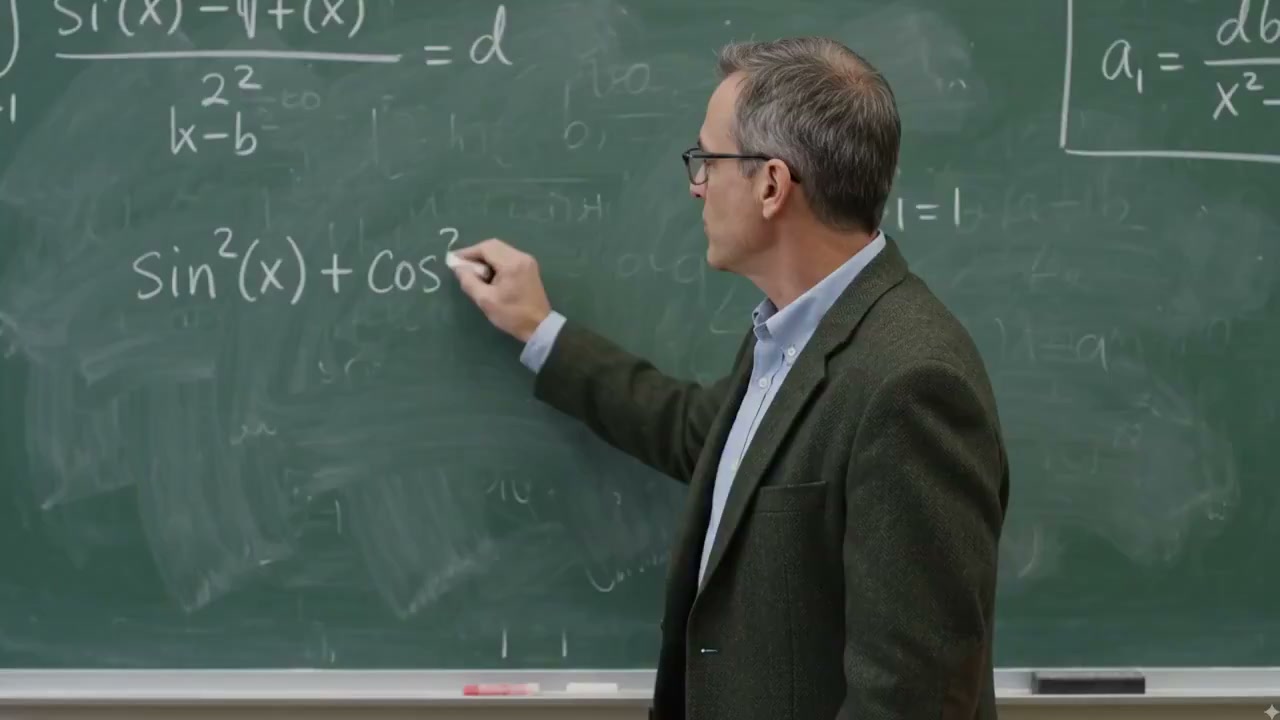
Product flash demo with omni flash generator

Use the omni flash video maker to create product reveal clips with rapid cuts, light sweeps, and zoom-out transitions. The generator keeps the product centered while adding motion depth around it — effective for e-commerce and landing page assets.

ProductDemoCampaign
Omni flash generator social media reel example

Social Flash

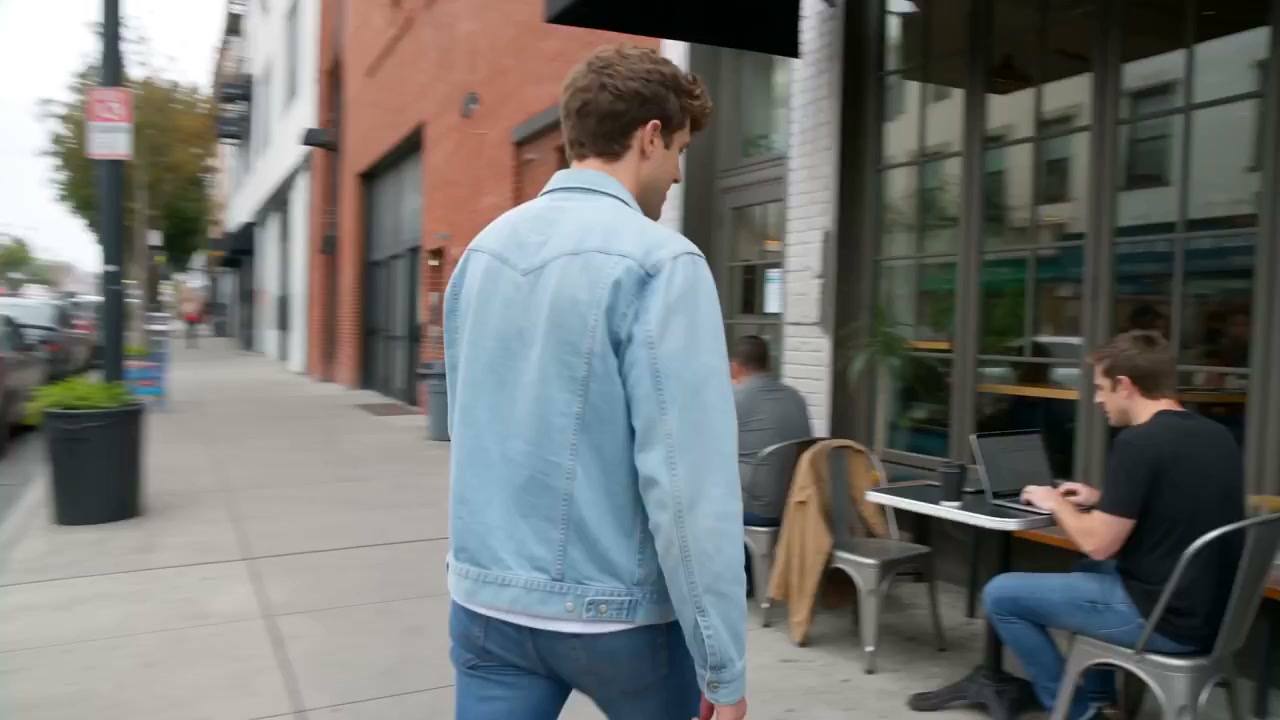
Social media flash reel with omni flash video maker

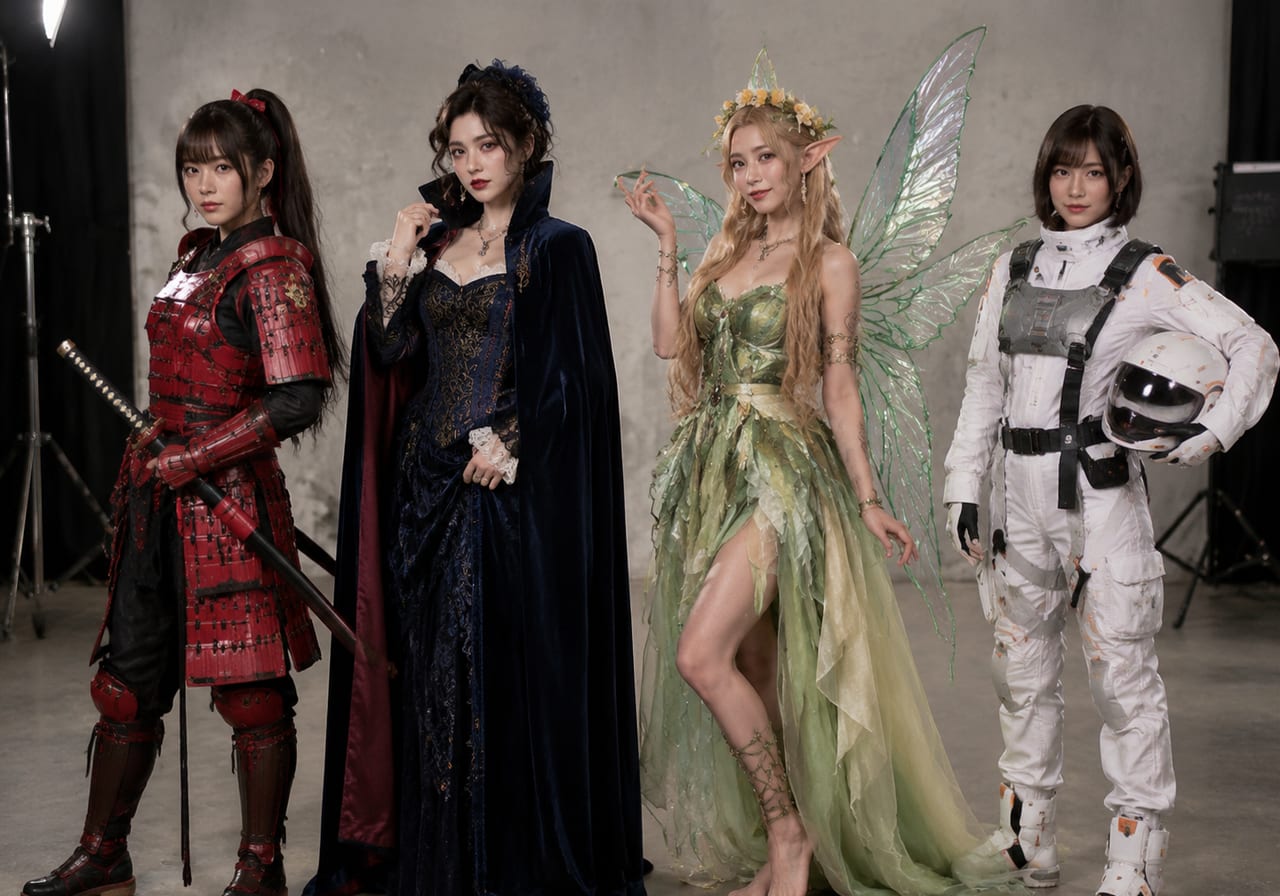
Generate short-form flash clips optimized for Instagram Reels, TikTok, and YouTube Shorts. Fast pacing, vertical-friendly framing, bright flash transitions that stop the scroll.

SocialReelsVertical
Omni flash generator brand asset series example

Brand Flash

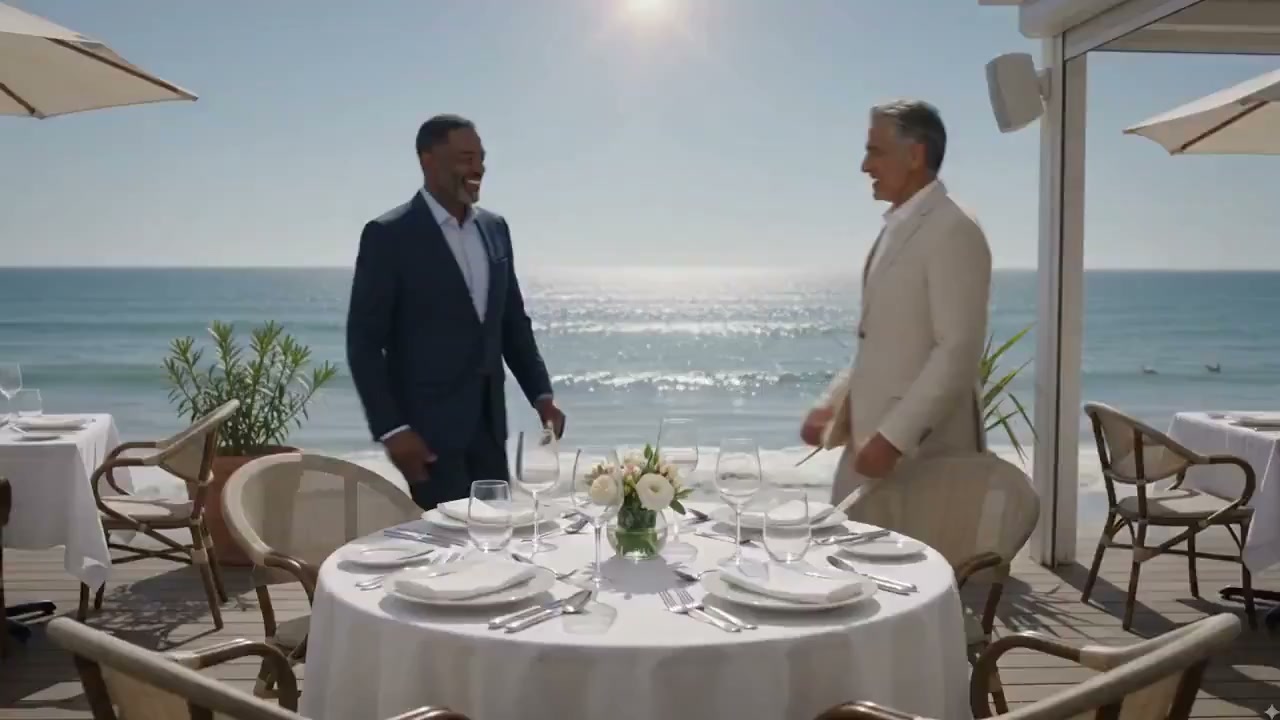
Brand flash asset series with omni flash maker

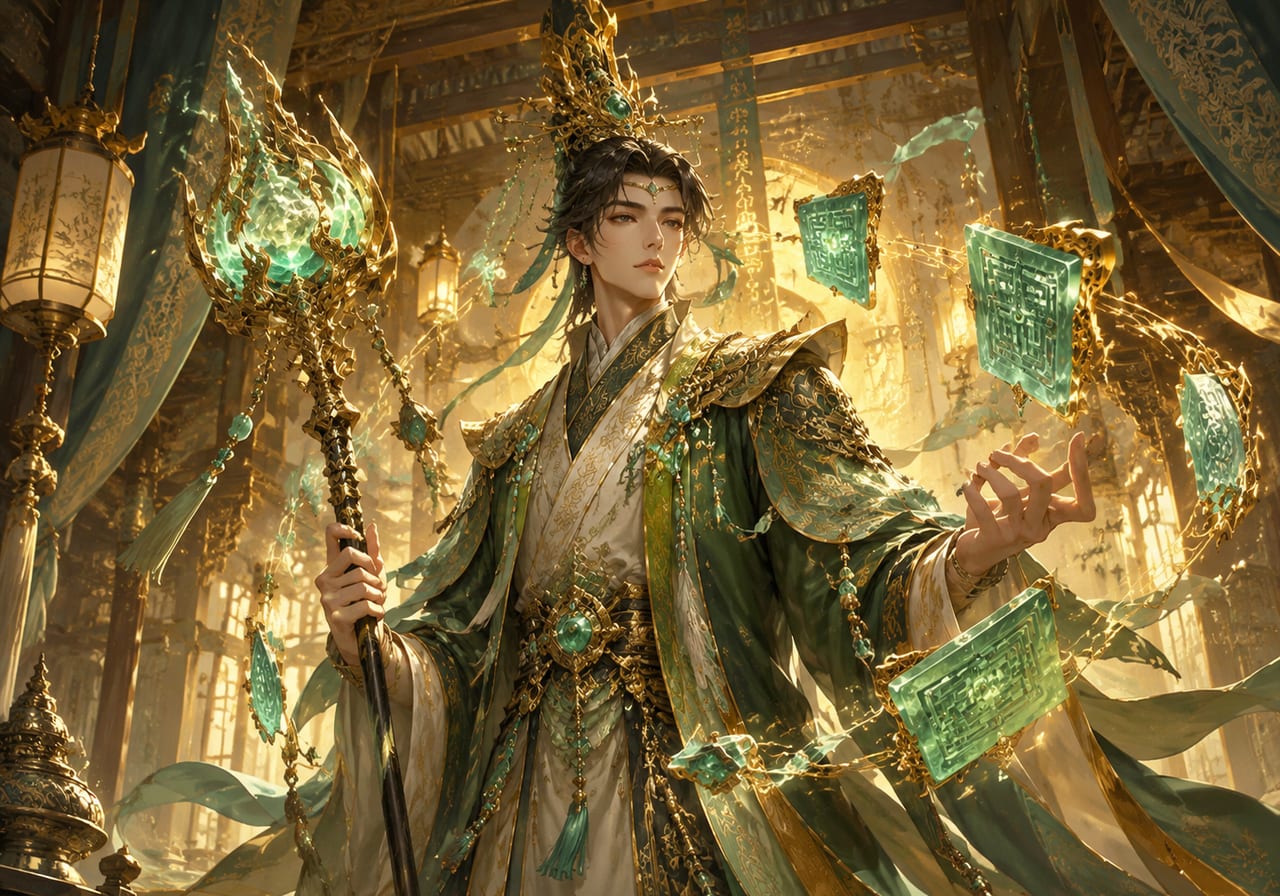
Produce a series of brand flash clips with consistent color grading and motion signature. Each asset shares the same flash DNA while promoting different products or messages.

BrandSeriesConsistent

How to use the omni flash generator for campaign production

Three steps to a polished flash asset using the omni flash video maker.

1

Pick Your Source Material

Upload a product image, brand photo, or portrait. The omni flash generator uses it as the visual anchor for the flash animation. For text-only prompts, describe the scene and intended flash style.

2

Set Flash Intensity and Duration

Adjust the flash transition speed, light flare intensity, and motion weight. Faster settings work for energetic social clips; slower settings suit cinematic brand content.

3

Export and Place in Campaign

Download the finished flash video in 16:9 or 9:16. Use it directly in ad placements, social posts, landing pages, or email campaigns. The omni flash generator output needs no additional editing.

Pro tips for the omni flash video maker

Production teams using the omni flash generator get better results by following these prompt and parameter strategies.

Omni Flash Generator FAQ

Quick answers about using the omni flash generator for campaign video production.


Ready to produce flash video assets at scale?

The omni flash generator turns your source images into campaign-ready flash clips in seconds. Start your Omni Flash Create workflow today.

Create Flash Videos