Old Photo Restorer Online

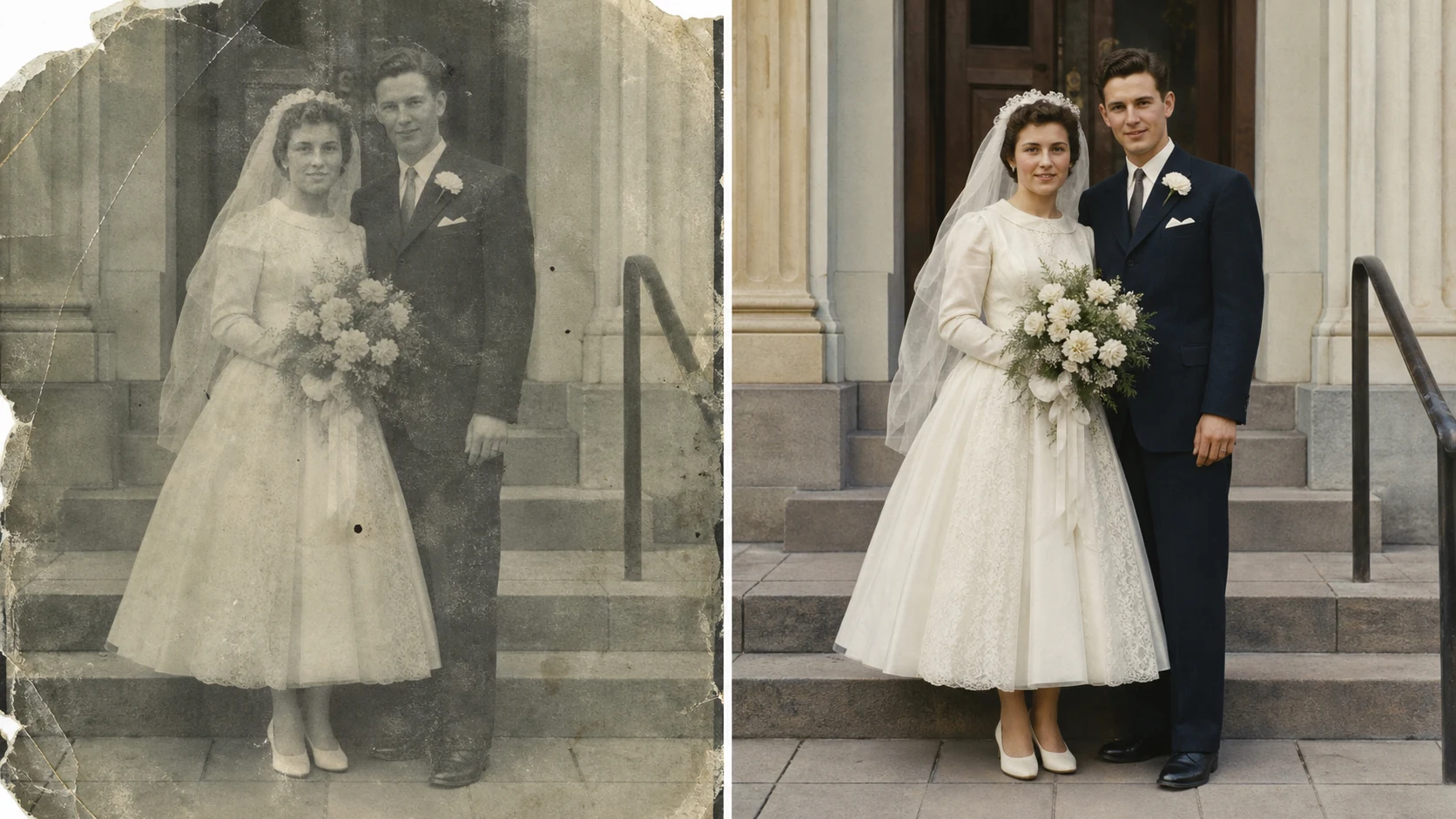
Upload a damaged family picture and use the old photo restorer to repair scratches, cracks, stains, fading, blur, and color loss in one browser workflow. The sample image is a before and after comparison, but the generator creates one clean restored result for your uploaded photo.

Best old photo restorer for repair, color, and 4K clarity

The old photo restorer is built for real restoration tasks: old family albums, wedding portraits, school photos, travel snapshots, studio portraits, and fragile instant prints. Use it as an ai old photo restorer when you want damage repair and natural color in one prompt.

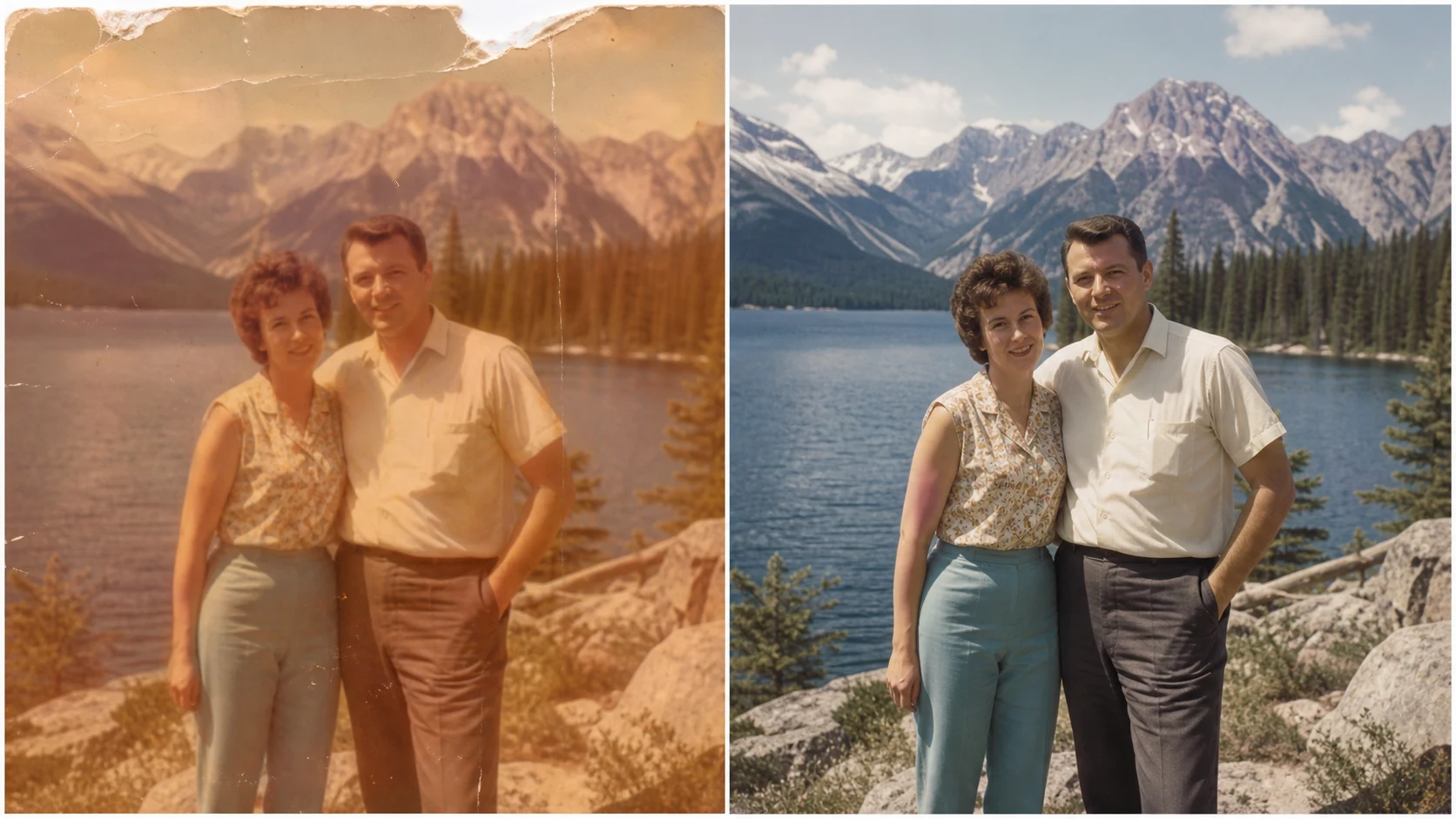
Old photo restorer and colorizer repairing a scratched wedding photo with natural period color

Scratch Repair

Repair torn, scratched, and faded old photos

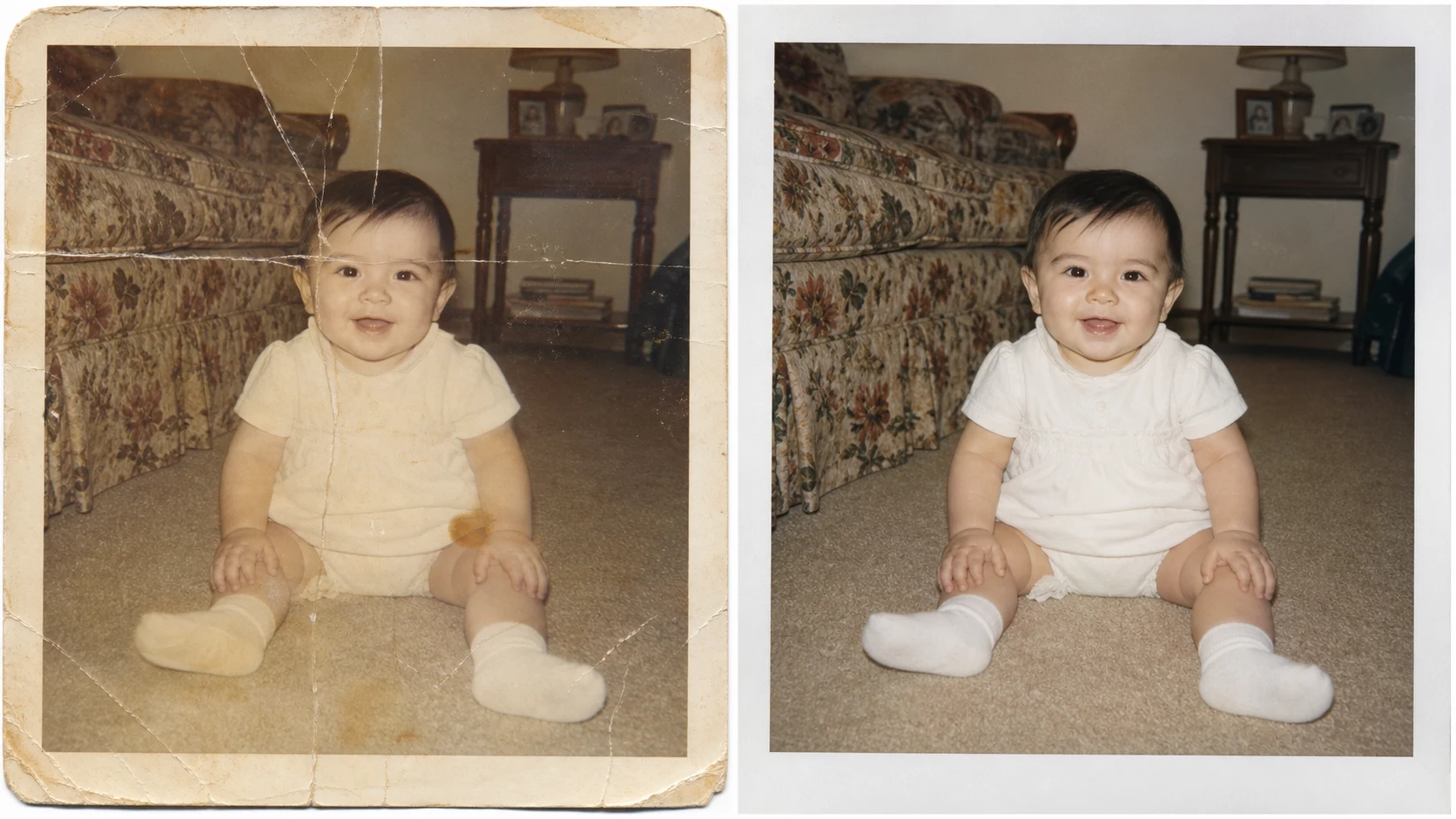
A strong old photo restorer should do more than sharpen a scan. This old photo restorer online workflow targets visible damage first: paper cracks, white scratches, dust spots, stains, tears, sun fade, low contrast, and blur. The best old photo restorer keeps the face recognizable, keeps clothing and pose intact, and avoids turning a vintage photo into a plastic portrait. Use the old photo restorer free online when you need to test a family picture before you send it into a larger restoration project.

Scratch repairFaded photosPhoto cleanup
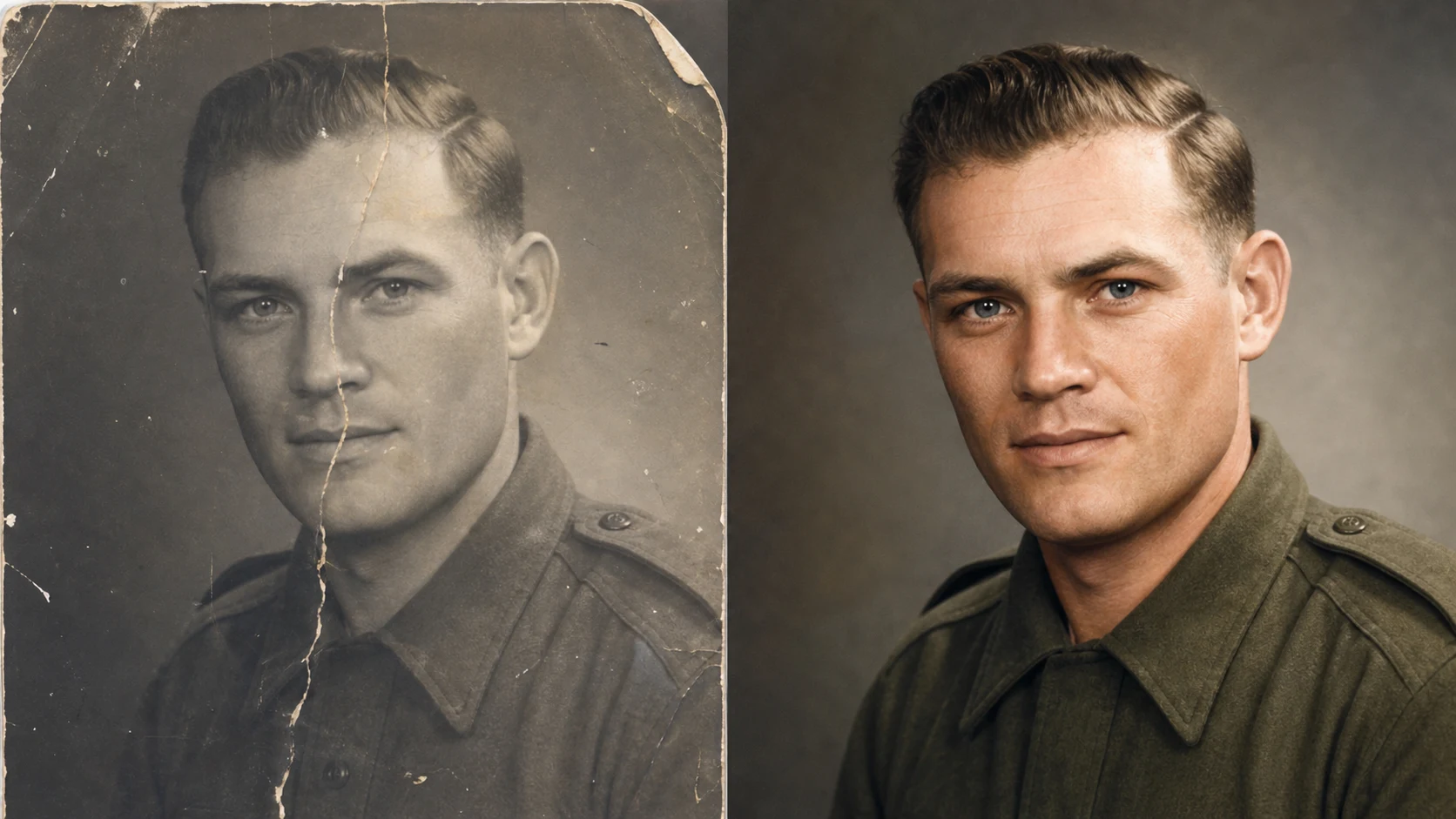
AI old photo restorer fixing a cracked vintage portrait while preserving identity

Identity Safe

Preserve the people, not just the pixels

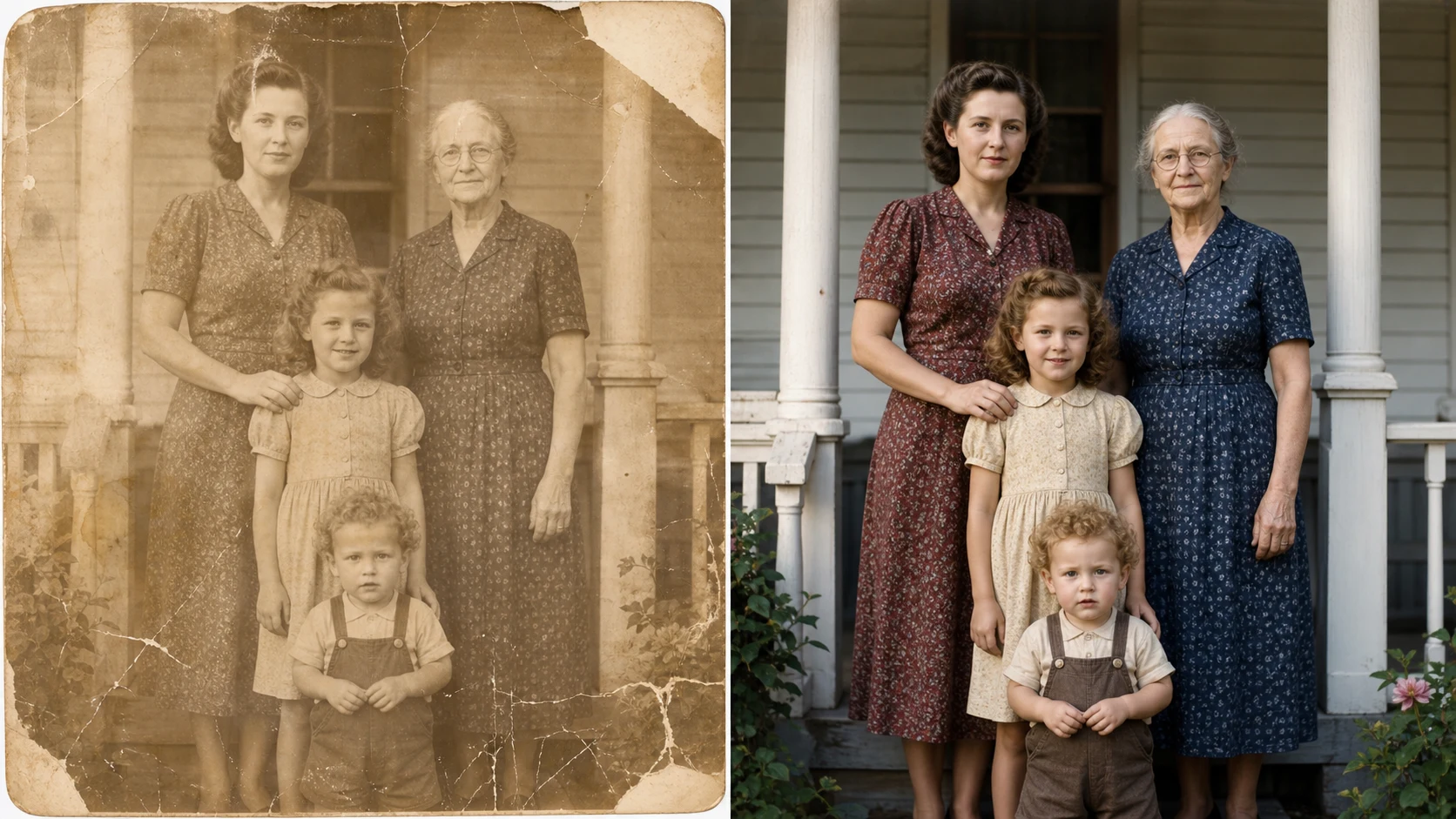
The ai old photo restorer is most useful when it respects the original subject. Ask the old photo restorer to preserve facial structure, eye direction, hair shape, clothing, pose, and the historical character of the picture. That instruction helps the best free old photo restorer online repair damage without inventing a new person. For portraits, the old photo restorer and colorizer can rebuild cracked regions, clean paper marks, and add careful color while keeping the original identity at the center of the result.

Preserve identityNatural facesArchival respect
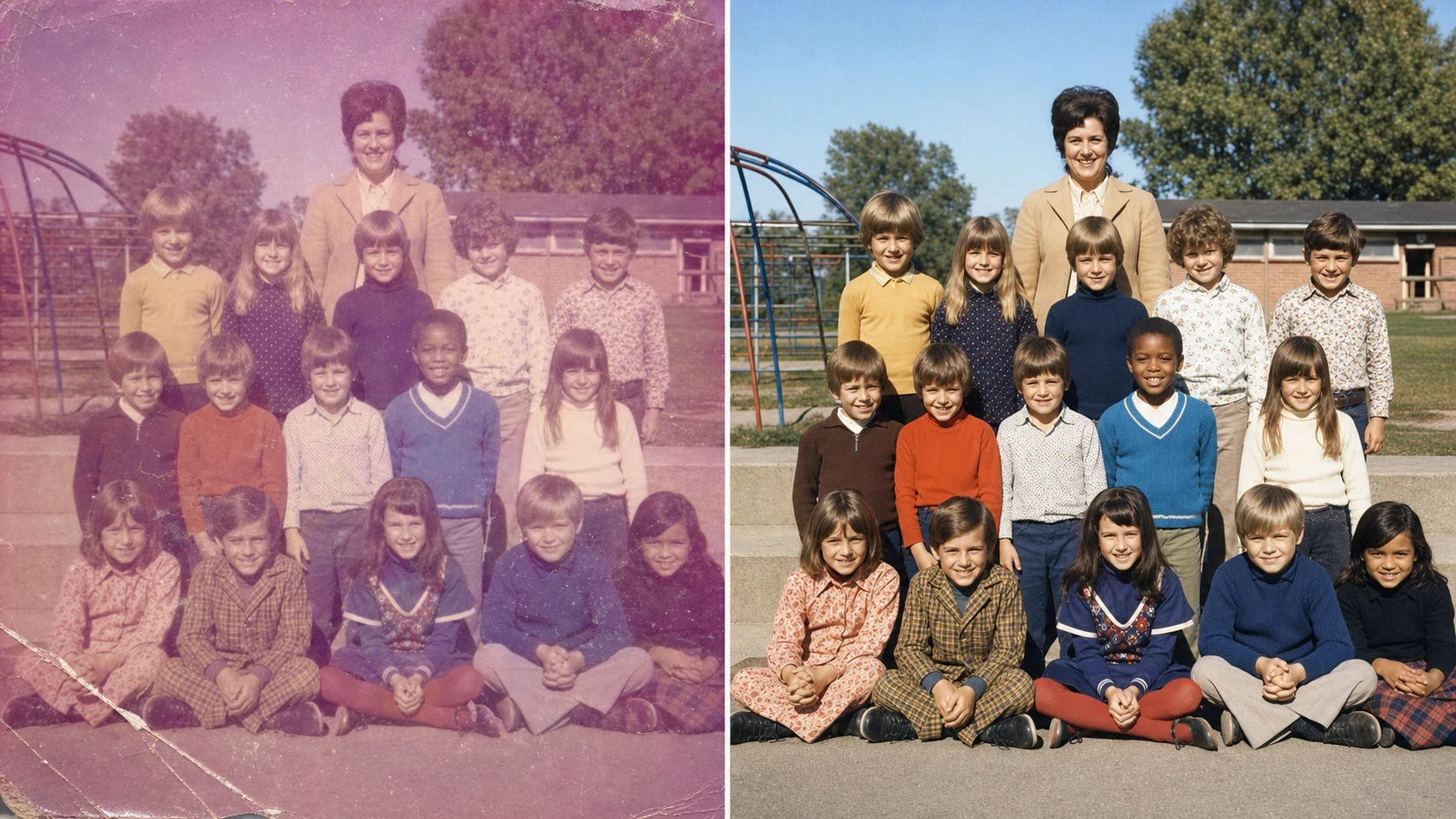
Old photo to new 4K online comparison restoring a faded school class photo

Color + Upscale

Turn an old photo to new 4K with natural color

Many people search for old photo to new 4K online because they want a finished image that looks clean on modern screens. This old photo restorer can combine repair, colorization, detail recovery, and high-resolution polish. The goal is not oversharpening. The old photo restorer should restore contrast, recover edges, balance color, and keep the nostalgic film look. For a complete request, ask for ai old photo restorer colorizer upscaler behavior in plain language: repair damage, add natural color, recover detail, and keep the original memory believable.

4K restoreColorizerUpscaler
Workflow

How to use the old photo restorer online

Use this old photo restorer online free workflow when you have a scan, phone photo, or archive image that needs repair. The old photo restorer works best when the prompt names the damage and explains what must stay unchanged.

1

Upload the clearest scan

Start with the highest quality scan or phone capture you have. The old photo restorer can repair fading, blur, stains, and cracks, but a sharper input gives the ai old photo restorer more real detail to preserve.

2

Describe the restoration

Tell the old photo restorer what to fix: scratches, torn paper, dust, low contrast, yellowing, water damage, blur, or missing color. Add whether you want the old photo restorer and colorizer to add natural color or keep a black-and-white look.

3

Preserve identity and history

For portraits, ask the best old photo restorer to preserve face shape, expression, clothing, pose, and period character. This prevents the old photo restorer from making the result too modern or too different from the original person.

4

Download the restored photo

Review the repaired result, then download the clean image. If you want old photo to new 4K online quality, refine the prompt with sharper detail, natural color, realistic skin texture, and no over-smoothing.

Old photo restorer prompt ideas

These examples show how to guide an old photo restorer for different archive problems. Use the terms old photo restorer, old photo restorer and colorizer, and old photo to new 4K only where they describe the actual task.

Old Photo Restorer FAQ

Common questions about using an old photo restorer online, choosing the best old photo restorer prompt, and restoring damaged photos with AI.


Restore an old photo now

Use the old photo restorer to repair scratches, clean fading, colorize portraits, and turn an old photo to new 4K with a natural restoration finish. Start with the default prompt or describe the exact damage in your family photo.

Try Old Photo Restorer