AI Photo Relight Generator

Use ai photo relight to transform any photo with new lighting. Change the mood, atmosphere, and visual tone of your image by describing the light source you want. This ai photo relight tool supports candle light, spotlight, sun light, window light, and custom lighting directions for portraits, product shots, interiors, and creative photography.

Change photo lighting with an ai photo relight tool

Describe the new light source and let ai photo relight change it for you. No masking, no Photoshop layers, no studio gear needed. Portrait, product, indoor, or creative lighting.

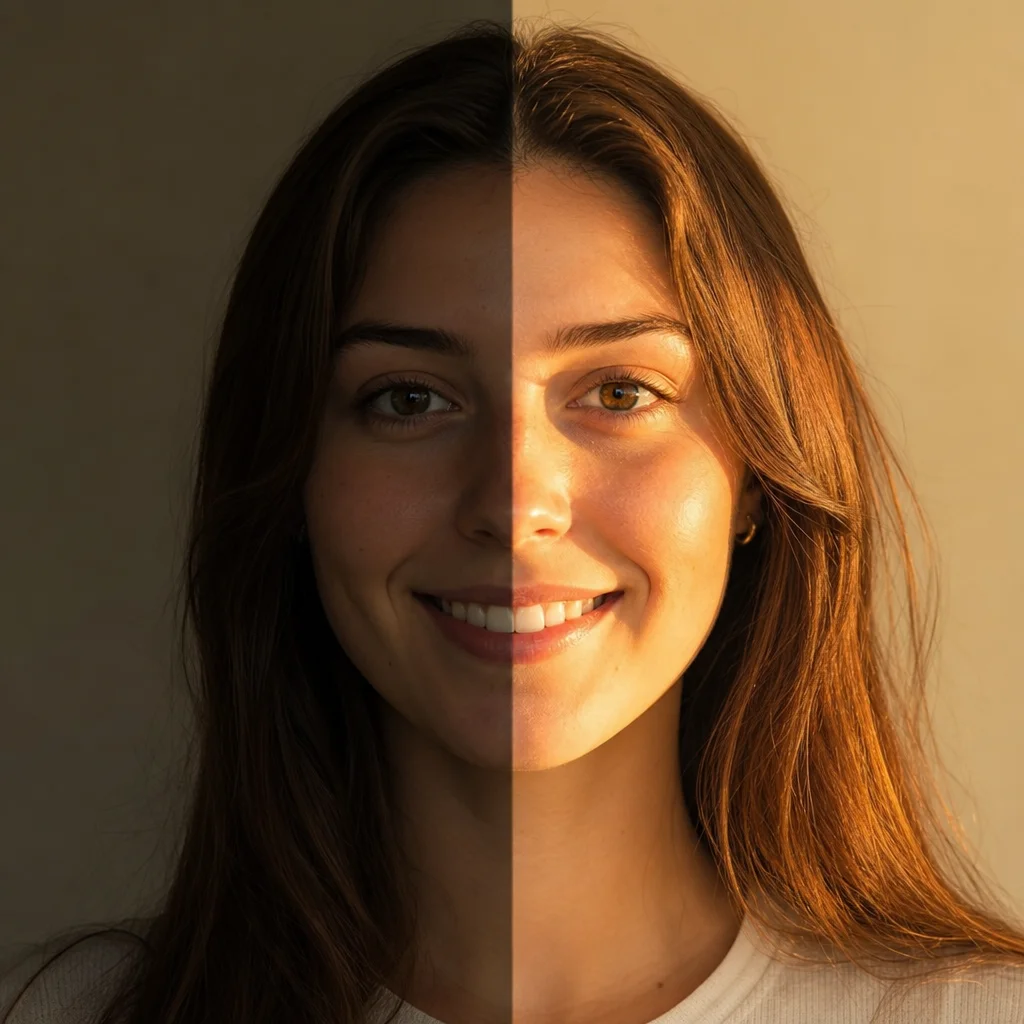
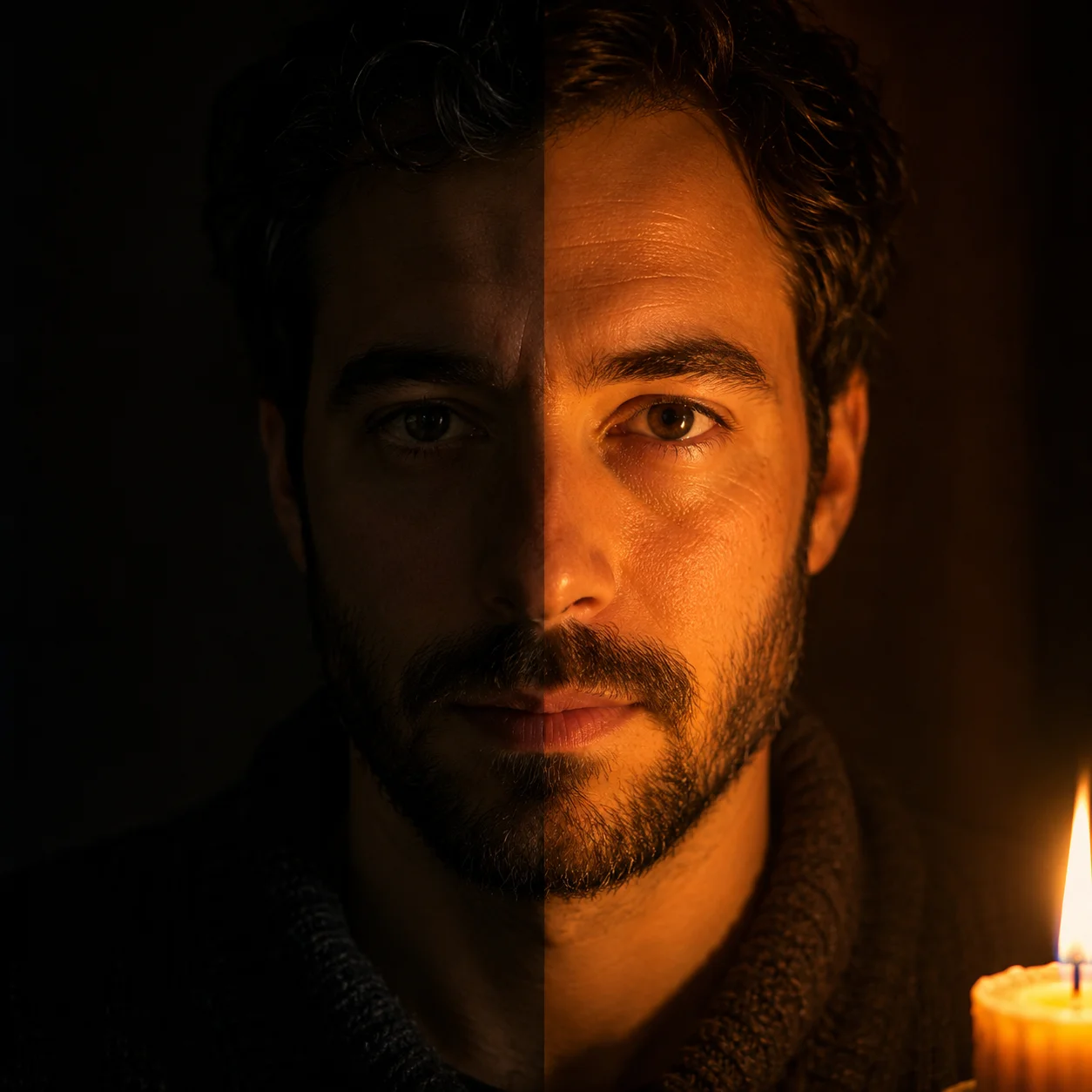
AI photo relight using candle light effect on a portrait, showing warm golden tones and soft shadows

Candle Light

Relight any photo with warm candle ambiance

Use ai photo relight when you want a portrait or still life to feel intimate, warm, and softly lit. Candle light is one of the most popular ai photo relight effects because it creates natural golden skin tones, deep friendly shadows, and a cozy atmosphere that flat lighting cannot match. The ai photo relighting tool preserves the original subject details, expression, and background while replacing the light source with a realistic flame-colored glow. Describe the candle position, the warmth level, and whether you want single or multiple candle sources for the best ai photo relight result.

Candle lightWarm ambiancePortrait relighting
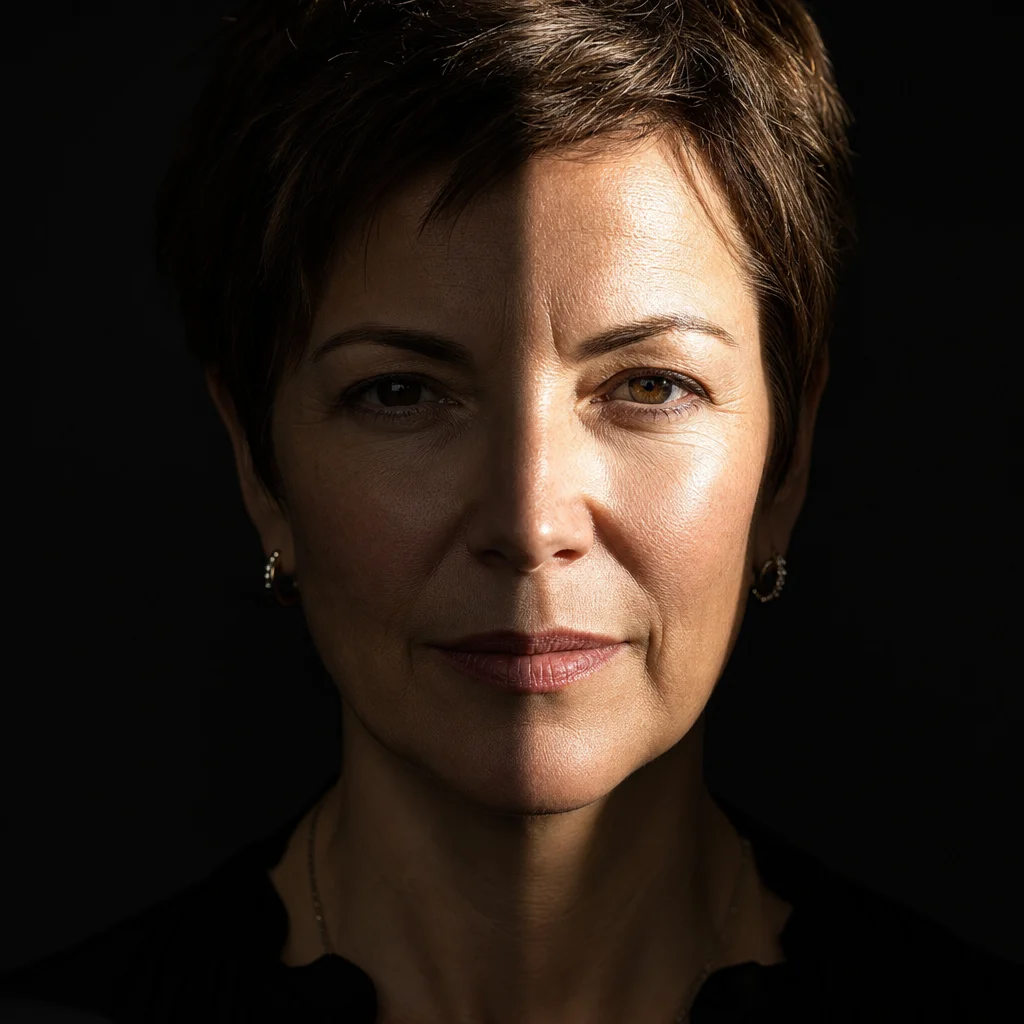
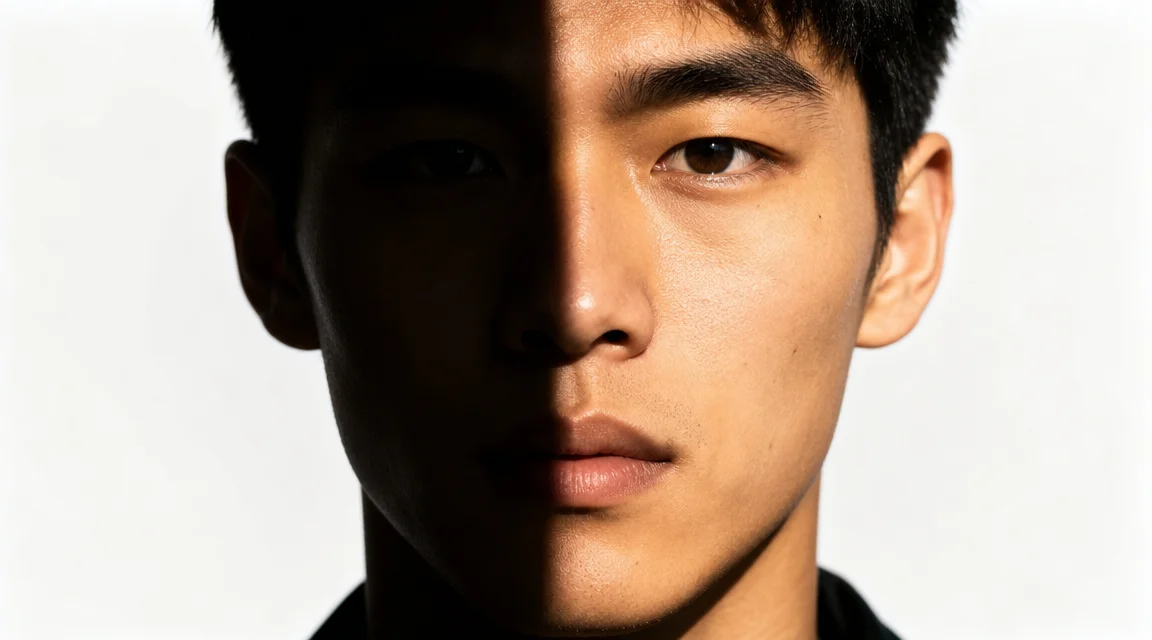
AI photo relight with dramatic spotlight effect, cinematic shadow and highlight contrast

Spotlight

Add dramatic spotlight relighting to any photo

A dramatic ai photo relight with spotlight effect turns an ordinary photo into a cinematic frame. The ai photo relight free online tool can simulate a theater spotlight, a shaft of moonlight, a single studio fresnel, or a harsh direct beam that cuts through dark space. This ai photo relight works best for portraits, product hero shots, fashion editorials, and artistic selfies where you want one bright focal area and everything else falling into shadow. The ai photo relighting model keeps the illuminated area crisp and detailed while letting the background fade naturally into darkness.

SpotlightDramatic lightCinematic mood
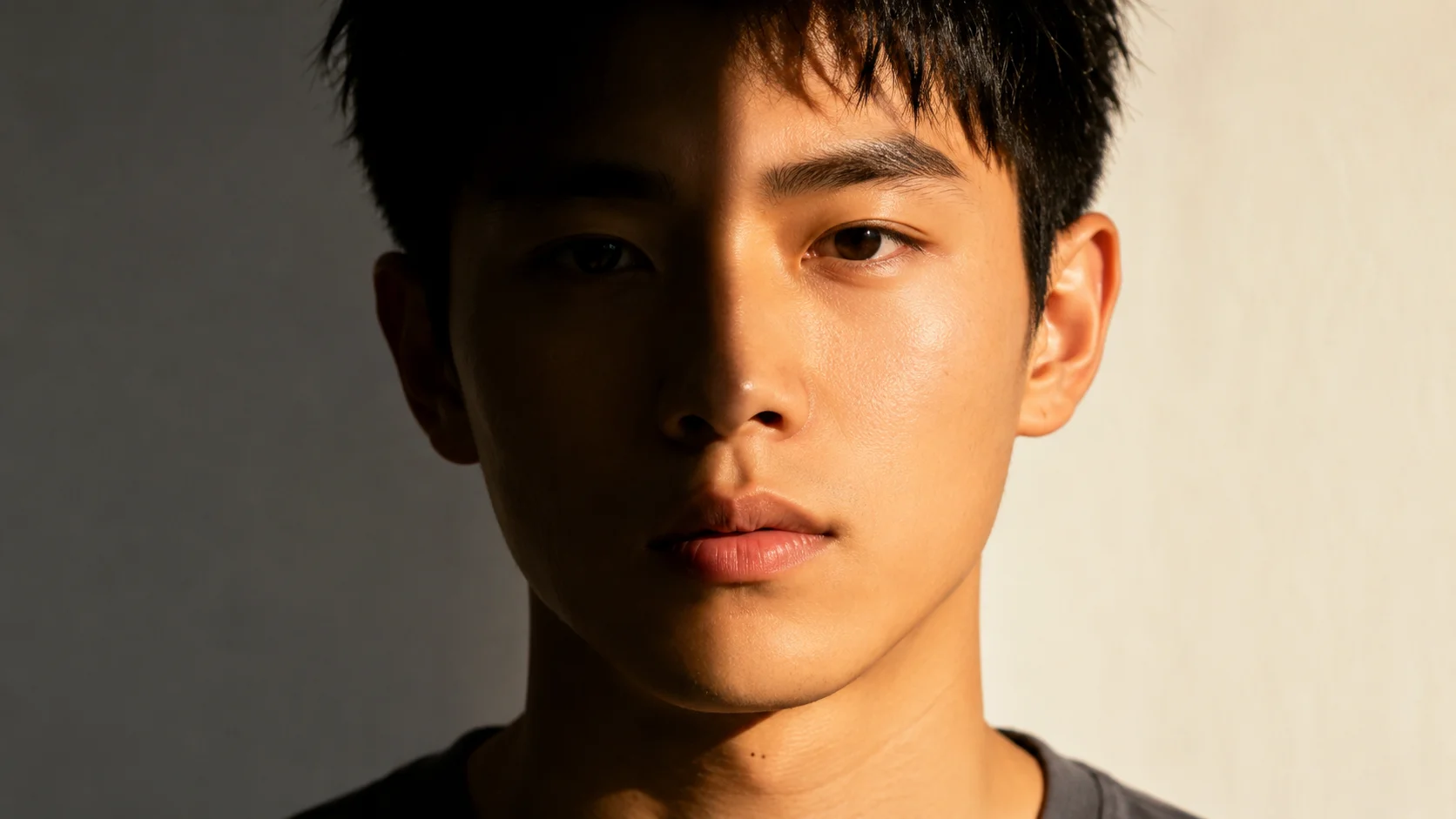
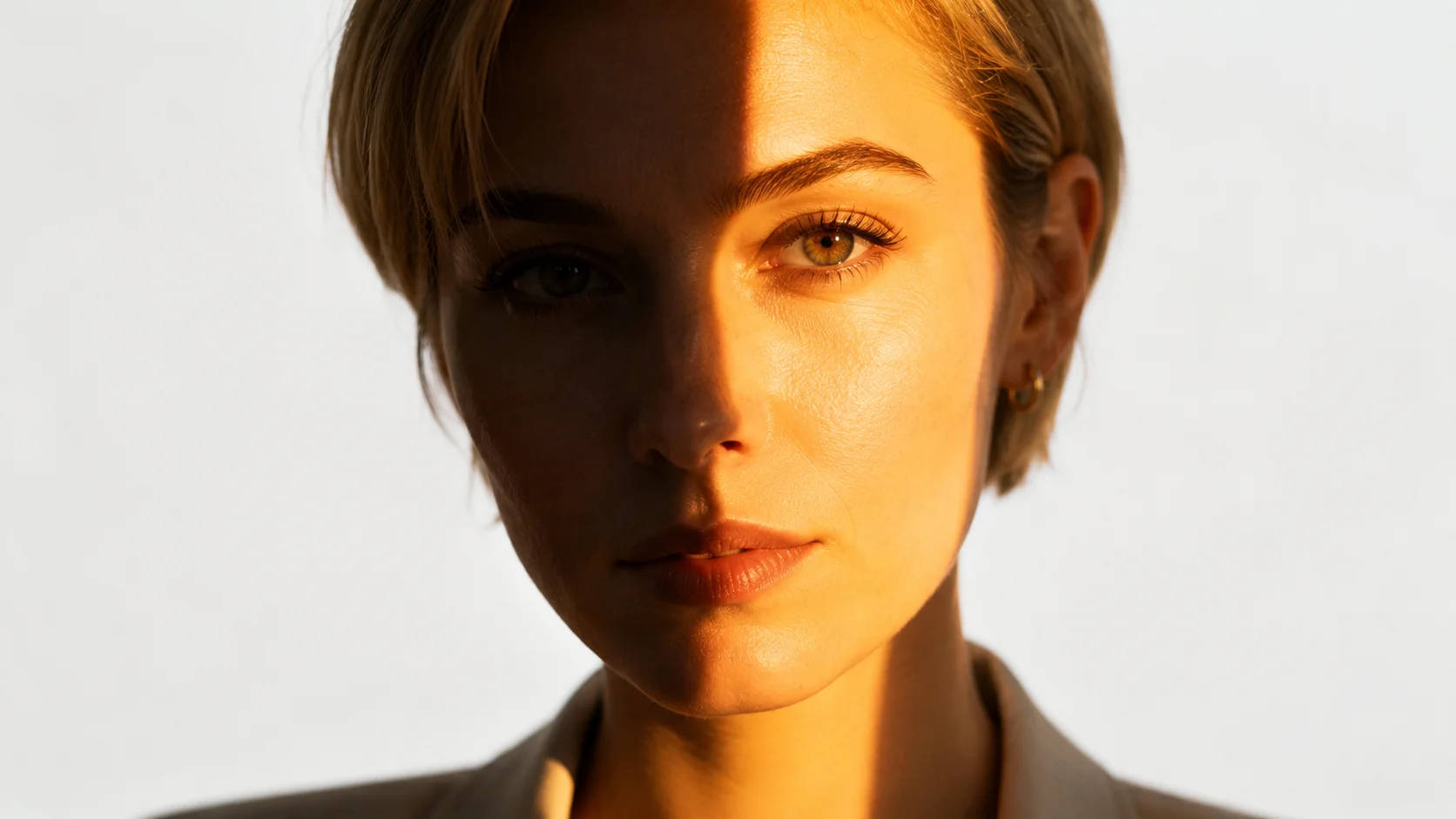
AI photo relight with natural golden hour sunlight, warm tones and soft natural shadows

Sun Light

Transform photos with natural sun relighting

The ai photo relight tool can simulate natural sun light at any time of day. Use ai photo relight to add golden hour warmth, bright midday sun, soft morning light through clouds, or dramatic sunset backlight. This ai photo relight free online mode is useful for outdoor portraits taken on overcast days, indoor scenes that need a sunny window feel, or product shots that should look like they were taken in natural daylight. The ai photo relighting model understands light temperature, sun angle, shadow direction, and how natural light wraps around faces and objects.

Sun lightGolden hourNatural relighting
Quick Start

How to use ai photo relight free online

The fastest ai photo relight workflow is simple: describe the original photo lighting, describe the target light source, generate the relit image, then tweak the prompt for different lighting styles. The ai photo relight tool is built for image-to-image relighting, so each generation changes only the light while keeping the subject, composition, and details intact.

1

Describe your original photo lighting

Start by telling the ai photo relight tool about the current lighting in your photo. Is it flat overhead light, dim indoor, harsh flash, overcast outdoor, or side window light? The more clearly you describe the original light, the better the ai photo relighting model understands what needs to change. For example: a portrait taken with flat phone flash, a product shot under fluorescent ceiling light, or a selfie in a dark room.

2

Choose your target light source

Tell the ai photo relight free online tool what kind of light you want instead. Candle light for warm intimacy, spotlight for dramatic focus, golden hour sun for natural warmth, window light for soft diffusion, neon for creative color, or studio softbox for clean commercial lighting. Add direction details like from the left, from above, warm backlight, or cool rim light for more precise ai photo relight results.

3

Generate the relit photo

Use ai photo relight to generate the new version with the target lighting applied. The model preserves the original subject, pose, expression, clothing, and background while replacing the light source, shadow pattern, color temperature, and mood. If the first result is not exactly what you want, adjust the prompt with more specific lighting words and generate again using the same ai photo relighting tool.

4

Save and share your relit photo

Once you are happy with the ai photo relight result, download the image and share it on social media, add it to your portfolio, use it in a presentation, or include it in a creative project. Ai photo relight free online gives you professional lighting quality without needing a photo studio, expensive gear, or advanced editing skills.

AI photo relight prompt ideas

Try these ai photo relight prompt directions when you need a different lighting style. Each idea changes the mood while keeping the original subject intact. The ai photo relight tool handles portrait, product, interior, and creative lighting scenarios.

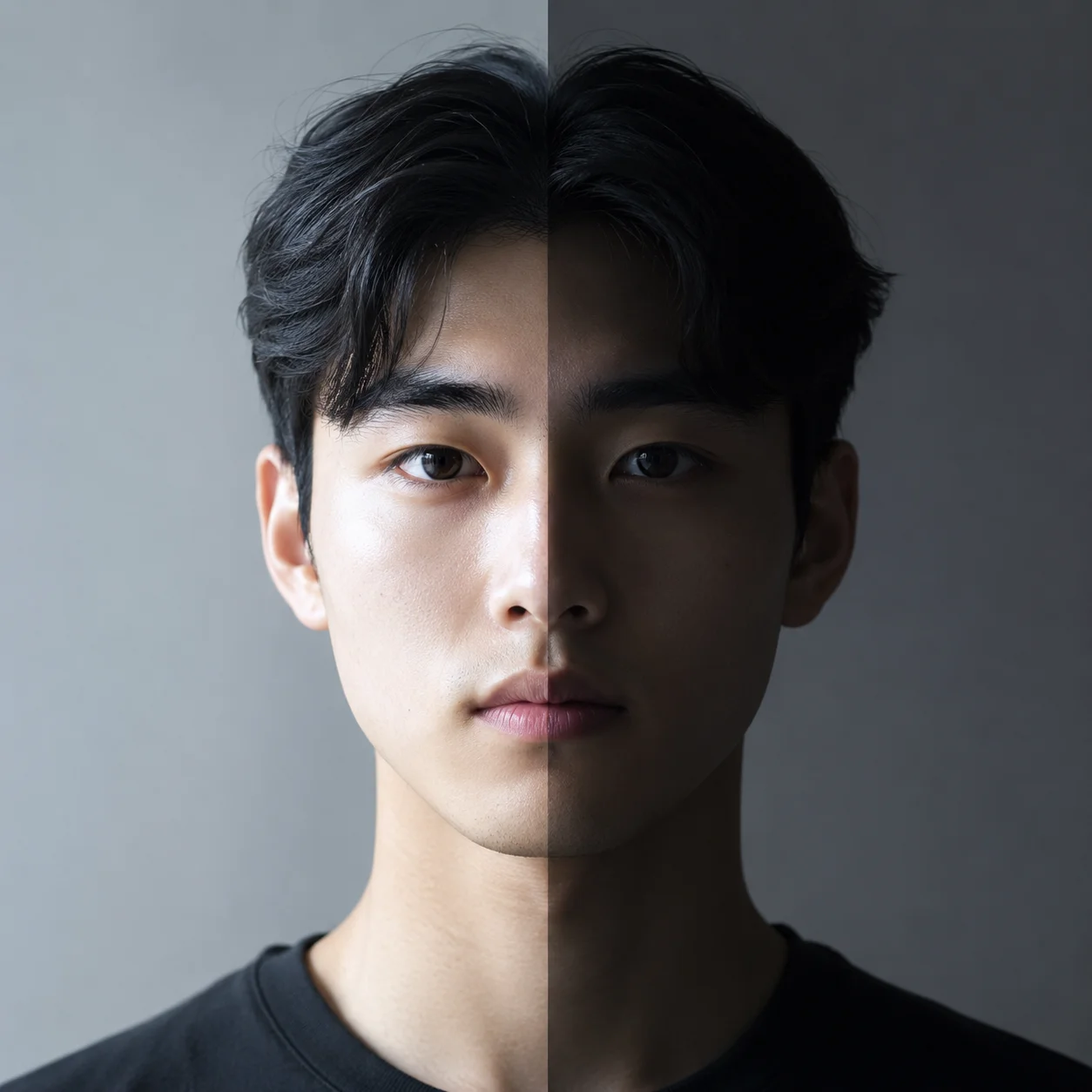
AI photo relight showcase with studio softbox lighting for clean commercial product and portrait results

Studio softbox relight for clean product shots

Use ai photo relight with studio softbox lighting for clean, professional product and portrait results. Softbox light creates an even wrap-around illumination, smooth skin texture, minimal shadows, and a polished commercial look. This ai photo relight free online direction works well for ecommerce product photos, LinkedIn headshots, portfolio images, and any scenario that needs consistent, flattering lighting without hard shadows.

AI photo relight showcase with soft window light portrait lighting for a natural look

Window light relighting for soft portraits

Use ai photo relight with window light for a soft, natural portrait look. Window light creates a gentle gradient across the face, soft shadows on the opposite side, and a calm natural atmosphere. Describe the window size, direction, time of day, and whether the light is direct sun or overcast sky light. The ai photo relight free online tool handles both warm and cool window light tones. This is the most popular ai photo relight effect for professional-looking portraits without studio equipment.

AI photo relight showcase with mixed warm and cool creative lighting for editorial photos

Mixed lighting relight for creative photos

Use ai photo relight for creative mixed lighting effects. Combine warm and cool light sources, add neon accents, simulate stage lighting, or create a cinematic color wash across the scene. Relight photo with ai can produce editorial, fashion, and artistic results that would take hours to create manually in Photoshop. The ai photo relighting tool understands light temperature contrast, shadow quality, and how different light colors interact on skin and materials.

AI Photo Relight — FAQ

Common questions about using ai photo relight free online, relight photo with ai, ai photo relighting tools, and how to get professional lighting results without studio equipment.


Create a relit photo with AI

Use ai photo relight to change the lighting in any photo. Transform flat, dull, or poorly lit images into professionally lit photographs with candle light, spotlight, sun light, window light, or custom creative lighting. Start with the default ai photo relight prompt, then refine the light source, direction, color, and intensity for your portrait, product, interior, or social content.

Try AI Photo Relight Now