Remove Double Chin From Photo

Upload a portrait and remove double chin from photo with a natural AI edit. This photo editor to remove double chin is made for the common moment when a friend takes a great picture, the smile is right, the lighting is right, but the phone angle adds under-chin fullness. Use it to get rid of double chin in photo without changing the rest of the face. The AI keeps the person recognizable, preserves skin texture and lighting, and refines only the under-chin area so the finished photo still looks like a real candid portrait.

AI photo editor to remove double chin naturally

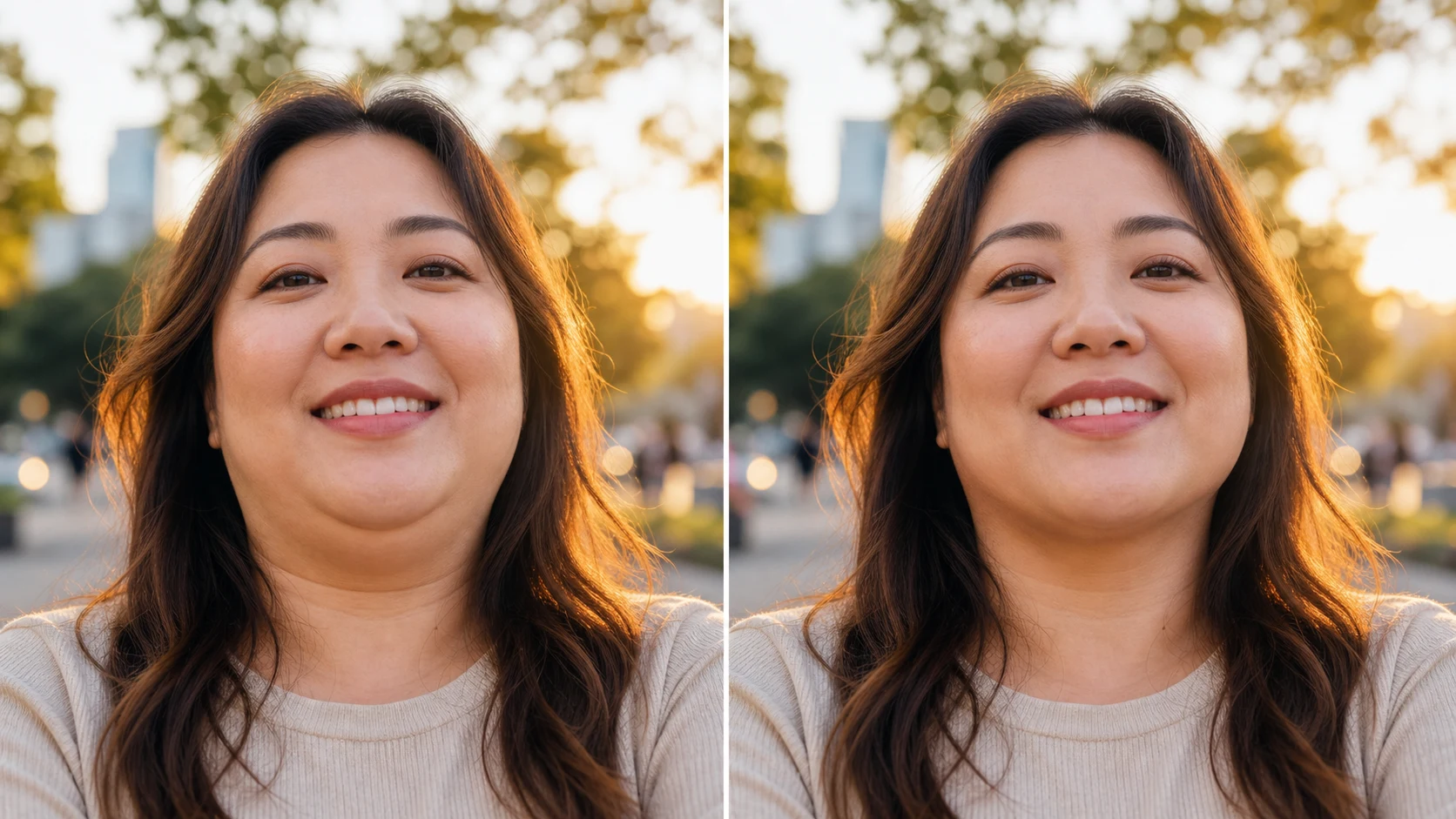
Use this double chin removal photo editor online when you want a better portrait without a fake makeover. The page examples show comparison images so the change is easy to judge, while your generator output is one clean edited photo.

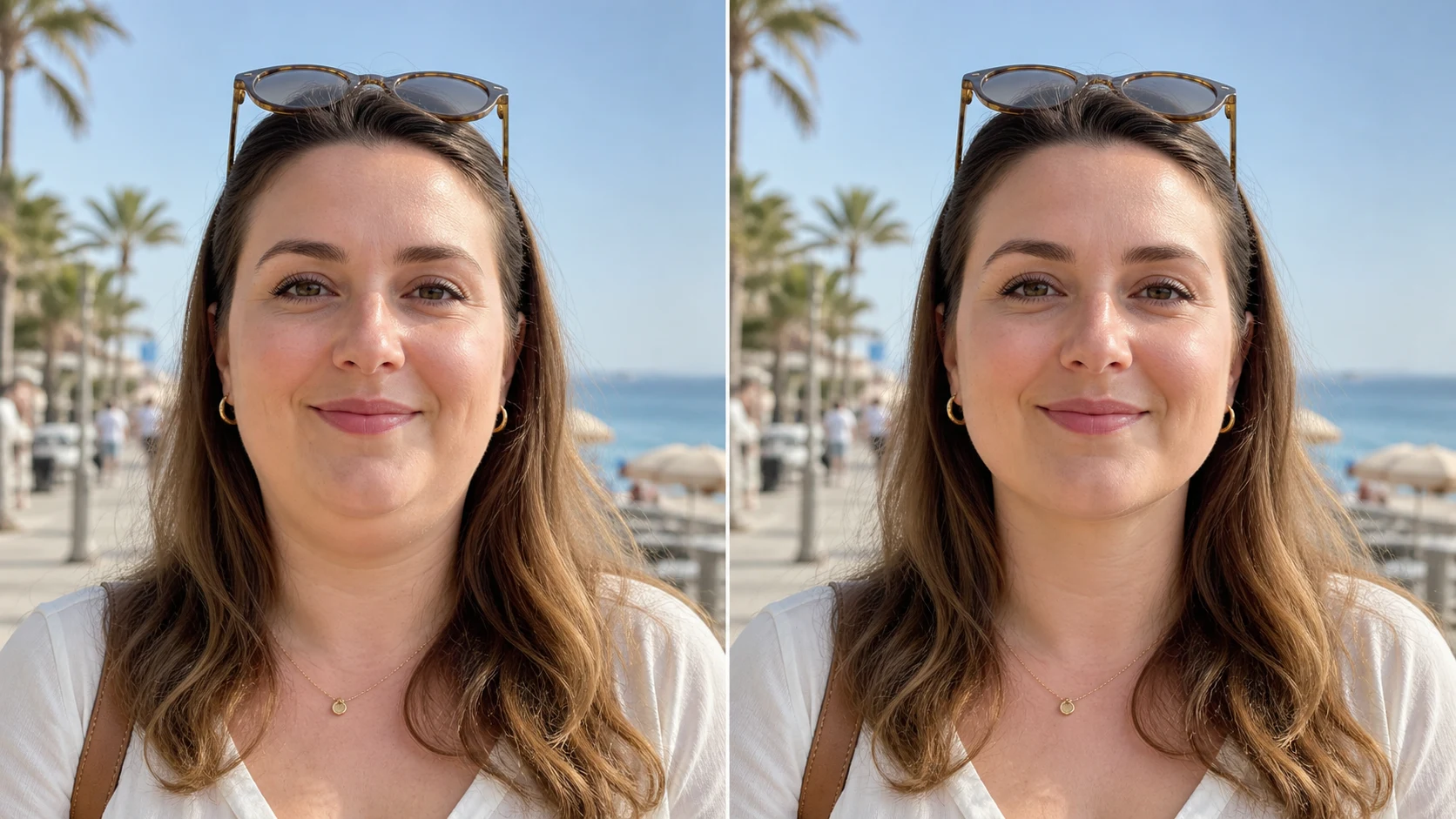
Before and after park portrait showing natural double chin photo editor result

Candid Photos

Get rid of double chin in photo without changing the person

Most people do not need a dramatic retouch. They need a quick way to remove double chin from photo after a low camera angle, relaxed posture, or awkward laugh creates under-chin fullness. This AI double chin picture remover focuses on the small area below the jaw. It can edit double chin out of photo while keeping the same smile, face shape, cheeks, eyes, hair, outfit, and background. That makes it useful for brunch photos, birthday dinners, travel shots, group hangouts, and profile pictures where the image is already good except for the chin angle.

Candid portraitIdentity safeNatural edit
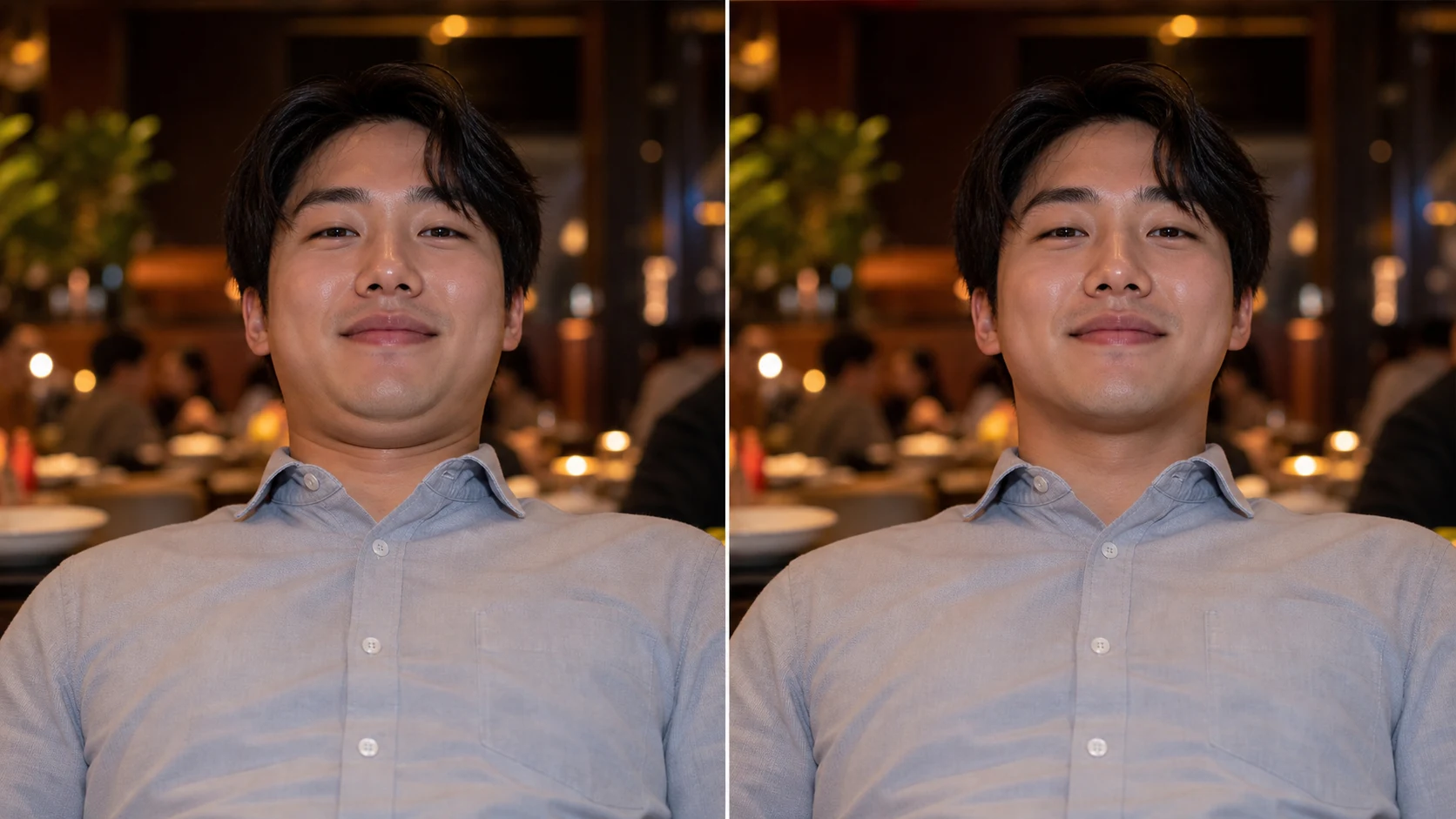
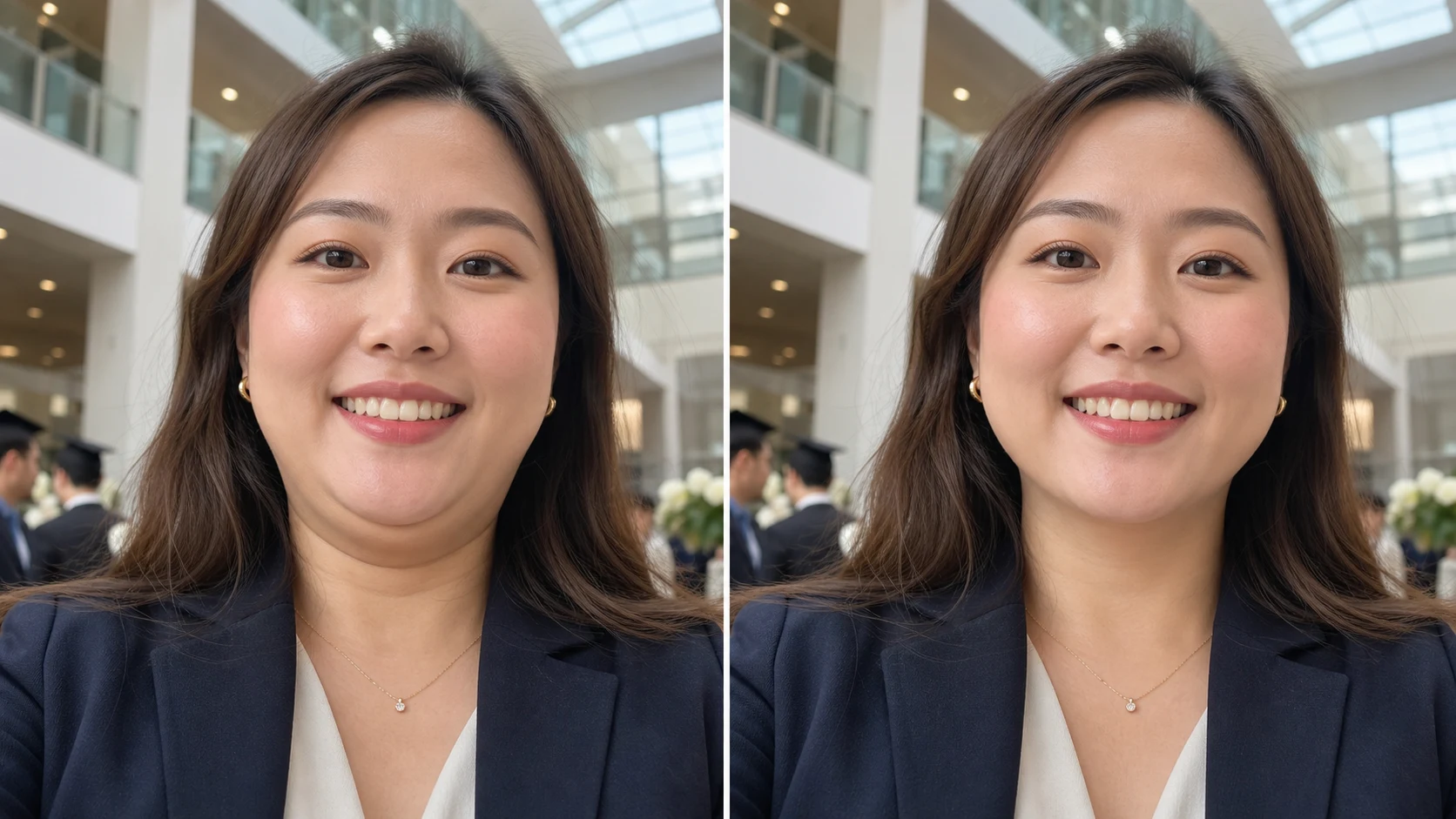
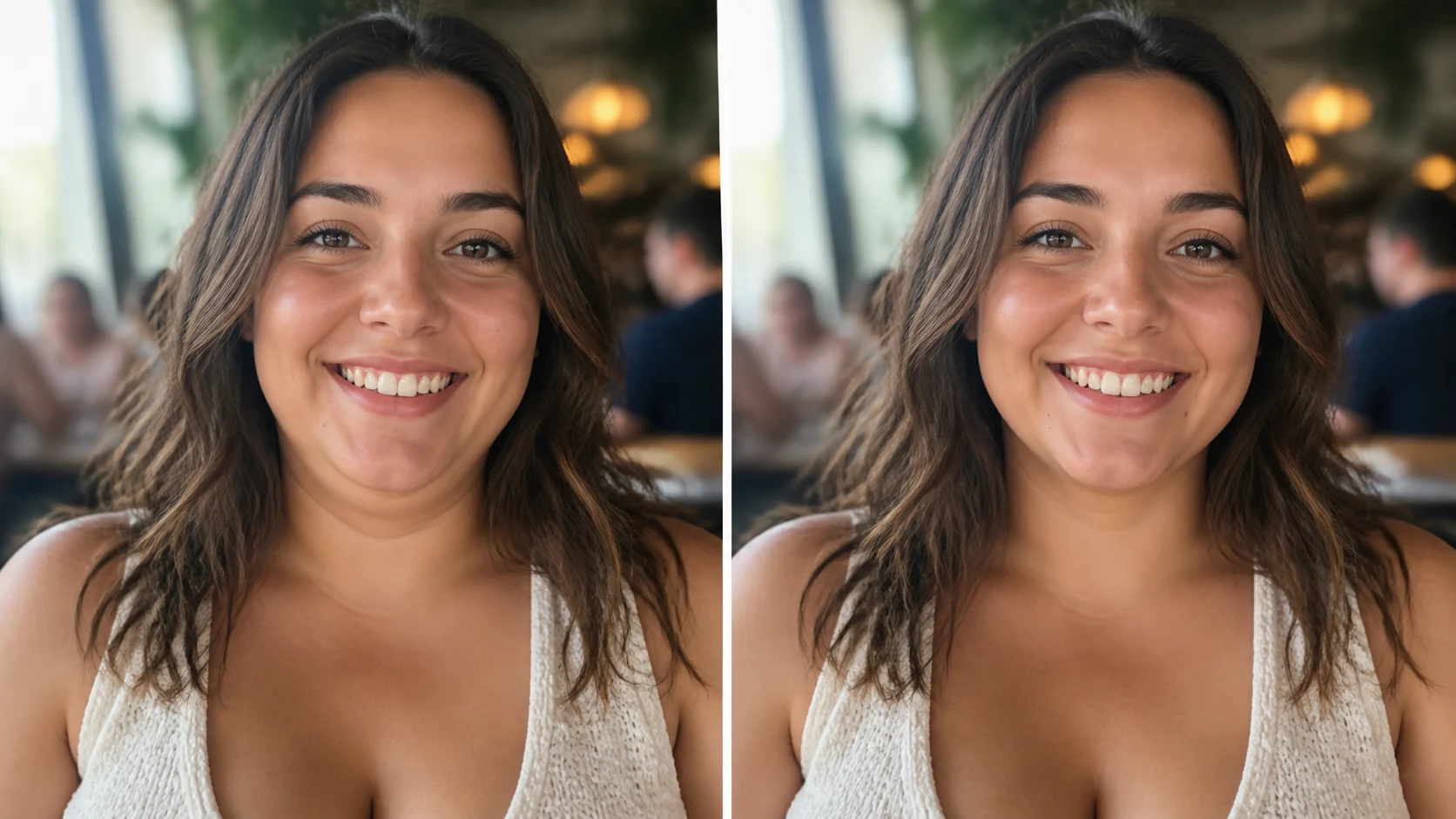
Before and after restaurant photo showing AI edit out double chin naturally

Online Free

Remove double chin from photo online free in your browser

Use the remove double chin from photo online free workflow when you want a fast browser edit instead of a full manual retouching app. Upload the image, keep the default prompt, and let the photo editor to get rid of double chin handle the under-chin contour. You can remove double chin from photo free for quick tests, then refine the prompt if the jawline should stay softer or the neck shadow needs to remain stronger. The goal is not to erase personality. The goal is to fix double chin in photo caused by posture and lens angle.

Online editorFree workflowFast cleanup
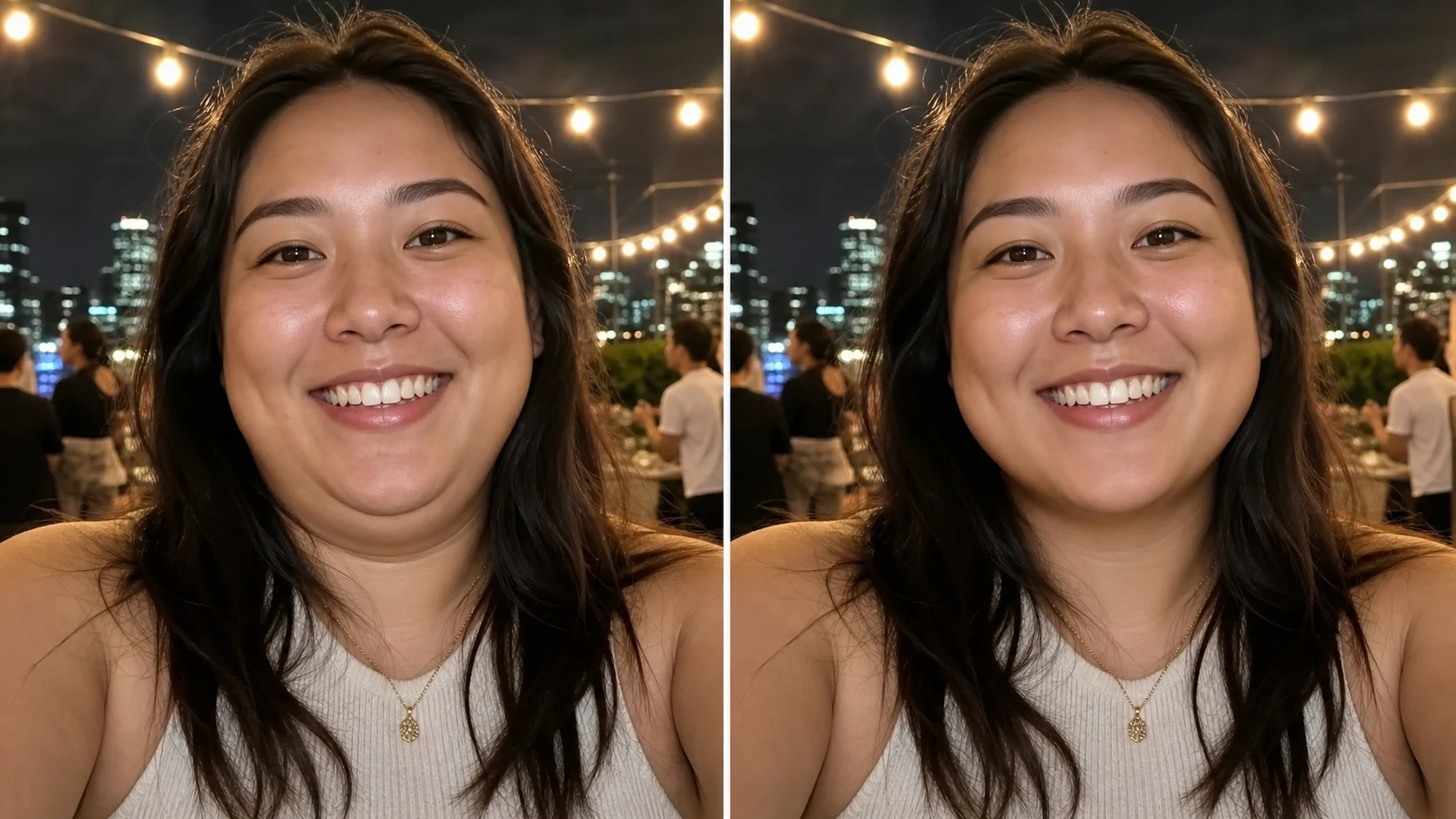
Before and after vacation picture showing remove double chin picture result

Photo Realism

Edit out double chin while preserving real skin texture

A useful photo edit double chin workflow must preserve texture. The AI is prompted to remove double chin from photo without waxy skin, plastic surgery changes, or broad face slimming. It works best when the prompt asks for a realistic jawline transition, natural neck contour, and unchanged lighting. If you need to remove double chin in pictures from an event album or social post, this focused approach keeps the result believable. It edits the under-chin area, not the whole identity.

Real textureNo face swapJawline contour
Workflow

How to remove double chin from photo

Follow this simple workflow to remove double chin on photo while keeping the portrait natural and recognizable.

1

Upload the best version of the portrait

Start with the sharpest image you have. A clear front-facing or three-quarter portrait helps the AI understand the jawline, neck shadow, and skin texture before it tries to remove double chin from photo.

2

Keep the edit focused on the under-chin area

Use the default prompt if you want to get rid of double chin photo editor results without extra styling. It tells the model to preserve face shape, age, expression, hair, clothing, and background.

3

Generate one natural result

The generator produces one edited photo. The page examples use before and after layouts only to show the effect. Your output should be a finished image, not a comparison graphic.

4

Refine if the result looks too strong

If the jawline becomes too sharp, ask for a softer neck contour. If the double chin remains too visible, ask the tool to reduce the under-chin fullness a little more while keeping realistic shadows.

Prompt tips for double chin removal photo editor online

These examples show how to write useful prompts when you remove double chin from photo online. Keep the request specific and identity-preserving.

Remove double chin from photo FAQ

Answers about using AI to remove double chin from photo online, what edits stay natural, and how to write better prompts.


Ready to remove double chin from photo?

Upload the portrait that almost worked, keep the edit natural, and remove double chin from photo online with a focused AI jawline cleanup.

Remove Double Chin Now