Remove Glasses Glare from Photo in Seconds

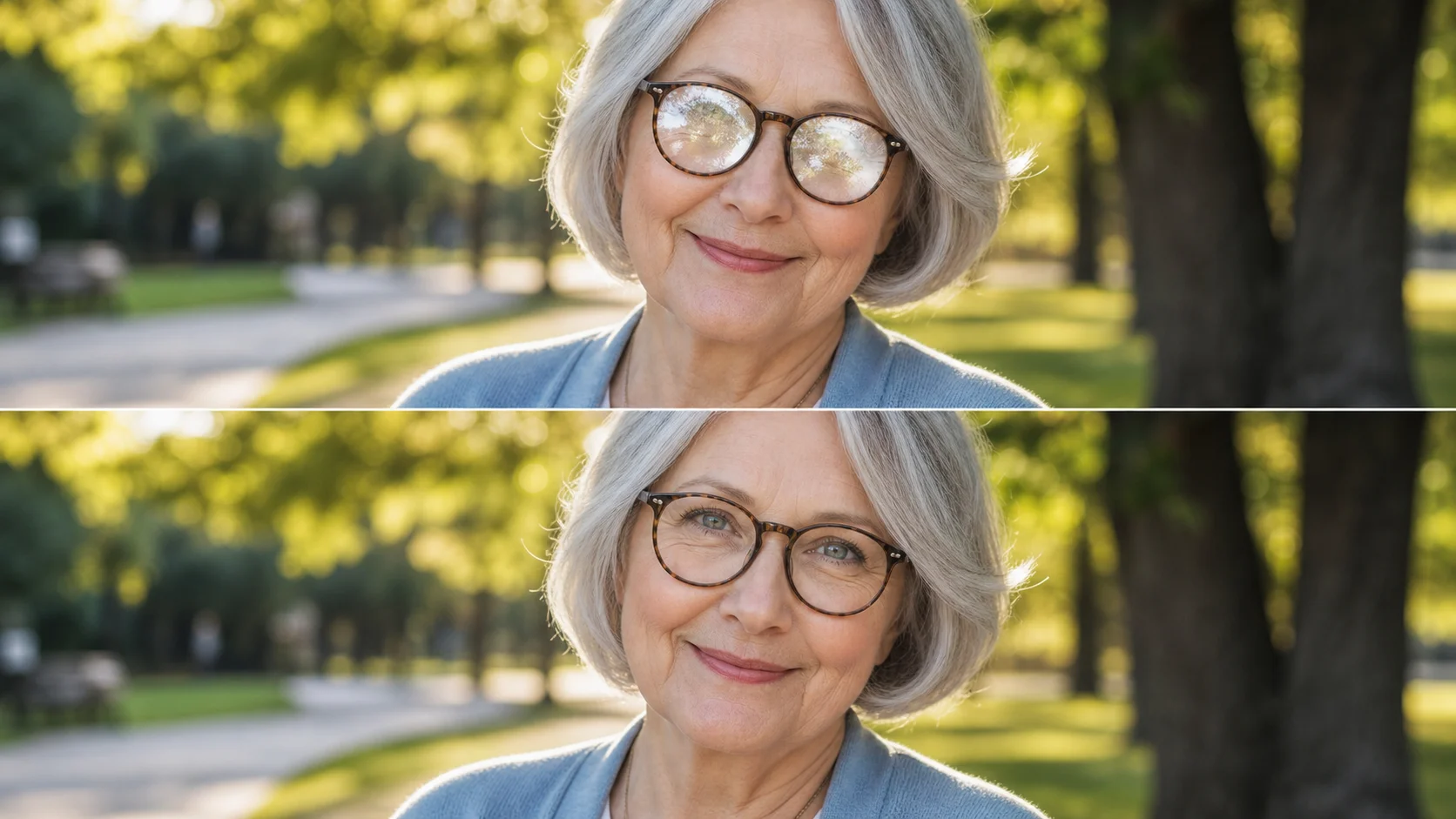
Drop a portrait where glare hides the eyes. The AI detects reflective patches across lenses — screen reflections, window bounce, studio flash, sunlight glare — and reconstructs the lens area with natural texture, preserving skin tone, iris color, and frame detail underneath. No sliders, no masks, no manual work. Upload and the model handles the full repair in one pass.

AI glare removal that works on every lens type

Upload any portrait and the AI handles the full repair in one pass — no masking, no sliders, no manual work.

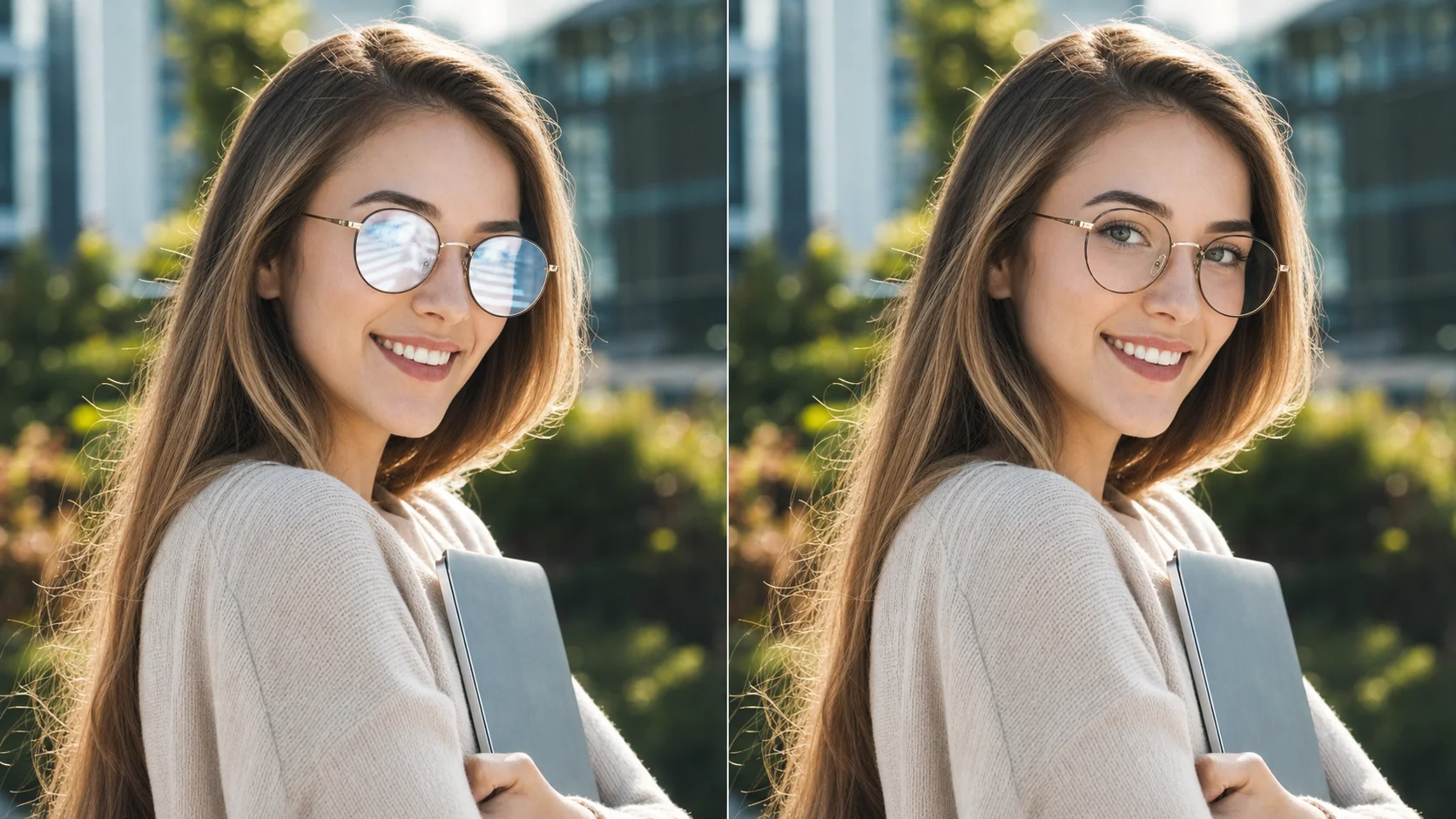
AI glare detection mapping on eyeglasses in an outdoor portrait

AI Reflection Detection

The model finds every patch of glare automatically

Upload any portrait and the AI scans the lens region for specular highlights, diffuse reflections, and color casts introduced by glare. It separates reflection pixels from actual eye and skin data, then reconstructs the covered areas with original texture. No manual selection, no brushwork, no guesswork.

AI detectionGlare mappingAuto repair
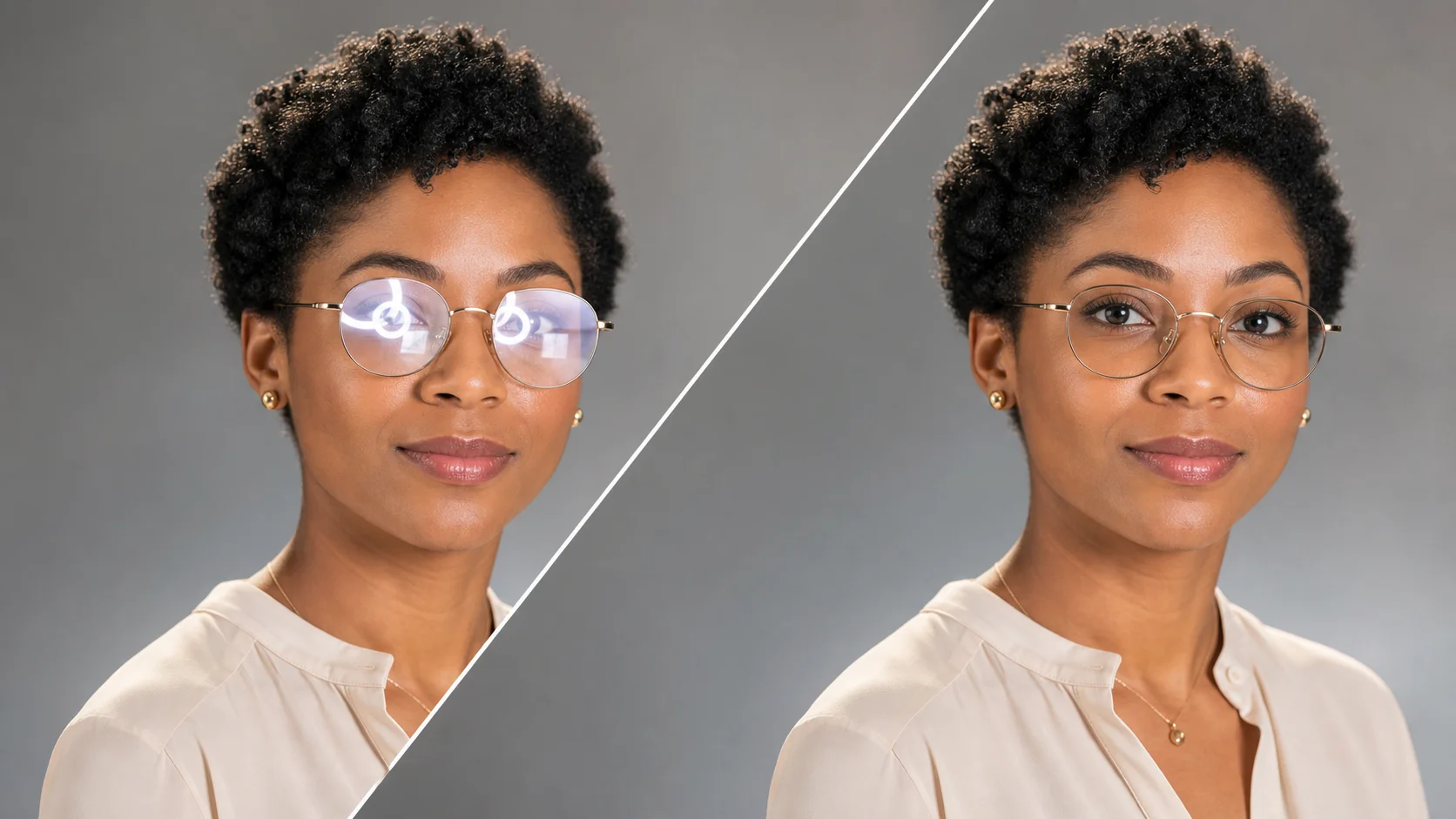
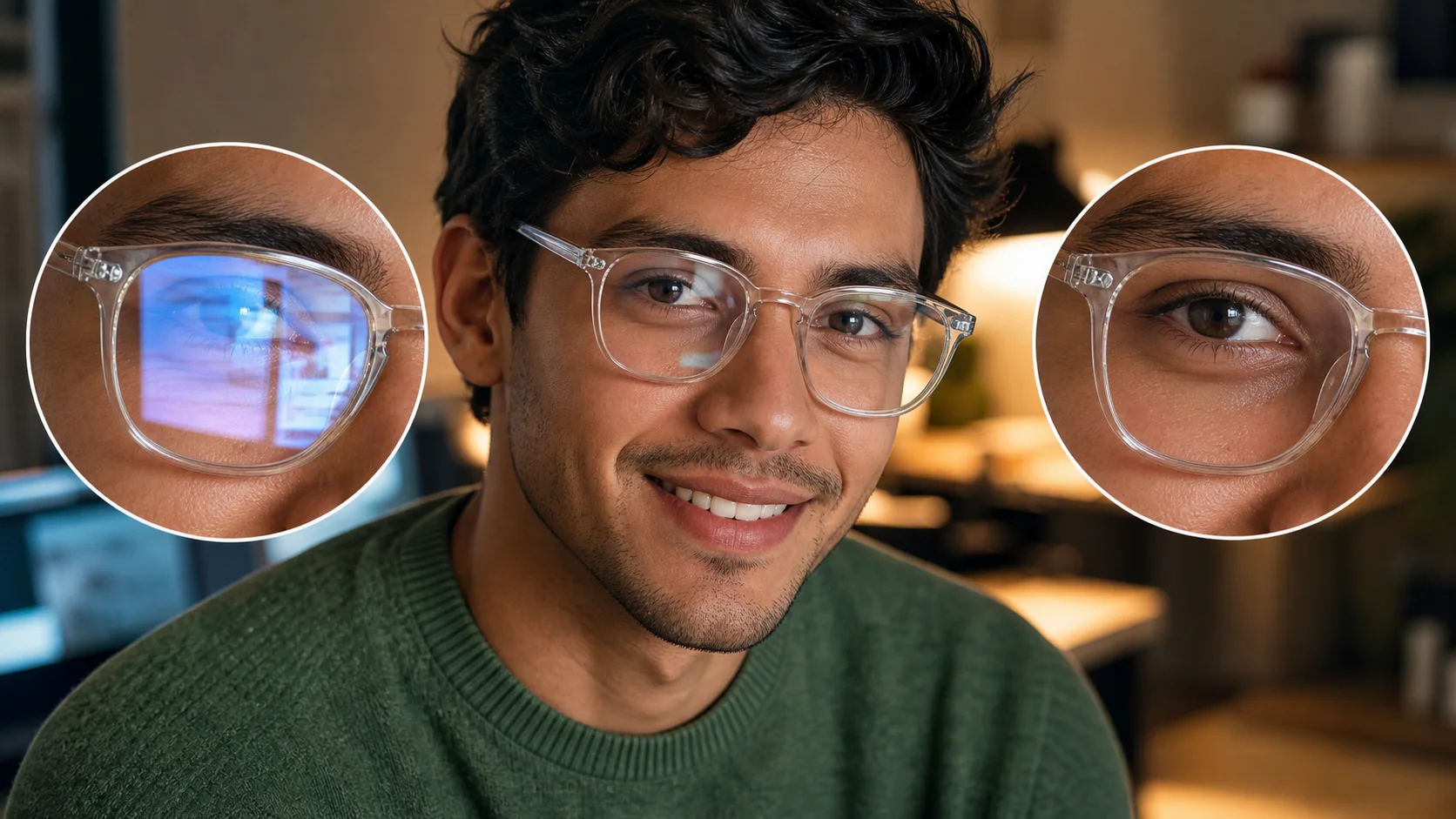
Natural lens reconstruction result after AI glasses glare removal in a studio portrait

Natural Lens Reconstruction

The result looks like the glare was never there

Instead of blurring or cloning over reflections, the AI rebuilds the covered lens area using surrounding visual context — iris color, pupil position, skin undertone, frame edge, and ambient light direction. The restored region blends seamlessly so the portrait stays consistent from every angle.

Lens reconstructionNatural resultSeamless blend
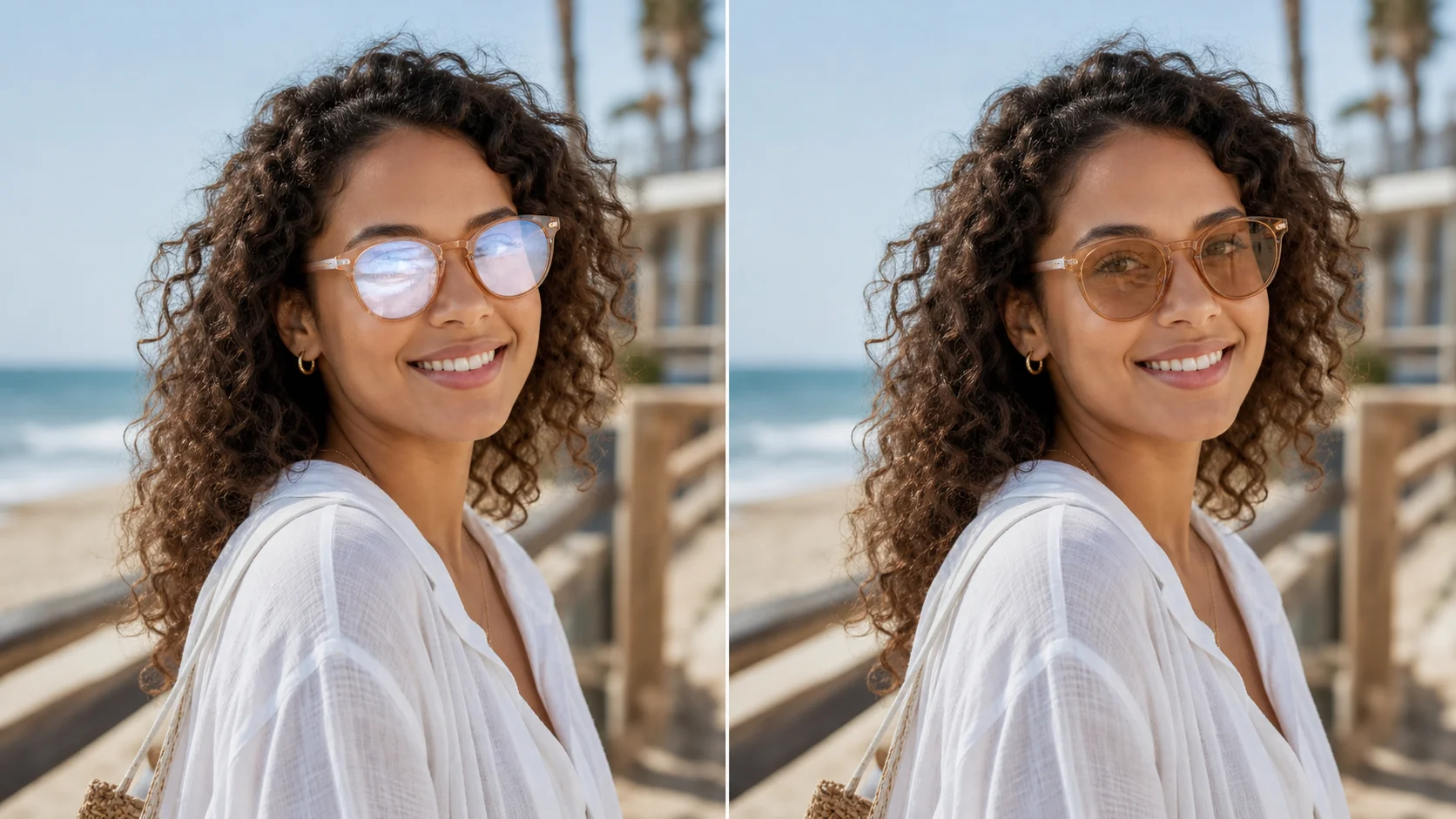
Comparison showing glasses glare removal from multiple light source types

Multi-Source Glare Handling

Works on screen glare, window light, flash, and sunlight

Different glare sources create different artifacts. The model adapts to each type — hard-edged hotspots from ring lights, wide color washes from window bounce, striped interference from screen refresh, and diffuse washout from overcast sky. Whatever the cause, the repair strategy adjusts automatically.

Multi-sourceVersatileAdaptive AI
Workflow

How to remove glasses glare from a photo

Four steps from a glared portrait to a clean, professional result. No software installation or editing experience needed.

1

Select your photo

Choose a portrait where glasses glare is visible — window reflection, screen light, flash hotspot, or any other lens artifact. The AI handles most glare types automatically.

2

Upload to the tool

Drop the image into the generator above. The AI scans the photo, maps every reflection zone on both lenses, and prepares the reconstruction pass. This takes about one second.

3

Review and refine

Check the glare-free output to verify every detail looks natural. Toggle between before and after views. If you want adjustments, describe them in the prompt and run again — the AI refines the result based on your specific instructions.

4

Download the clean result

Preview the glare-free output, check that the eyes and frame look natural, then save the image to your device. The repaired portrait is ready for use immediately.

Tips for better glare-free portraits

Small adjustments in lighting and technique make a big difference — and when glare still happens, the AI has you covered.

Frequently asked questions about glasses glare removal

Common questions about how the AI removes lens reflections, what it works on, and what to expect from the result.


Ready to remove glasses glare from your photo?

Upload a portrait above and get a clean, professional result in seconds. No account, no cost, no complications.

Remove Glare Now